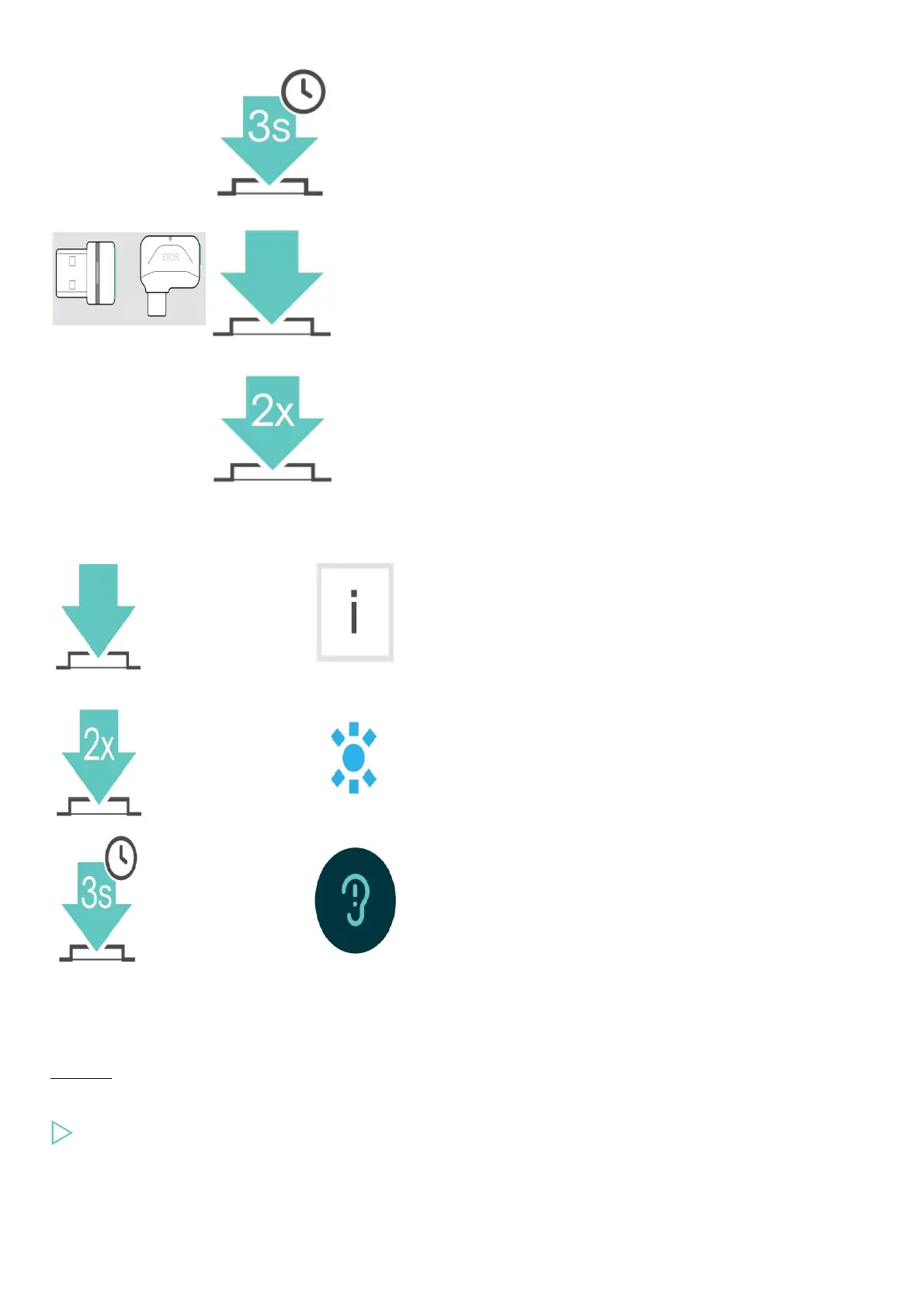
Link button Press Function
Pairs the dongle with the
headset
Reconnects the headset
Disconnects the headset
Overview of the icons
Tap the button Notes: Good to know
Press the button twice LED indications
Press and hold the button Voice prompt is announced
Getting started
Pairing the headset with Bluetooth® devices
CAUTION
Danger of malfunction!
The transmitted radio waves of mobile devices can impair the operation of sensitive and unprotected devices.
Only use Bluetooth where it is permitted.
The headset complies with the Bluetooth 5.0 standard. Bluetooth devices need to support the “Hands-Free Profile” (HFP), the “Headset
Profile” (HSP), “Audio Video Remote Control Profile” (AVRCP) or the “Advanced Audio Distribution Profile” (A2DP).











 To Next Page