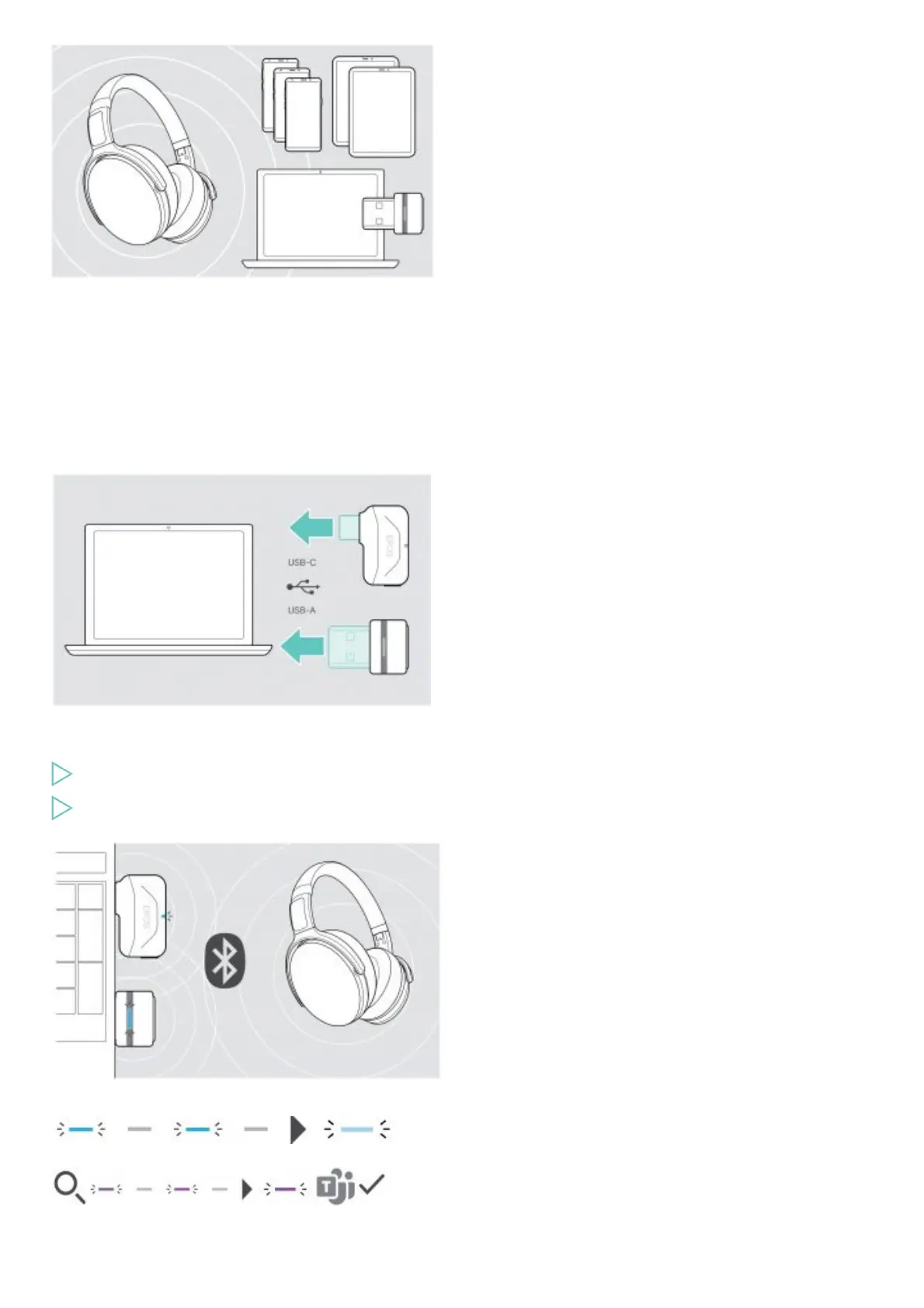
To transmit data via Bluetooth, you first have to pair your headset to a wireless device. The delivered dongle is already paired with the
headset.
The headset can save up to eight paired devices. If you pair the headset with a ninth device, the device with the oldest activity in the
pairing list will be overwritten. If you want to re-establish a connection with this device, you have to pair it again.
The headset can be connected to two of the paired devices at the same time. You can only connect another device by disconnecting one
of the already connected devices.
Connecting the headset via the dongle
To connect the headset wirelessly with a computer, use the BTD 800 USB or BTD 800 USB-C dongle.
The dongle and the headset in the bundles are already paired.
Turn the headset on (see page 10).
Plug the dongle into the USB port of your computer.
The dongle LED flashes blue while searching and switches to dimmed blue when connected successfully to the headset.
If Microsoft Teams is invoked: The dongle connects to Teams and lights up purple instead of blue.
The dongle shows Teams notifications.
Pairing the headset via Bluetooth with a mobile device











 To Next Page