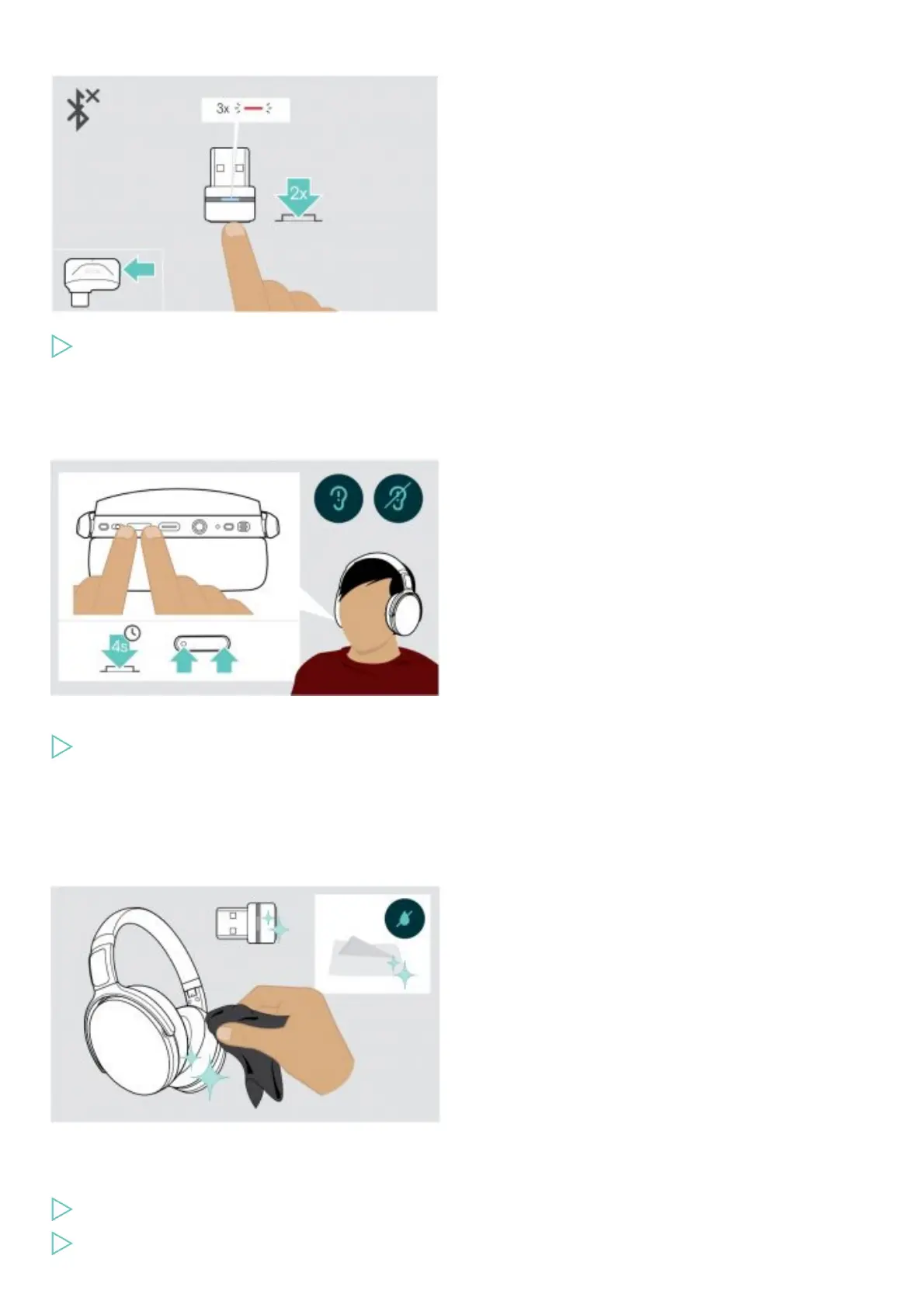
Disconnecting Bluetooth
Double tap the dongle’s button.
Bluetooth will be disconnected. The LED flashes 3 times red.
NOTE: If you connect the audio cable to the headset, Bluetooth gets automatically deactivated.
Enabling / disabling voice prompts
In idle mode (no active call or audio playback):
Press and hold both Volume buttons until the headset announces a voice prompt for on or off.
NOTE: If the voice prompts are deactivated you hear tones instead.
Maintaining the products and updating the firmware
Cleaning the products
CAUTION
Liquids can damage the electronics of the product!
Liquids entering the housing of the device can cause a short circuit and damage the electronics.
Keep all liquids far away from the product.
Do not use any cleansing agents or solvents.











 To Next Page