Microsoft Teams does not work: LED
blue instead of purple
Dongle or Microsoft Teams disturbed
Unplug and plug the dongle again.
Re-start Teams on your device.
Beeps instead of voice prompts Voice prompts disabled
Enable the voice prompts.
Headset or dongle does not react to any
button press
Software or hardware problems
Turn the headset off and on again.
Unplug and plug in the dongle again.
Clear the pairing list of the headset.
Clear the pairing list of the dongle.
If a problem occurs that is not listed in the above table or if the problem cannot be solved with the proposed solutions, please contact your
local EPOS partner for assistance. To find the EPOS partner in your country, search at www.eposaudio.com.
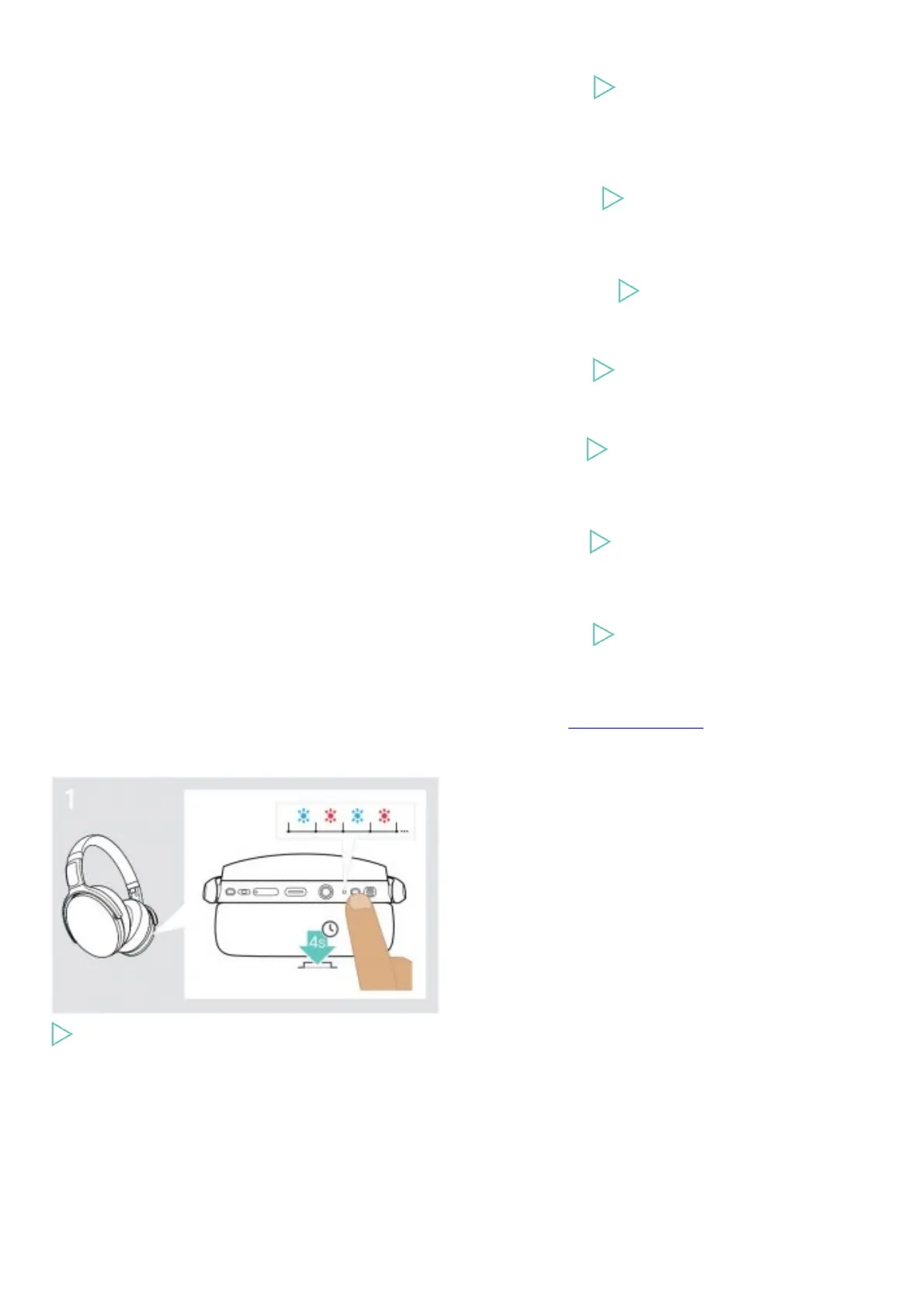
Clearing the pairing list of the headset (Reset)
Press and hold the Power button until the LED flashes blue and red.











 To Next Page