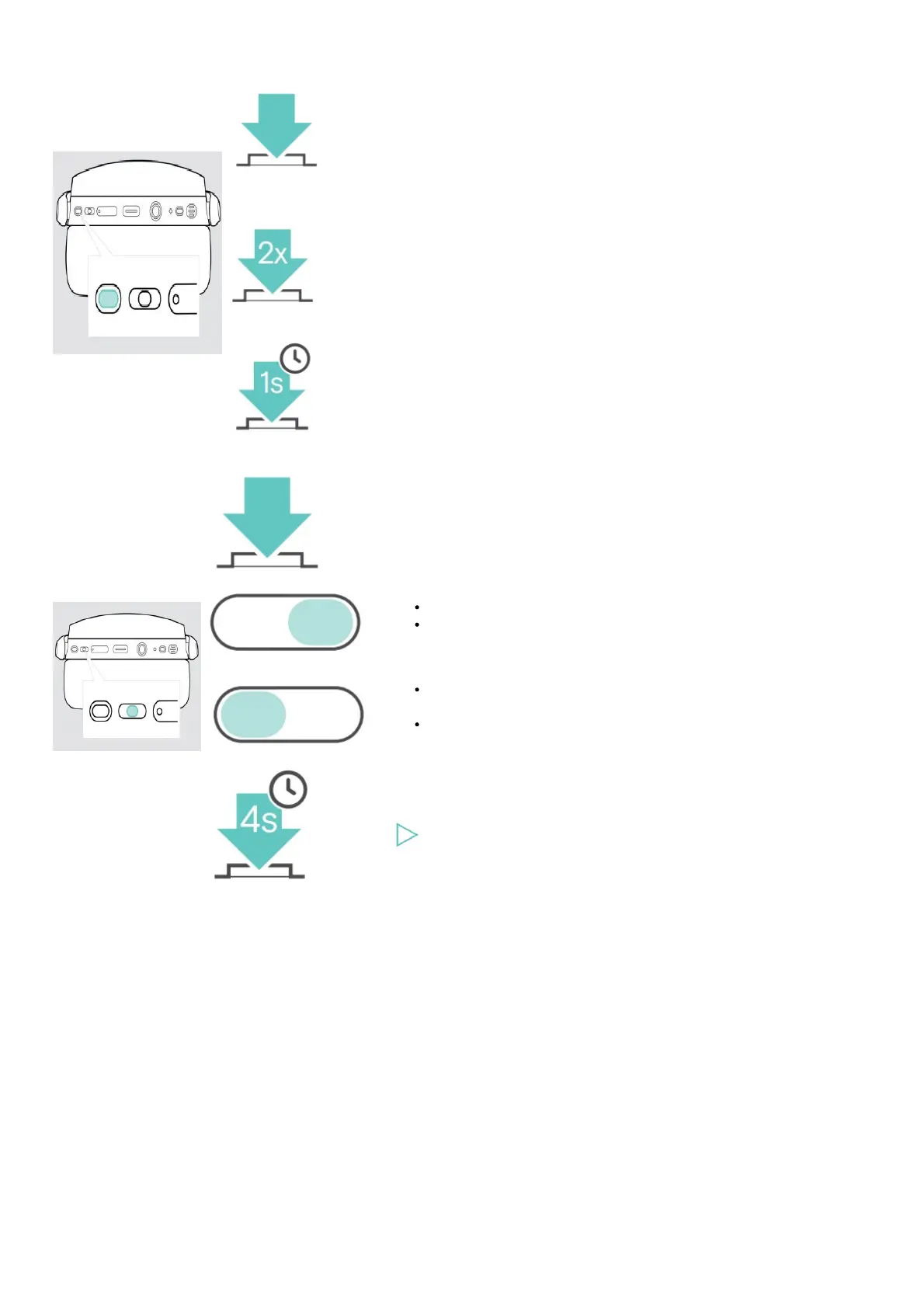
Hook button Press Function
Initiates a call
Accepts / ends a call
2 calls: Answers incoming &
ends active call
2 calls: Ends active &
unholds paused call
Invokes Microsoft Teams
Puts an active call on hold
(pause) / unholds call
Redials the last number
2 calls: Answers incoming &
puts active on hold
2 calls: Toggles between
two calls
Activates voice assistant /
Cortana
Rejects a call
Media control button Press Function
Starts / pauses audio
playback
Skips to the next track
Press and hold: Fast-
forwards the track*
Skips to the previous
track
Press and hold:
Rewinds the track*
Clears pairing list (Pairing
mode):
Press Power & Media
control button
* These functions are not supported by all connected Bluetooth devices.











 To Next Page