Using the receiver
25
Selecting a standard display
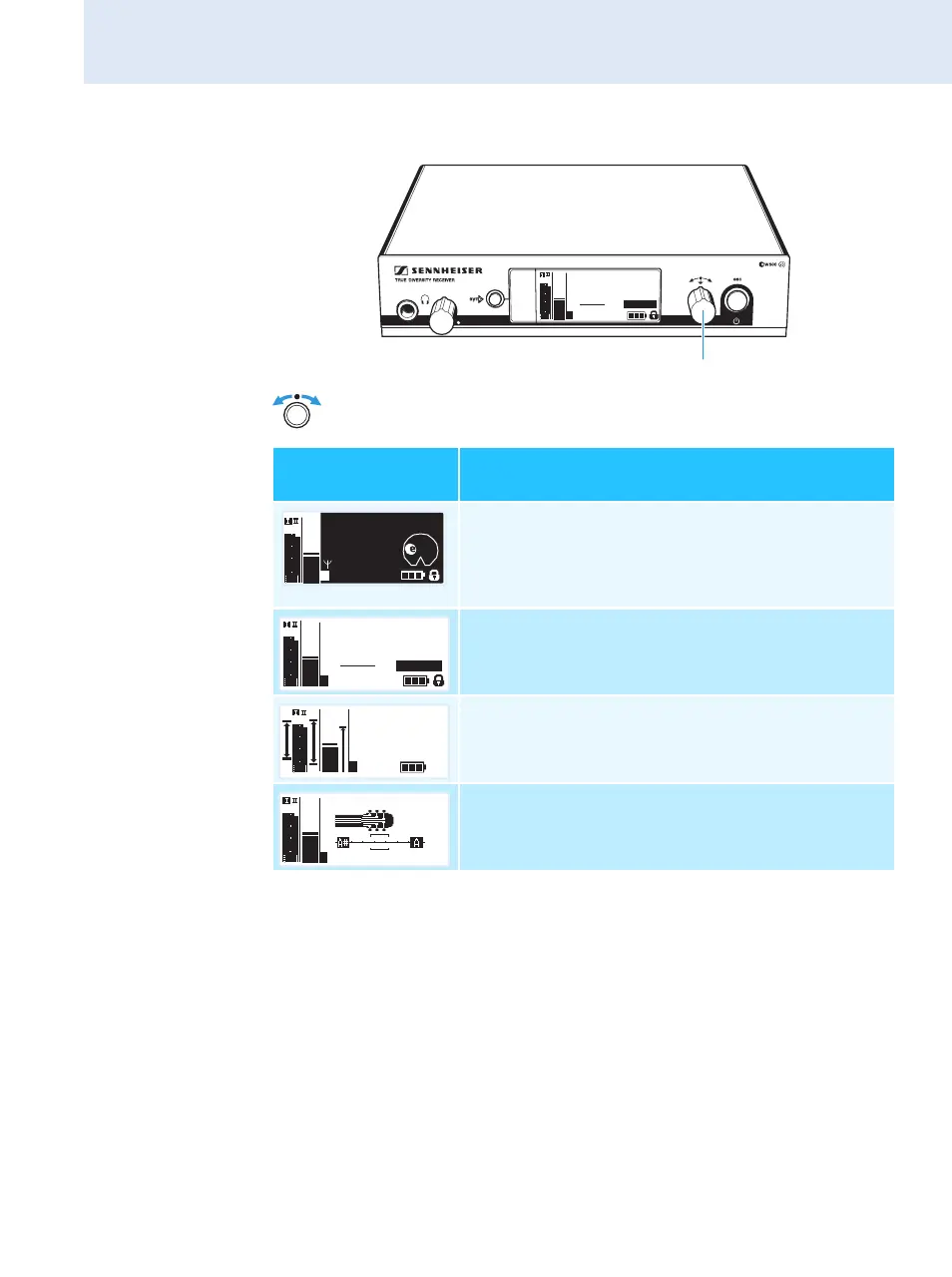
왘 Turn the jog dial to select the standard display:
Contents of the
display
Selectable standard display
“Transmitter Parameters”*
(transmitter type/microphone, inverted display)
displays the microphone head (SKM only) and the
transmitter type
* The reading of the transmitter parameters can take up to 2 minutes.
If you synchronize your transmitter with the receiver (see page 22), the
parameters are read out without delay.
“Receiver Parameters”
appears after switch-on of the receiver and
displays the receiver parameters (see page 10)
“Soundcheck” (display with additional function)
displays the signal quality within the transmission
area (see page 31)
“Guitar Tuner”** (display with additional
function)
displays the guitar tuner (see page 31)
**The “Guitar Tuner” standard display is deactivated upon delivery.
To show this standard display, you have to activate it (see page 40).
542.625
ew500 G3
B.Ch: 20.30
EQ
+ 12dB
MHz
PEAK
-10
040
30
20
10
-20
-40
AF
RF
-30
SKM500
P
935
SKM500
ew500 G3
542.625 MHz
Standard
– 12dB
P
PEAK
-10
040
30
20
10
-20
-40
AF
RF
-30
542.625
SKM500
ew500 G3
B.CH: 20.30
EQ
+ 12dB
MHz
P
PEAK
-10
040
30
20
10
-20
-40
AF
RF
-30
Soundcheck
20.30 ew500 G3
542.625
MHz
P
PEAK
-10
0
40
30
20
10
-20
-40
AF
RF
-30
440 Hz
542.625 MHz
ew500 G3
+ 12dB
P
PEAK
-10
040
30
20
10
-20
-40
AF
RF
-30







 To Next Page