Adjustment tips and functions
41
“Sync Settings”
Via the “SK Settings” and “SKM Settings” menu items, you can set the
transmitter parameters directly on the receiver and activate or deactivate
the transfer of these parameters to the transmitter:
By pressing the button , you can transfer the parameters to the
transmitters via the infra-red interface (see page 22).
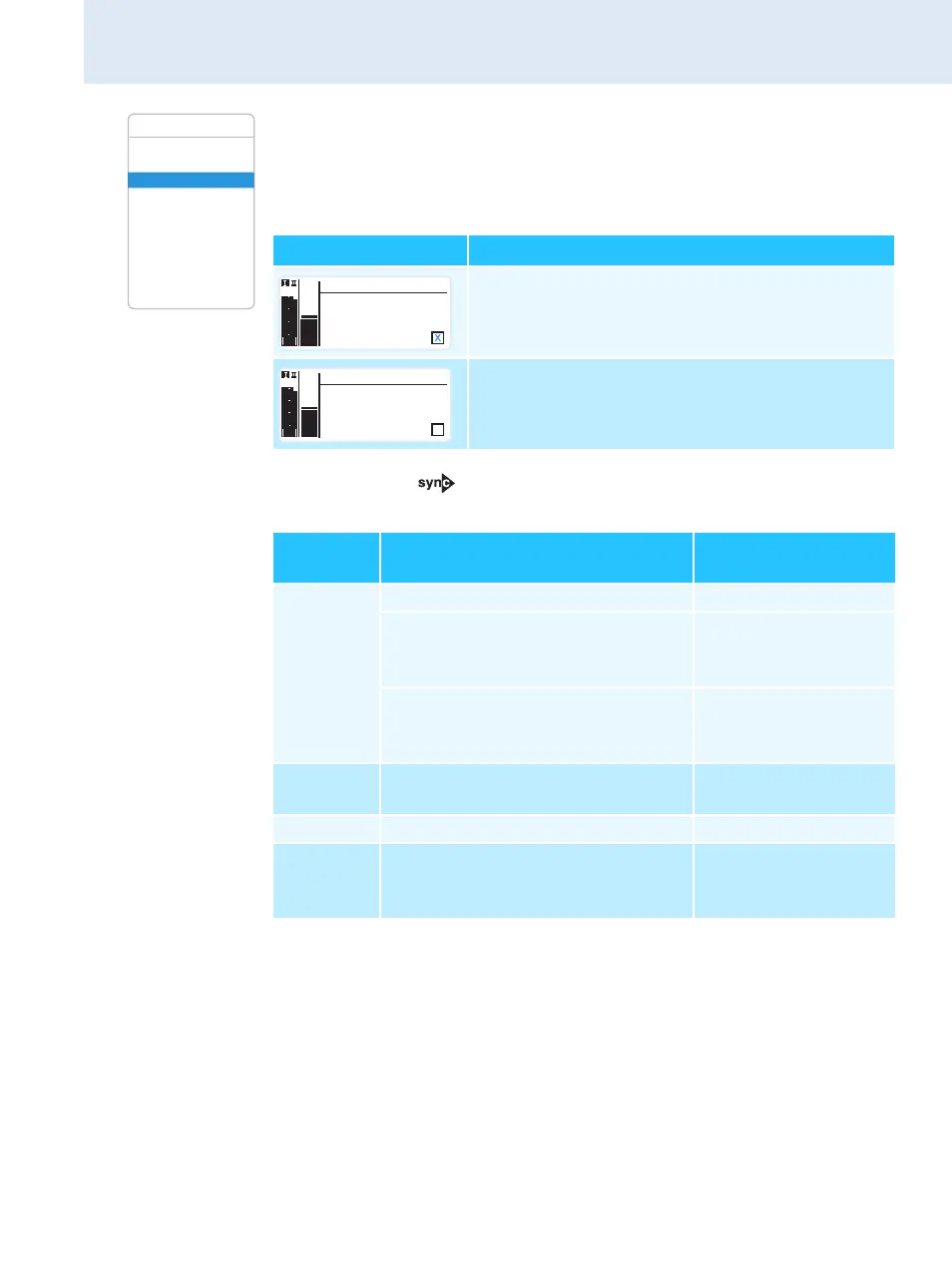
Advanced Menu
Tune
Guitar Tuner
Sync Settings
Pilot Tone
Warnings
LCD Contrast
Reset
IP-Address
Software Revision
Exit
Setting Transfer is...
... activated
... deactivated
Display Function
Settings/
adjustment range
Sensitivity Adjusts the input sensitivity:
SKM –48 dB to 0 dB,
adjustable in steps of
6dB
SK –60 dB to 0 dB,
adjustable in steps of
3dB
Auto Lock Activates/deactivates the lock
mode
“Inactive”, “Active”
RF Power Adjusts the transmission power “Standard”, “Low”
Mute Mode Sets the mode for the MUTE switch
(SK only)
“Disabled”,
“RF On/Off”,
“AF On/Off”
Sensitivity
-69 dB
Sync
PEAK
-10
040
30
20
10
-20
-40
AF
RF
-30
Sensitivity
-69 dB
Sync
PEAK
-10
040
30
20
10
-20
-40
AF
RF
-30







 To Next Page