14
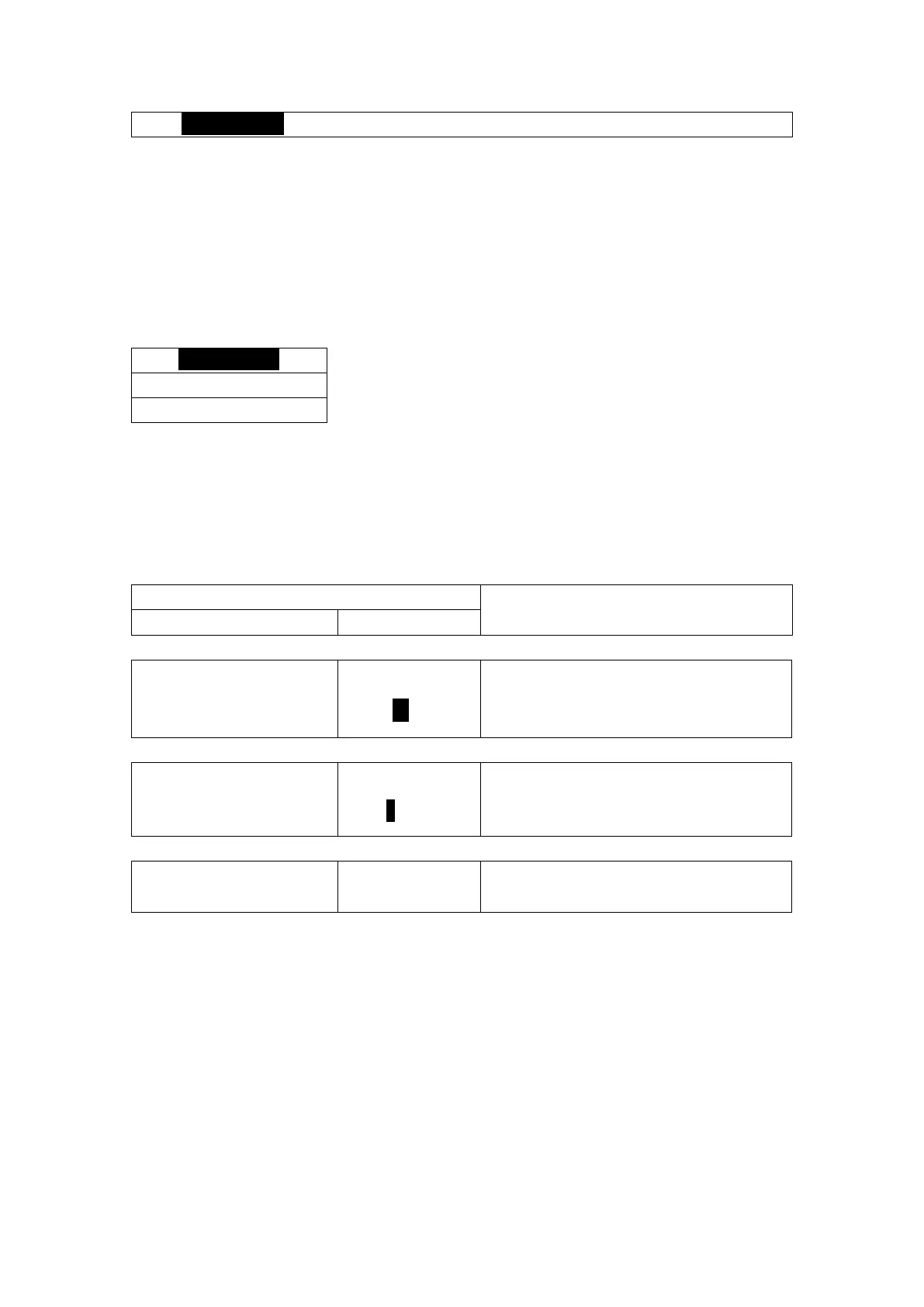
Tip: CALIBRATION > is highlighted whereas CALIBRATION> is not highlighted.
Step 3. Press ENTER key to save the new settings and return to Step 2.
NOTE:
ESC can be pressed at any time, and the system will exit the current level without saving.
The edited value is effective immediately after pressing the ENTER key.
Repeat steps 2 and 3 as needed.
5.3.2 Main Menu
Press the UP or DOWN arrow keys to navigate the three items. Press the ENTER key to enter the
CALIBRATION menu, the OUTPUT menu, or the OPTIONS menu. Press the ESC key to return to the
view menu.
5.3.3 Calibration Menu for pH
Sets the temperature unit.
Sets the temperature. This should be done
before using EasyCal or standard/slope
calibration.
STANDARD/SLOPE
CALIBRATION>
Applies standard/slope calibration to the pH
measurement.



 To Next Page