11
5 Menu
The menu consists of a view menu and an editable menu. The menu has several levels, with the
view menu being at the topmost level. You can loop within the same level menu items by
pressing the UP or DOWN arrow keys, move to a lower level menu by pressing the ENTER key,
and move to an upper level menu by pressing the ESC key. At any time, the system will return to
the view menu (default display) if no key is pressed for 10 minutes.
During normal operation, the view menu is displayed. Use the UP or DOWN arrow keys to select
the information you want displayed. The items will scroll in a continuous sequence. System
operations will not be interrupted during menu interaction.
5.1 View Menu for pH
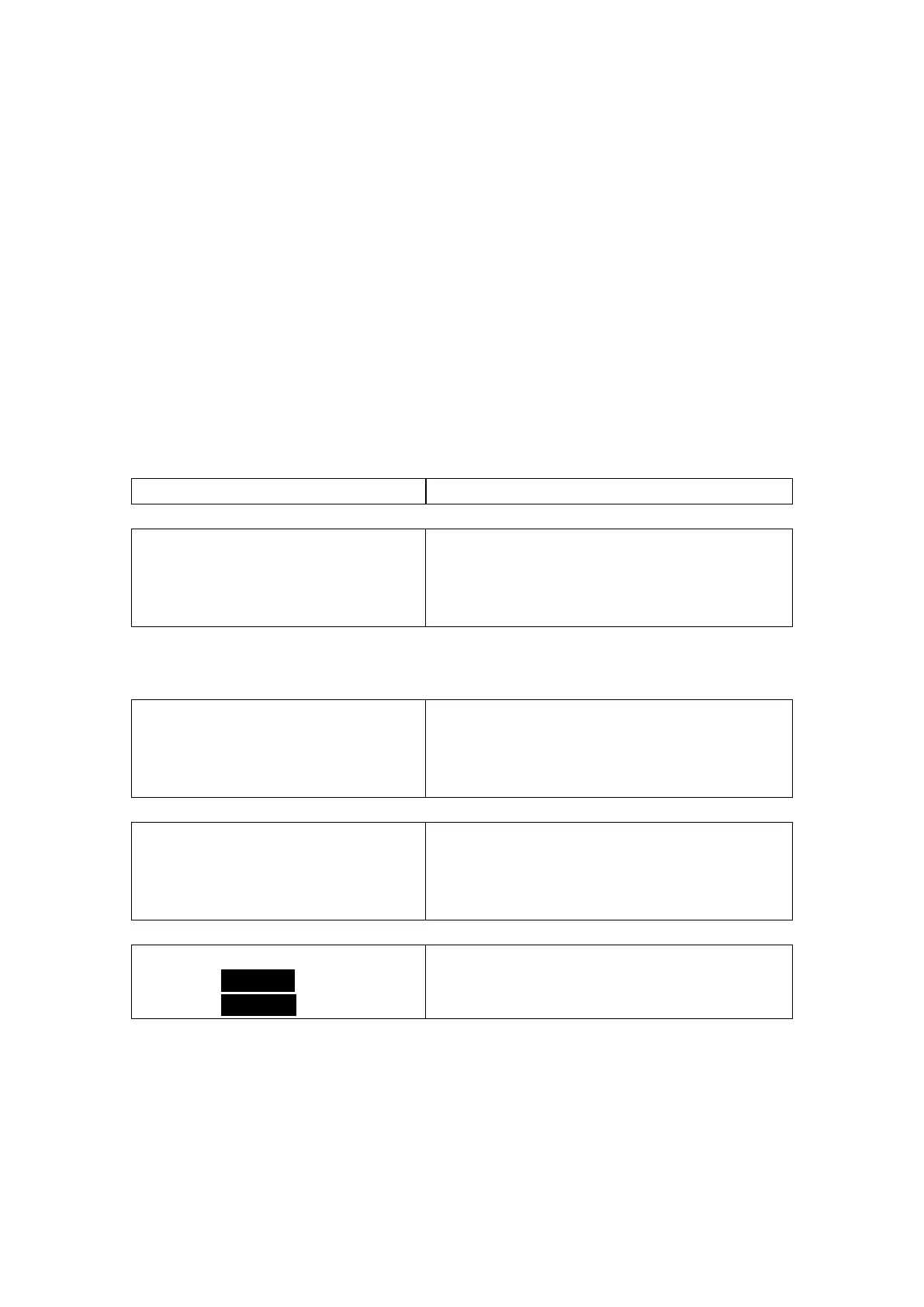
Default display:
Monitors the pH and temperature input from the sensor.
All of the displays below are temporary. The system will return to the default display if no keys
are pressed in 10 minutes.
Monitors the millivolt input from the pH electrode.
Monitors the 4 to 20 mA loop output for the pH
measurement.
EasyCal
Press Enter
To Start >
Easy calibrates the system for the pH measurement.
5.1.1 EasyCal Details



 To Next Page