12 Sentry Equipment Corp
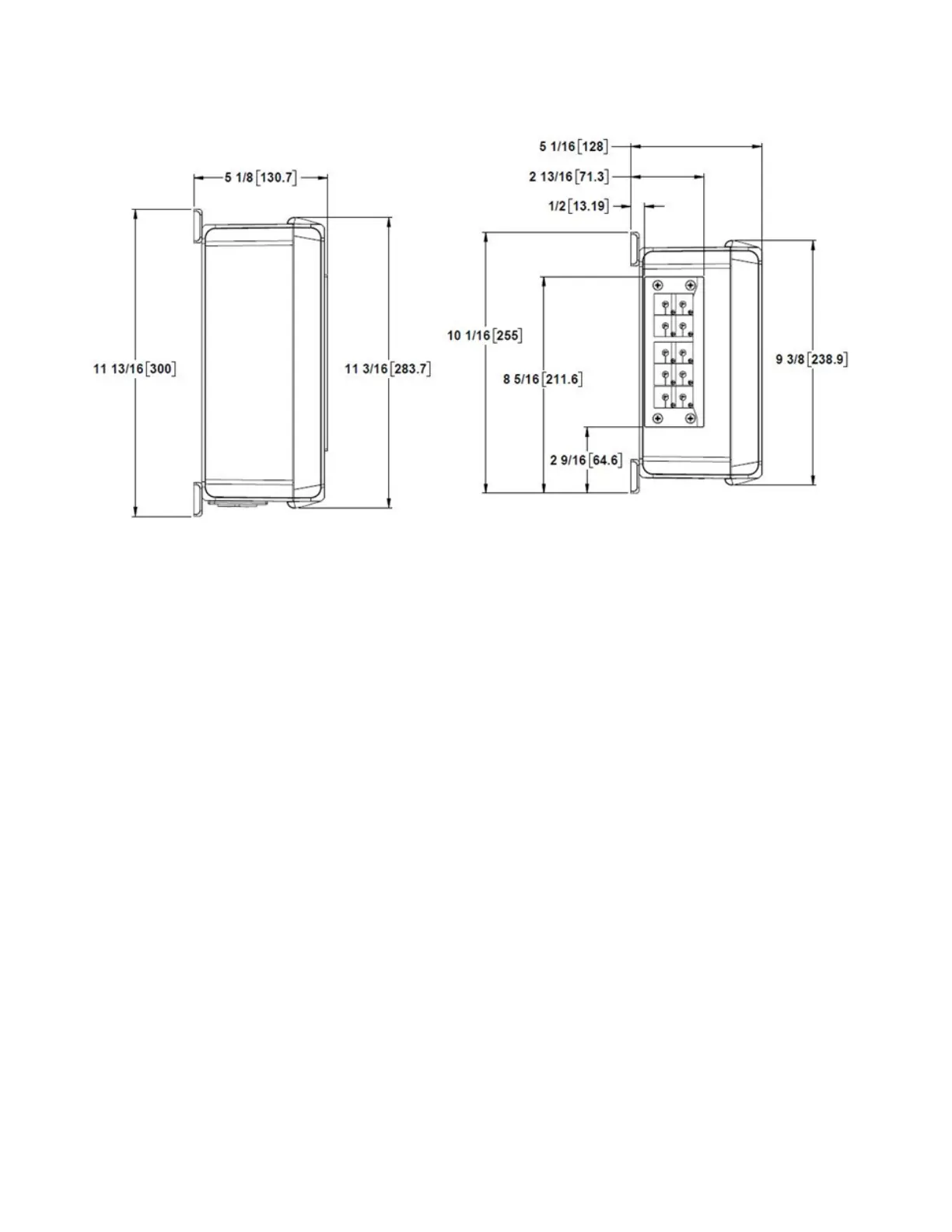
Figure 3. Enclosure Dimensions: Side View
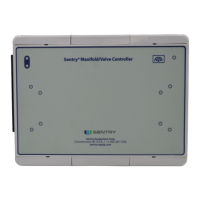
Mounting-Display Screen
1. The Display Screen mounts to a at surface
2. Mounting method must be capable of supporting at least 5 lbs.
Mounting-IO Extender
1. The IO Extender mounts to a at surface.
2. Mounting method must be capable of supporting at least 5 lbs.
Panel Mounting
1. Turn o all power to the Sample Sequencer 6 and disconnect all cables.
2. Use the dimension information shown in Figure 8 to mark positions on the panel for four mounting holes.
3. If replacing the Sequencer 5 with a Sequencer 6, the Sequencer 6 Display Screen must sit above the bottom edge
of the Sequencer 6 panel cut-out hole, as shown in 7.
4. Drill pilot holes in the marked positions for four #10 bolts.
5. Use four #10 bolts, lock washers, washer and nuts to secure the device to the panel, as shown in Figure 8.
6. Make electrical connections as described in the “Electrical Connections” section beginning on page 15.


 To Next Page