Sentry Sample Sequencer 6 Controller 21
Wireless
The Sample Sequencer 6 is equipped with a wireless connection to facilitate conguration. A laptop or tablet can be
connected to the wireless network in order to access the embedded webpage. This webpage allows for monitoring
and conguration of the Sample Sequencer 6. The wireless connection can also be used intermittently to monitor the
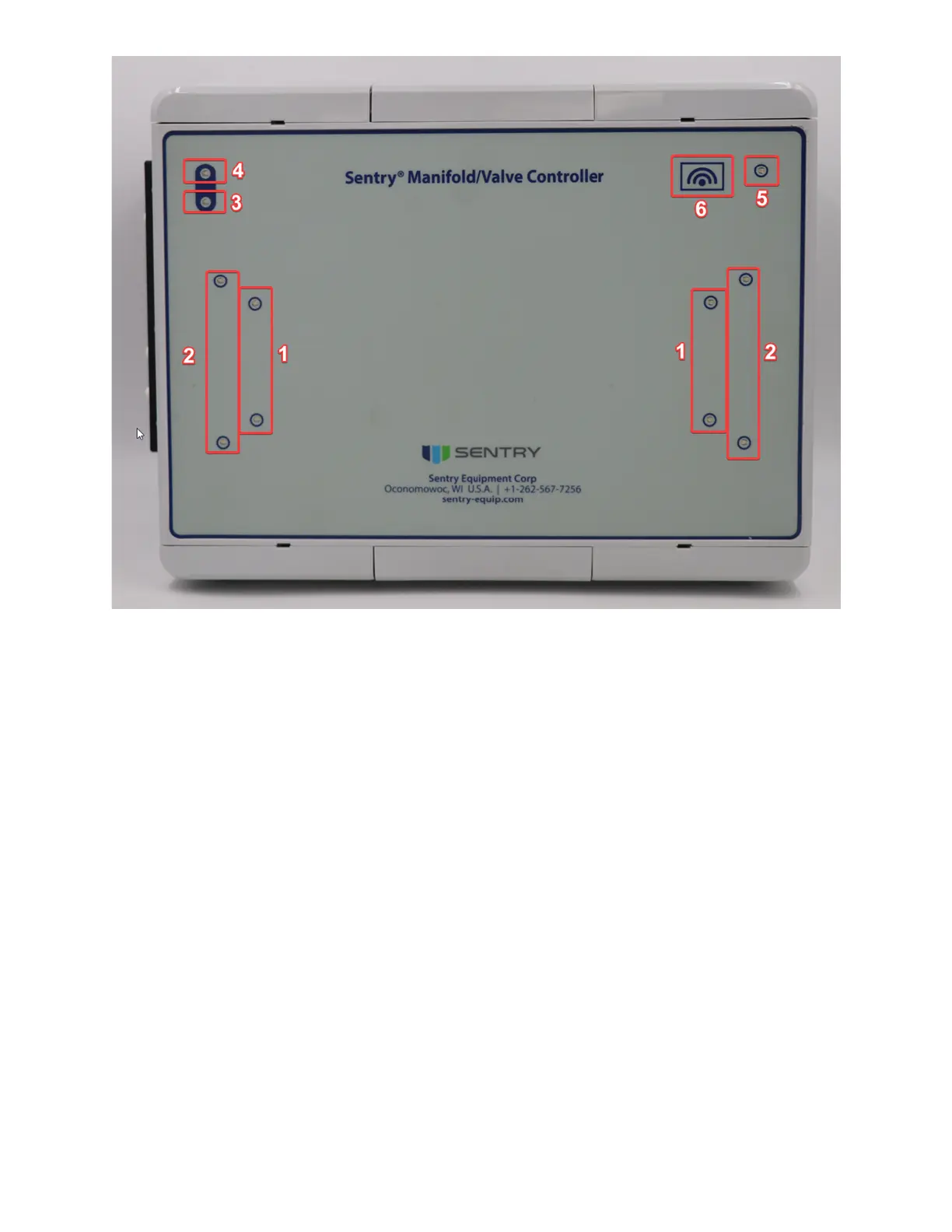
system. Use the button on the face of the sequencer to turn on the wireless connection. This button is in the upper
right hand corner along with a status LED. Conguration of the wireless SSID and password can be done through the
website.
Default SSID: Sentry-XXXX
XXXX is a representation of the MAC Address of your system
Default Password: Equipment
Conguration through the website can be done by selecting ‘Setup/Congure’ then ‘ExComms Conguration’ On this
page the Wireless interface can be turned on and o. The Wireless interface name, or SSID, can also be changed along
with the password.


 To Next Page