Service Manual
Integra E-Z Oxygen Concentrators
Chart SeQual Technologies Inc. Page 22 of 34 P/N 2917
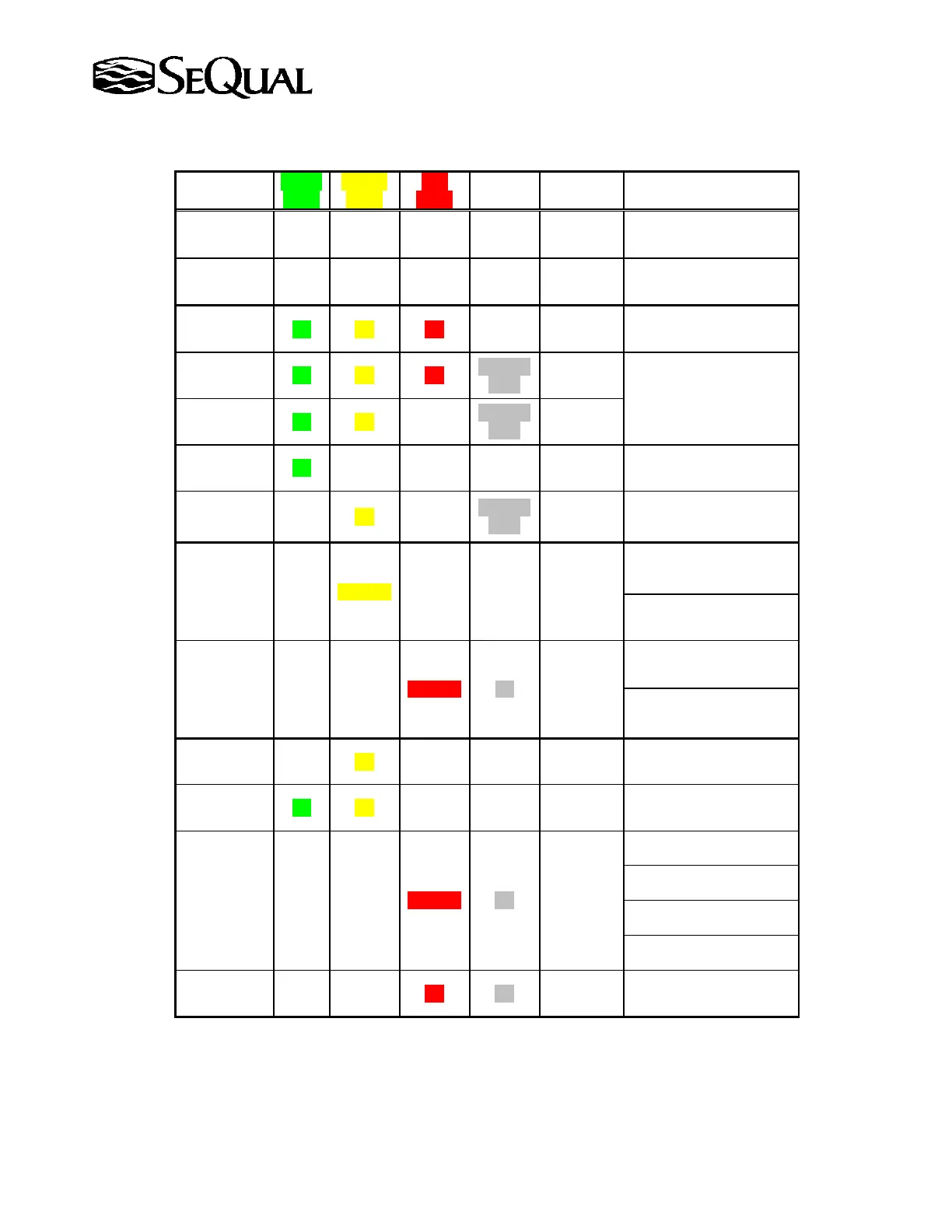
Table 3: Operation Display Conditions
Shown?
Light
Light
Light
Alarm
State
Operating Condition
No Off Off Off Off
Not
Energized
Unit not running / Flow
Indicator Display Not Lit
No Off Off Off Off Energized
Unit not running / Flow
Indicator Display Lit
Yes On On On
On for 3
seconds
Started
Running
Unit is Starting
Yes On On On
Periodic
Beep
Running
Unit is warming up*
Yes On On Off
Periodic
Beep
Running
Yes On Off Off Off Running
Normal Operating
Condition
Yes Off On Off
Periodic
Beep
Not
Running
Unit turned
On/Off/On Quickly
Yes Off Flashing Off Off Running
Oxygen Concentration
Below Normal Level *
O
2
Flow Rate Not Correct
10% off target flow
Yes Off Off Flashing On Running
Oxygen Concentration
Abnormal Level *
1
O
2
Flow Rate Abnormal
30% off target flow
1
Yes Off On Off Off Running Button Stuck
Yes On On Off Off Running
9V Battery Low Voltage
(if enabled)
No Off Off Flashing On
Not
Running
Unit is overheating
Compressor Malfunction
Power Interruption
Internal Fuse is Blown
No
On or
Off
On or
Off
On On Running
System Malfunction
2
* These conditions are displayed only on units equipped with optional oxygen monitor(OM).
1
Call the SeQual Customer Service if abnormal conditions are detected and cannot be remedied.
2
During System Malfunction condition the Green and Yellow lights may be On or Off.



 To Next Page