Service Manual
Integra E-Z Oxygen Concentrators
Chart SeQual Technologies Inc. Page 28 of 34 P/N 2917
6.5.8 Remove the 4 compressor bolts.
NOTE:
The spring mounts will be loose at this point. Use care in
hardware removal to avoid loss of parts.
6.5.9 Compressor may now be pulled clear of unit. Check all wire routing while removing to ensure
that the compressor wire harness does not snag in other wiring. The compressor wires to the
capacitor are routed under the center frame and require care in removal.
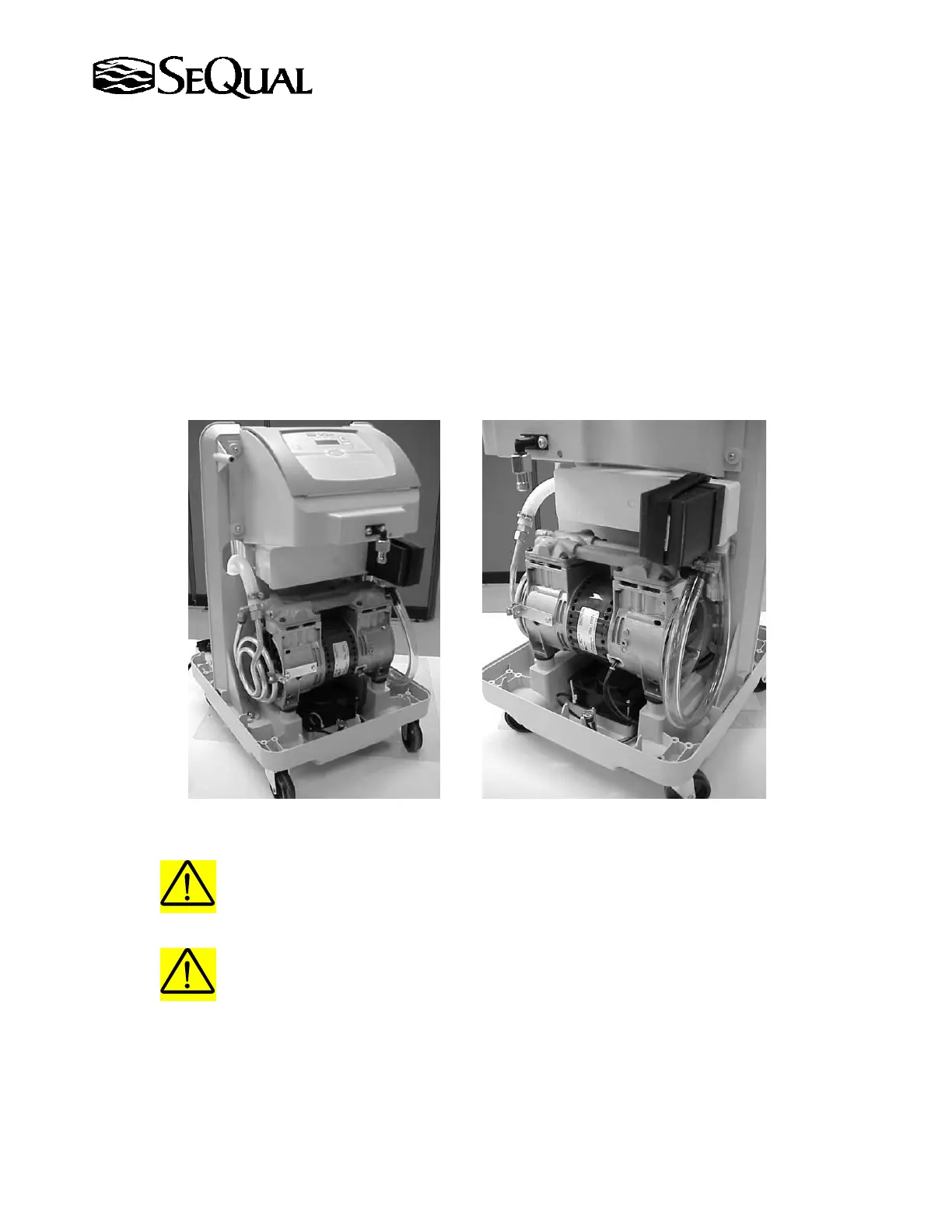
6.5.10 If the compressor is being replaced, and new compressor comes without fittings, transfer
fittings in compressor head to new compressor. Ensure that fittings are properly oriented as
were oriented on the old compressor. Use Permabond Perma-Lok LH050 or equivalent pipe
thread seal. The use of Teflon tape is not recommended. Refer to the picture for proper
installation orientation.
CAUTION:
When installing fittings, do not over-tighten. This can result in
damage to the compressor heads. Use tool with 44 in-lbs torque
setting for metal fittings, and 2 turns passed finger tight for plastic
elbow.
CAUTION:
Prior to installing heat exchanger tubing into push lock fitting
ensure that any sharp edges are removed to avoid cutting the O-
ring and generating a leak.
6.5.11 Installation is the reverse. Route the compressor capacitor leads under the center frame as the
compressor is brought into position. This will make it easier to attach them later. Add Zip Ties
where previously removed.
6.5.12 When installing spring mounts, position the rubber step washer between the compressor and the
spring and ensure the springs are fully seated in the cup recess on the base.



 To Next Page