Switched PRO2 – User Guide
Using the Web Interface • 65
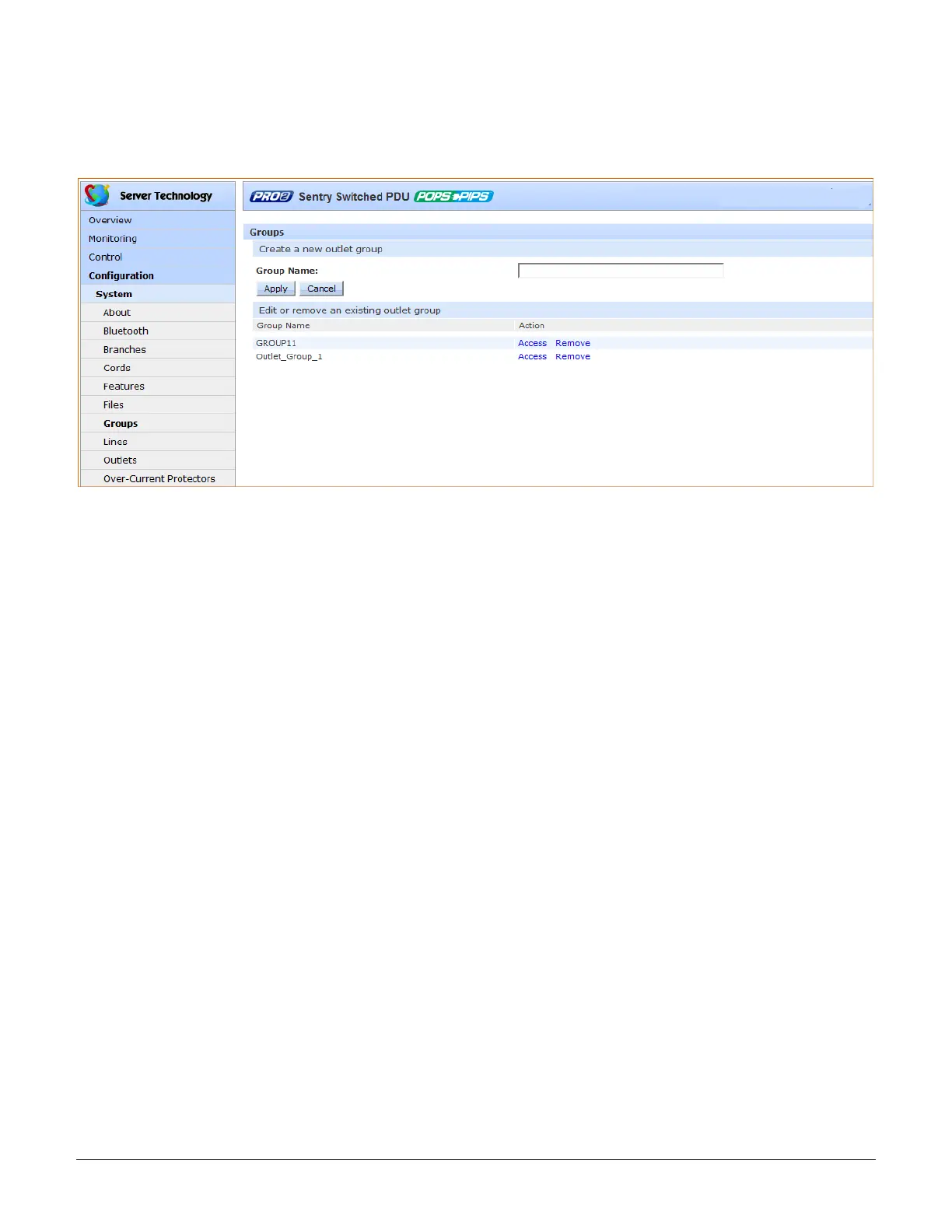
System > Groups
The Groups page lets the administrator create and name a new outlet group and assign to the group access rights
to individual (or all) outlets. For dynamic monitoring of outlets assigned to a group, see the separate Monitoring >
Groups page.
To create a new outlet group:
1. In the Group Name field, type the new name for the outlet group.
2. Click Apply. The newly added name displays in the lower part of the page in a list of group names for
editing or removing.



 To Next Page