Switched PRO2 – User Guide
Using the Web Interface • 90
System > UPS
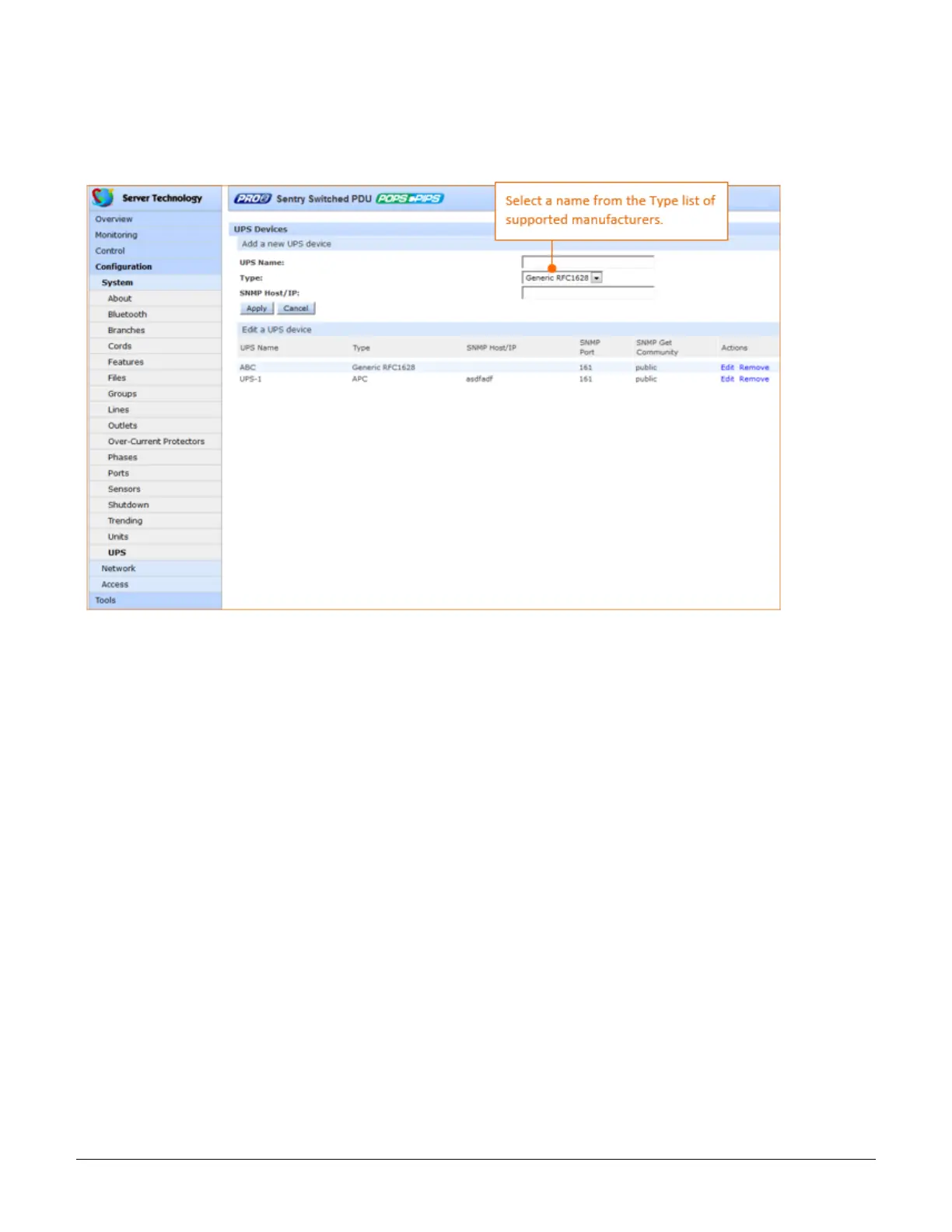
The UPS page manages UPS devices connected to a PRO2 unit. A connected UPS device can be added to or
deleted from the system. Several device options are available for configuration, including a configurable UPS
name, and assignment of PRO2 lines to be powered by the UPS.
To add a new UPS:
1. Type a UPS name.
2. Select the UPS manufacturer from the Type drop-down menu.
3. Type an SNMP hostname/IP address in the field provided.
4. Click Apply. The new UPS displays in the list of UPS devices. The list displays in alphabetic order by UPS
name.



 To Next Page