27
• once the zero point has been set,
press the cursor-up button to
move to the next display
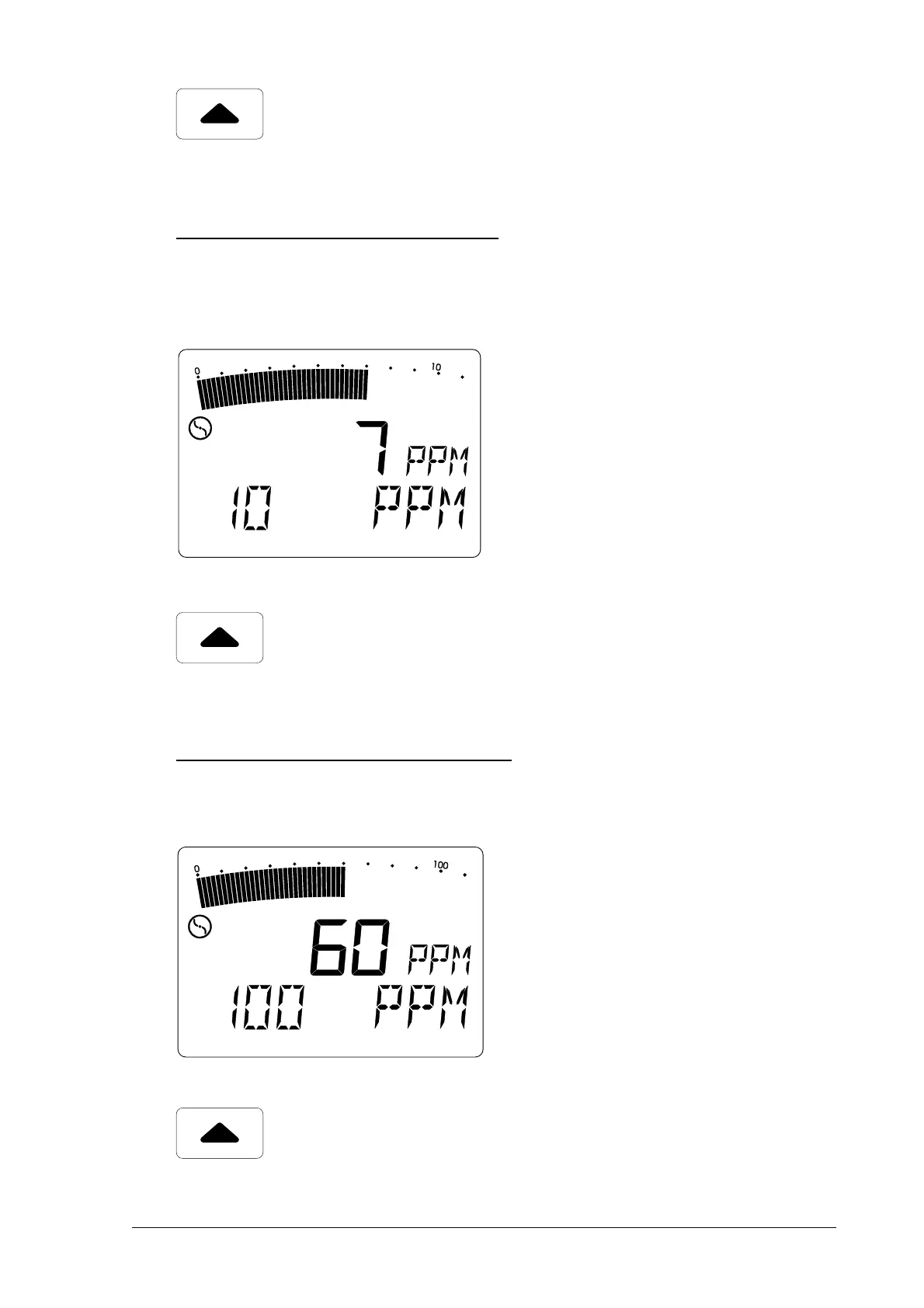
Display 2 - 10 ppm adjustmentDisplay 2 - 10 ppm adjustment
Display 2 - 10 ppm adjustmentDisplay 2 - 10 ppm adjustment
Display 2 - 10 ppm adjustment
Now release the
10 ppm methane CH10 ppm methane CH
10 ppm methane CH10 ppm methane CH
10 ppm methane CH
44
44
4
test gas test gas
test gas test gas
test gas from the
SPE 3SPE 3
SPE 3SPE 3
SPE 3 test
set.
• wait until the display has stabilised
• confirm the adjustment with the
on/off button (
OKOK
OKOK
OK appears in the
LCD display)
• turn off the test-gas feed
• press the cursor-up button to
move to the next display
Display 3 - 100 ppm adjustmentDisplay 3 - 100 ppm adjustment
Display 3 - 100 ppm adjustmentDisplay 3 - 100 ppm adjustment
Display 3 - 100 ppm adjustment
Now release the
100 ppm methane CH100 ppm methane CH
100 ppm methane CH100 ppm methane CH
100 ppm methane CH
44
44
4
test gas test gas
test gas test gas
test gas from the
SPE 3SPE 3
SPE 3SPE 3
SPE 3 test
set.
• wait until the display has stabilised
• confirm the adjustment with the
on/off button (
OKOK
OKOK
OK appears in the
LCD display)
• turn off the test-gas feed
• press the cursor-up button to
move to the next display



 To Next Page