- 39 -
5-4-3. Hidden Function
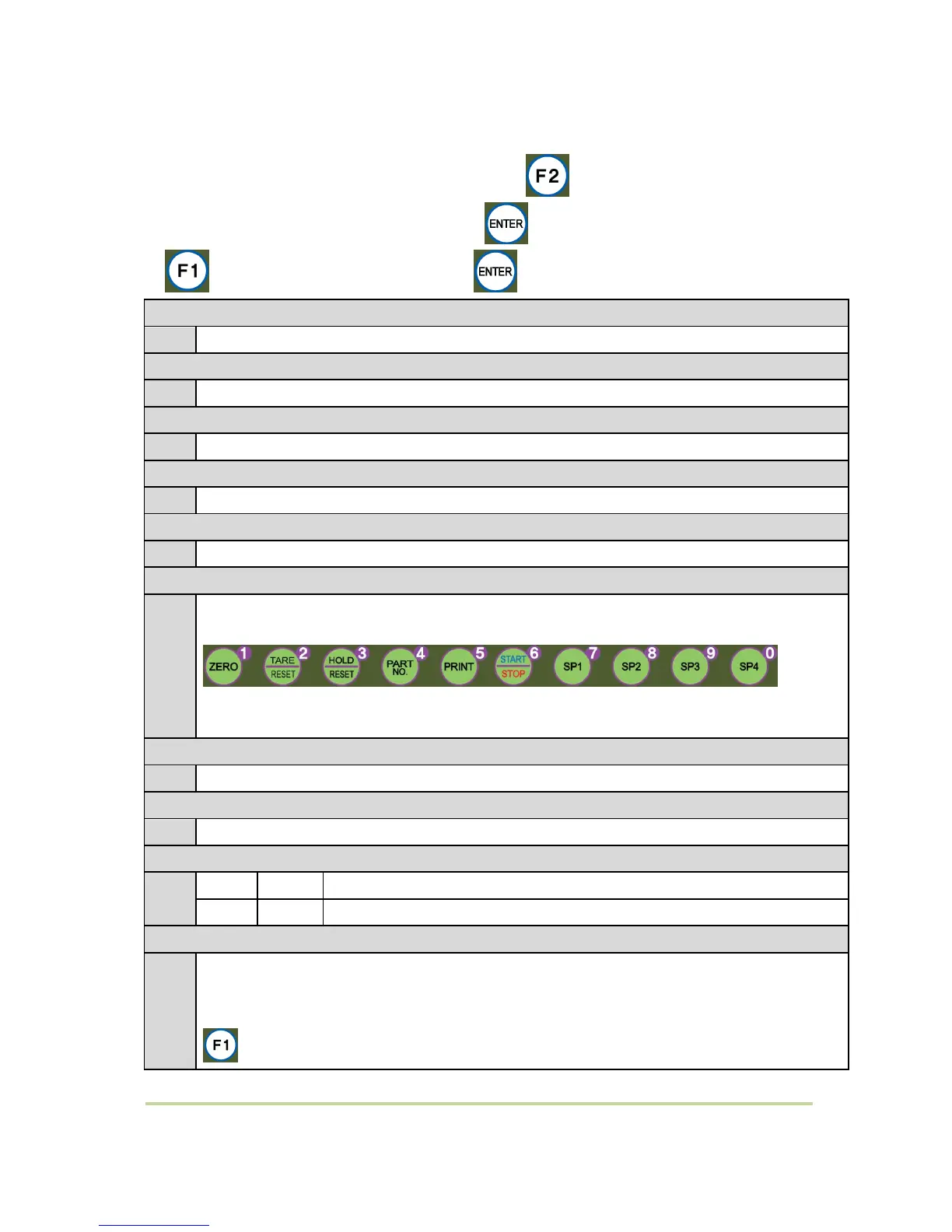
* How to enter Hidden function setting mode: Press Key during 4 times and input
your password. Default password is 1111. Press key after input your password.
* – Move Hidden function number / – Save data
Check your device’s serial number
Check the currently applied program version
Check the currently applied hardware version
DATE(Y,M,D) Check / Modification
Check the date or adjust when it is wrong.
TIME(H,M,S) Check / Modification (24Hours)
Check the time or adjust when it is wrong.
Password Setting (4digit)
Password is required when you enter to hidden function.
Enter the password twice.
1 2 3 4 5 6 7 8 9 0
Password combination within 0~9.
Maximum Capacity Weight Check
Check the max capacity which is set under calibration mode.
Check the Weight Span Value Check
Analog Output Use Setting
Minimum Analog Output Setting
Minimum Analog Output (Analog out 4~20mA / 0~10V).
The 4-20Ma’s begin number is “0”, so after enter the Function mode and write the “4” to show
“4mA”
key press (–) Setting. Input range : -20 ~ +20 , basic value : 0


 To Next Page