sharkclean.eusharkclean.eu
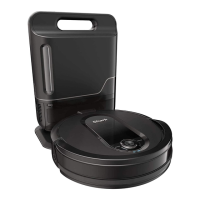
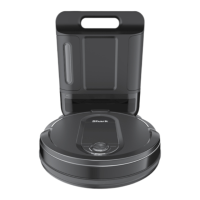
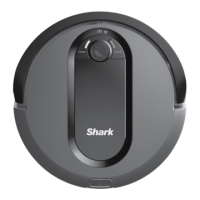
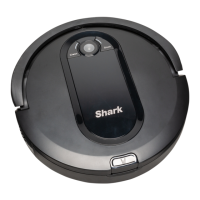
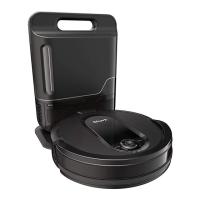
GETTING TO KNOW YOUR SHARK IQ ROBOT SELF-EMPTY®
Charging Contact
Pre-Motor
Filter Housing
Pre-Motor
Filter Housing
Charging Base
Charging Contact
Charging Base
Fill Window
Debris Intake
Power
Indicator Light
Charging
Indicator Light
Base Dustbin
Release
Base Dustbin
Base Dustbin
Base Dustbin
Release
Post-Motor Filter
Access Door
FRONT
BACK
Charger Cord Wrap
Power Switch
1.6m
1m
1m
BASE SETUP
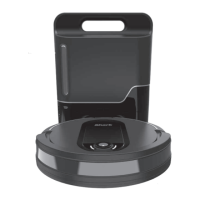
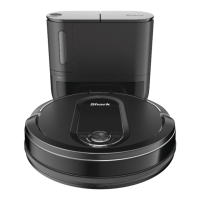
The Self-Empty Base charges your robot and holds dirt and debris.
• Select a permanent location for the base. Every time you move the base, your robot will be required to
completely re-map your house.
• Choose a level surface in a central area. Remove protective film from base.
• Place the base with its back against the wall, in an area with a good Wi-Fi signal.
• Set up the base on bare floor. If you have to set up on carpet, place the SharkMat under the base.
• Remove any objects closer than 3 feet from the sides of the base, or closer than 5 feet from the from the front.
• Plug in the Charging Cord, and turn on the Power Switch on the back of the base. When the base is plugged
in and the power switch is turned on, the GREEN Power Indicator Light
on the base will illuminate.
INSTALLING THE SIDE BRUSHES
Snap the 2 included Side Brushes located in the
red packaging, onto the square pegs on the bottom
of the robot.
NOTE: Do not place base against heating elements or baseboards, or in direct sunlight.
NOTE: The robot will make a loud noise when it empties its debris into the base. This is normal and not a cause for concern.
SharkMat
(for use on carpet)
Not included.
ENGLISH



 To Next Page