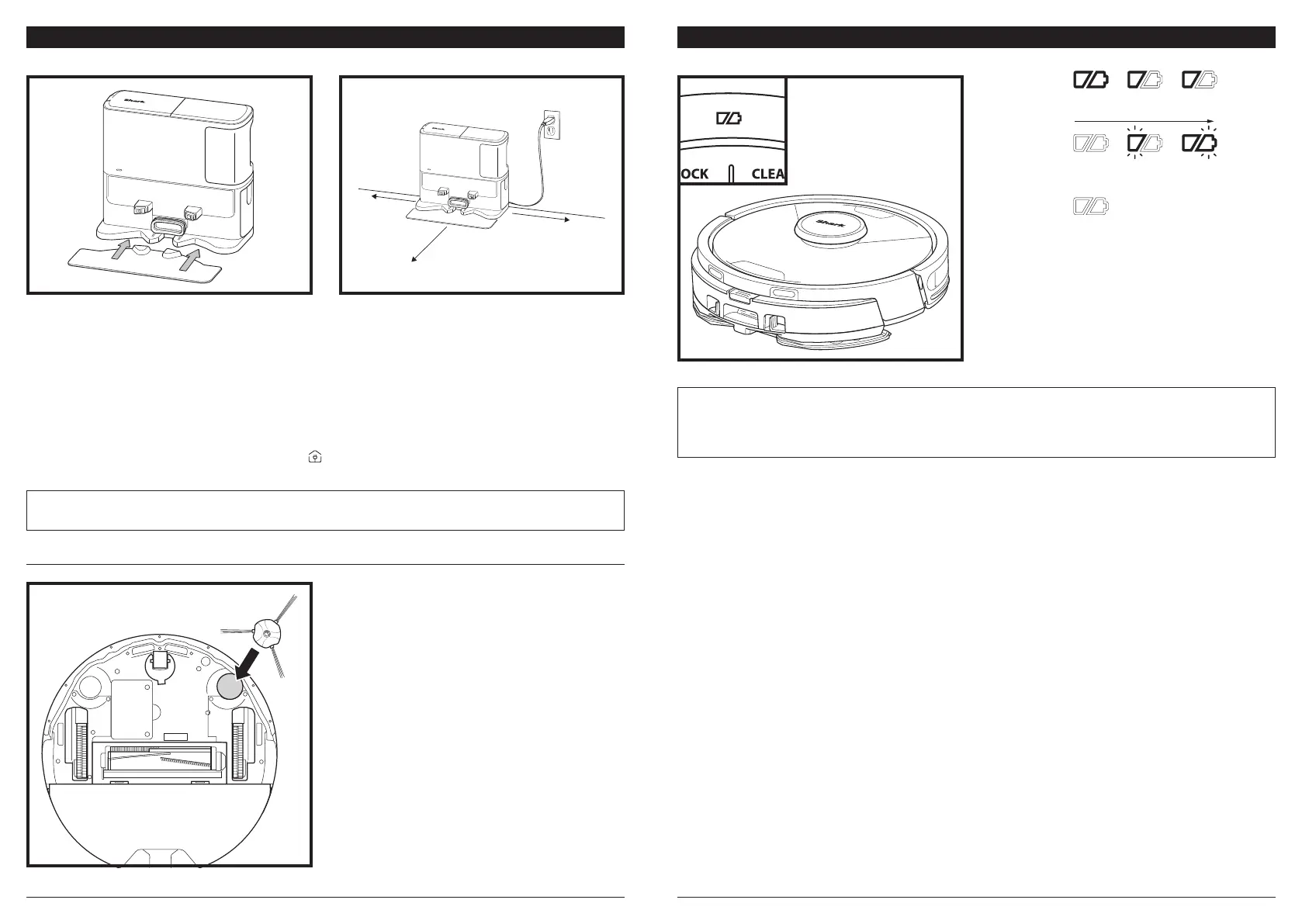
ROBOT BATTERY INDICATOR LIGHTS
NOTE: If the low charge light is blinking red, there is not enough battery power for the robot to return to the base.
Manually place the robot on the base.
TIP: To preserve battery life, if the robot will not be used for a long time, turn o the power on the robot by pressing the
DOCK button and holding it for 5-7 seconds. The robot should be recharged at least once every three months.
If the base is relocated after setup, the robot may not be able to find its way back, and the robot will
have to completely re-map your home.
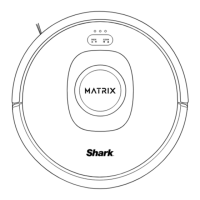
The white charge indicator lights show how much
battery power is remaining.
While the robot is charging, both white LED lights
will flash. When charging is complete, both will
illuminate steadily. It may take up to 6 hours to fully
charge your robot.
If the robot is idle and away from the charging
base for 10 minutes, it will enter Sleep Mode. The
indicator lights will turn o, but the battery and
Wi-Fi lights will remain on in sleep mode. Wake up
the robot by pressing any button.
In Use
Full
Charge
(White)
Partial
Charge
(White)
Low
Charge
(Red)
While
Charging
(White)
No Charge
or O
SELF-EMPTY BASE
INSTALLING THE SIDE BRUSH
Snap the included long single side brush onto the
square peg on the bottom of the robot. The brush
will spin clockwise when correctly assembled.
Note: Side brush design may vary.
2 ft.
1 ft.
1 ft.
• Select a permanent location for the Self-Empty Base. Remove protective film from robot and base.
• Place the base with its back against a wall on bare wall. Select a level surface on a bare floor in a central
area with a strong Wi-Fi signal. Do not place base against baseboard heaters or other heating elements.
• Remove any objects that are closer than 1 foot from either side of the base or closer than 2 feet from the
front of the base.
• Plug in the base. The Base Power Indicator icon (
) on the top right side of the base will
illuminate when the base has power.
Place the Landing Mat on the floor and align the
self-empty base on top so that it sets into place




 To Next Page