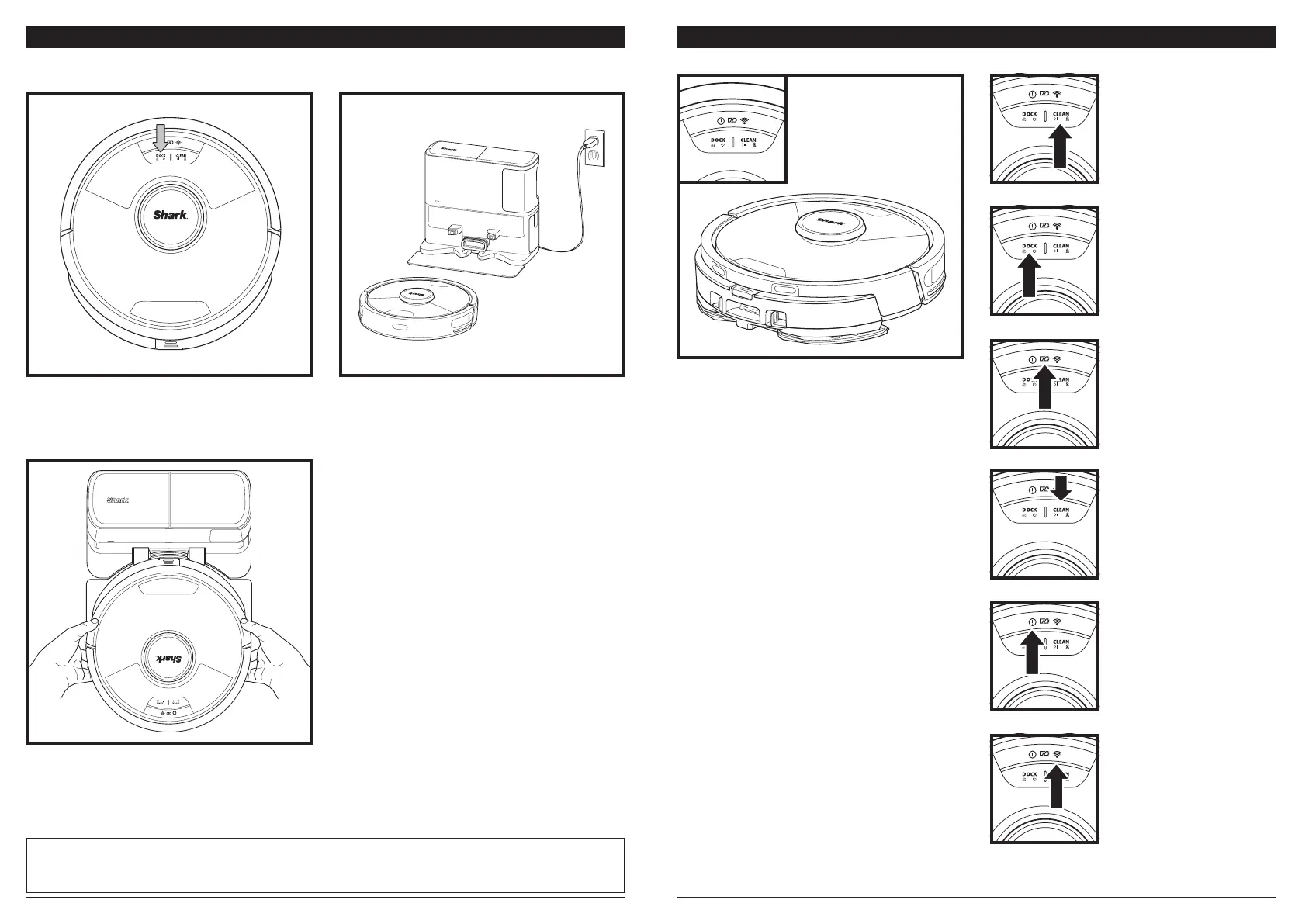
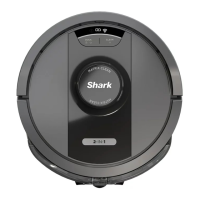
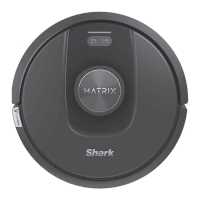
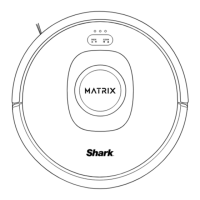
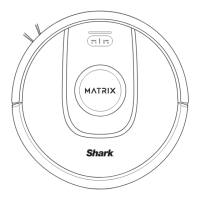
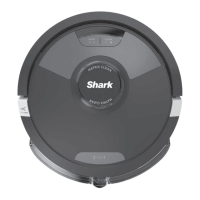
BUTTONS AND INDICATOR LIGHTS
NOTE: If the robot has no charge or it cannot return to the base, manually place it on the base. When manually placing
the robot on the base, make sure the Charging Contacts on the back of the robot are touching the ones on the base. The
mopping pad should not come in contact with the charging contacts. This may cause corrosion. When picking up the robot,
be careful not to place fingers between the bumper and the base of the robot.
Change text to "The robot will dock with its
BACK to the base so that it can automatically
empty itself.
When the cleaning cycle is complete, or if the battery
is running low, the robot will search for the base. If
the robot doesn't return to the base, its charge may
have run out, or if it is in mopping mode, the base
may be blocked by carpet.
CHARGING
IMPORTANT: The Shark Matrix™ Plus 2-In-1 Robot has a pre-installed rechargeable battery. Charge the
battery completely before first use. It may take up to 6 hours to fully charge.
To turn ON the robot, press and hold the DOCK
button for 5-7 seconds. To charge, place the robot on
the base. The robot will beep when charging begins
and the charging indicator on the base will illuminate.
DOCK BUTTON
Press to send the robot back
to the base. To turn the robot
power o, take it o the Self-
Empty Base and press the
DOCK button on the robot
for 5-7 seconds.
CHARGE INDICATOR LIGHTS
Display the amount of charge
remaining in the battery.
WET MOPPING
INDICATOR
The area above the CLEAN
button will illuminate blue
when the fluid reservoir
is properly installed. The
CLEAN button will illuminate
yellow if the tank is empty
and needs refilling.
“!” ERROR INDICATOR
See Troubleshooting section
for full list of error codes.
WI-FI INDICATOR
White light: connected to
Wi-Fi.
Red light: disconnected.
Flashing White: setup mode.
No light: not set up yet.
CLEAN BUTTON
Press to begin a cleaning
session and press again to
pause the cleaning session. To
activate Matrix Clean to focus
on a 5-foot-by-5-foot area,
press and hold the CLEAN
button for 5 seconds.




 To Next Page