PREP YOUR HOME
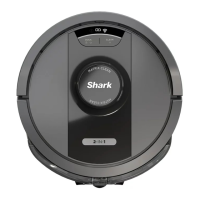
USING THE SHARK MATRIX
™
PLUS 2-IN-1 ROBOT
AI LASER NAVIGATION™
After setup is complete, follow instructions in the
app to help your robot conduct an Explore Run to
create an initial map of your home. Ensure the
Self-Empty Dust Bin is inserted for the Explore
Run.
The robot will travel from room to room to identify
walls, furniture, and other obstacles as it cleans.
This run will take less time than a full cleaning, as it
doesn’t cover the entire floor.
MANUAL CLEANING MODE
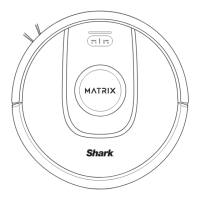
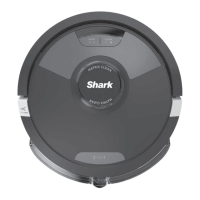
To manually start a cleaning cycle, press the CLEAN button on the robot or on the mobile app.
To immediately send the robot back to the Self-Empty Base, press the DOCK button.
The robot will dock with its BACK to the base so that it can automatically empty itself.
NOTE: Be sure to charge the robot completely before its first cleaning so that it can explore, map, and clean as much of
your home as possible. It may take up to 6 hours to fully charge your robot.
NOTE: Avoid moving the dock. If it is relocated, the robot may not be able to find its way back to the dock, and you will
need to remap your home. If relocated while in use, the robot it may not be able to follow its intelligent cleaning path,
or find its way back to the dock.
Your robot uses an array of sensors to navigate around walls, furniture legs, and other obstacles while it
cleans. To prevent the robot from entering areas you don't want it to, set up no-go zones in the app. For
best results, prepare your home as indicated below, and schedule a daily cleaning to ensure all floor areas
are regularly maintained.
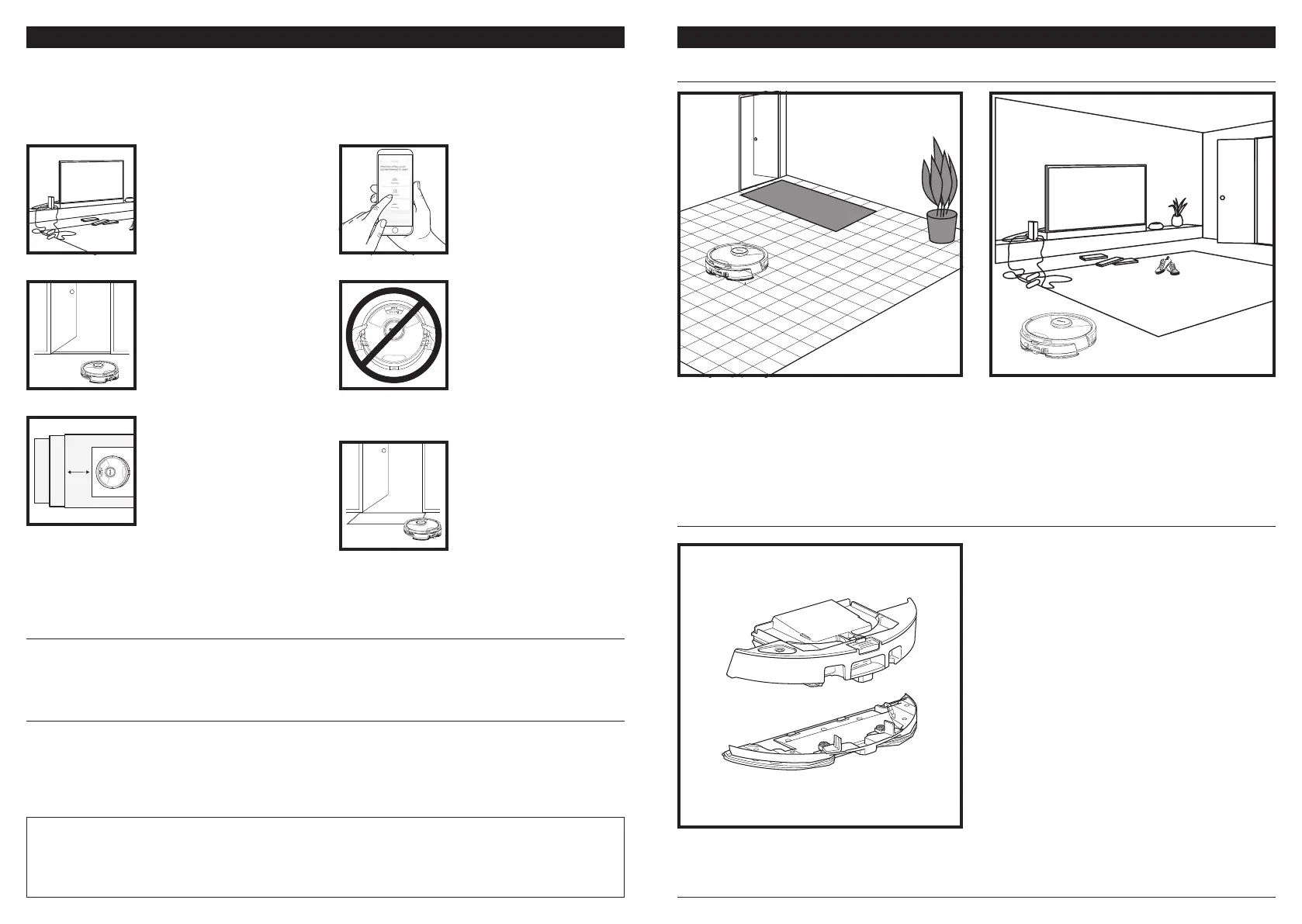
OBSTRUCTIONS
Clear cords and small objects
less than 4.5" in height, and
open interior doors to ensure
a complete map of your
home.
SCHEDULING
While your robot is cleaning
do not pick it up and move
it, this will impact the robot's
navigation. If you move
the charging base to a new
location, you will need to
remap your home. This will
impact the robot's ability
to return to the dock when
cleaning is complete.
THRESHOLDS
Your robot can climb over
most thresholds to get from
room to room, but if one is
too high, set up a no-go zone
in the app to block it o.
AVOID MOVING THE
ROBOT OR BASE
While your robot is cleaning,
do not pick it up and move it,
as this will impact the robot's
navigation. If you move the
charging base to a new loca-
tion, you will need to re-map
your home. This will impact
the robot's ability to return
to the dock when cleaning is
complete.
REMOVE RUGS FROM
DOORWAYS WHEN
MOPPING
Before mopping, we
recommend setting up
Carpet Zones in the app, and
moving any carpets or rugs
that block access to floors
that you want your robot to
mop.
STAIRS
For your robot's cli sensors
to work properly, all runners,
rugs, carpets, or small
thresholds (like child gates)
must be 8 inches from any
stairs (or must be continuous
and extend over the edge of
the stairs). If a runner, rug,
carpet, or small threshold is
near the stairs and cannot be
moved, you must use a no-go
zone to block o the stairs.
The robot's object detection technology helps it
navigate around obstacles taller than 4.5" in height.
Clear away small objects that may interfere with the
cleaning path of your robot.
Create no-go zones in the app to block o areas you
do not want the robot to enter.
VACUUM-ONLY SETUP
To start vacuum-only cleans, remove the pad plate
from the robot dust bin.
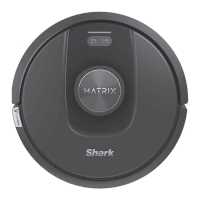
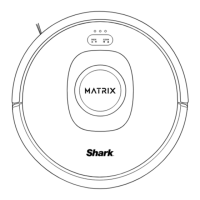
Matrix Clean is targeted deep cleaning of a specific room or spot. A Matrix Clean can be activated with the
SharkClean® app, or manually without the app.
Matrix Clean with the SharkClean app: To set up a Matrix Clean with the app, select a specific room or spot to
be cleaned on the map. Your robot will clean this targeted area on demand. For a Matrix Spot Clean of a spe-
cific 5-foot-by-5-foot area, place the robot in the spot to be cleaned, then press and hold the CLEAN button
for 5 to 7 seconds.
MATRIX CLEAN




 To Next Page