VAC & MOP 2-IN-1 CLEANING MODE VACUUM-ONLY CLEANING MODES
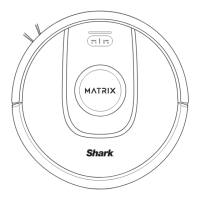
Spot Clean Matrix Mop
To clean a specific 5-foot-by-5-foot spot, place the
robot in the area to be cleaned, then press and hold
the CLEAN button for 5 to 7 seconds. The robot will
rotate while vacuuming and mopping the area in a
matrix pattern. Spot Clean is also available through
the app.
Whole-Home Cleaning
To start a whole-home Vac & Mop run, press the
CLEAN button on the robot or in the app. The robot
will clean perimeter areas first, then change to a row-
by-row pattern. If the fluid reservoir empties before
the whole-home run is complete, the robot will pause
for up to 10 minutes to allow you to refill the reservoir
before it returns to the base. When the whole-home
run is complete, the robot will return to its base.
RUMPELSTILTSKIN
Schedule History
EDIT OPTIONS
MapsControl
Shark
Kitchen
Living Room
Dining Room
Whole-Home Cleaning
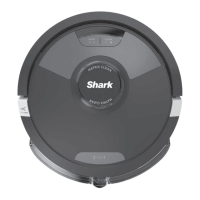
To activate a whole-home clean when in vacuum-only
mode, press the CLEAN button on the robot or in the
app. The robot will clean perimeter areas first, then
change to a row-by-row pattern.
Single-Room Matrix Clean
Once the robot has a created map, you can select a
specific room for it to vacuum in Matrix Clean mode.
Place the robot in the room to be cleaned, then press
the CLEAN button. This function is also available
through the app.
Spot Clean Matrix Clean
To clean a specific 5-foot-by-5-foot spot, place the
robot in the area to be cleaned, then press and hold
the CLEAN button for 5 to 7 seconds. The robot will
clean the area in a matrix pattern. Spot Clean is also
available through the app.
RUMPELSTILTSKIN
Schedule History
EDIT OPTIONS
MapsControl
Shark
Kitchen
Living Room
Dining Room
CleanEdge
In CleanEdge mode, the fanjet blows air into the
edges and corners of the room so that the robot
can easily pick up debris from hard-to-clean areas.
CleanEdge is automatically activated when the robot
runs alongside walls at the start of its run, then turns
o when the robot cleans the rest of the area.




 To Next Page