17
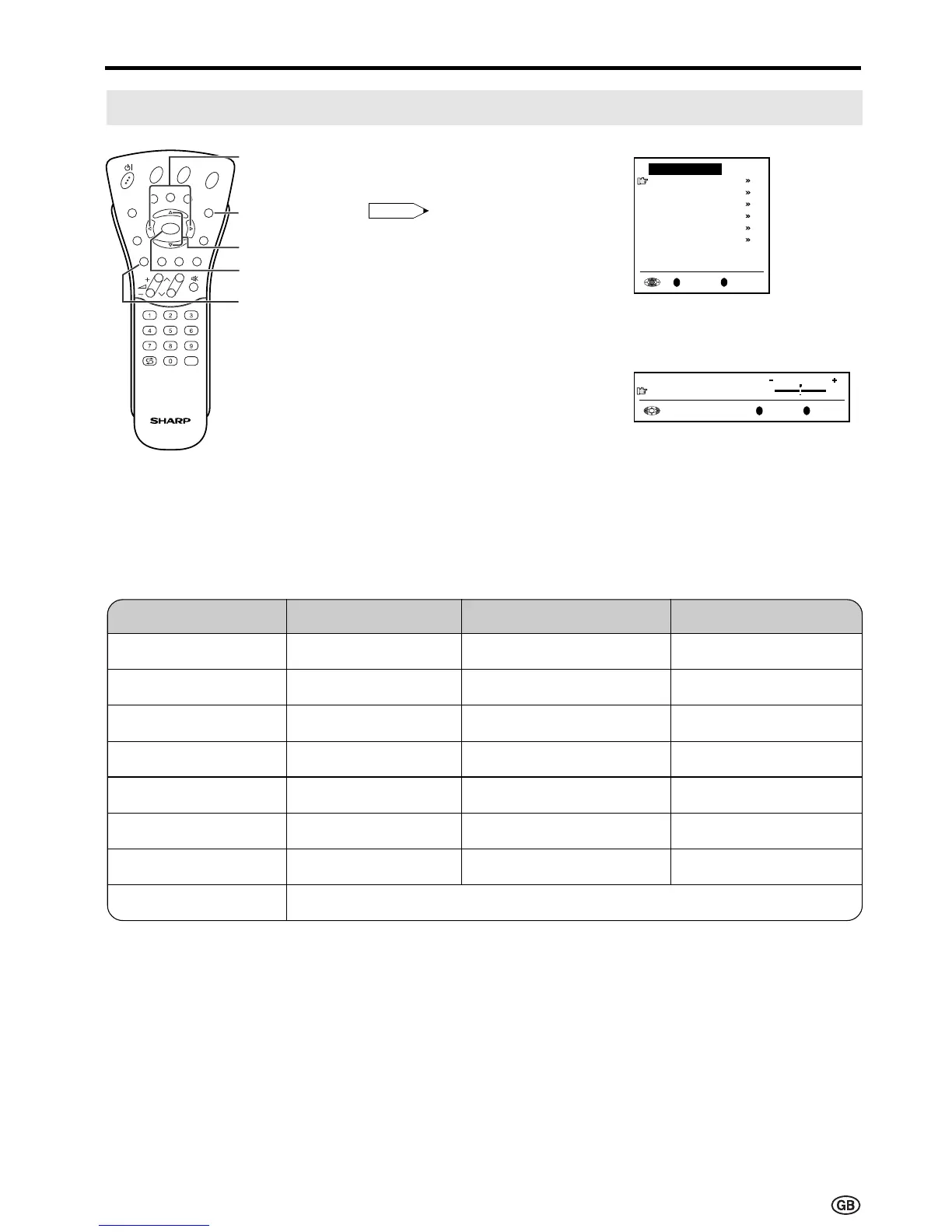
1 Press Red to display the Picture
menu.
Note:
Note:
• The Picture menu can also be
displayed by selecting “Picture” in
the TV menu (see pages 15 and
16).
2 Press ]/[ to select the desired
adjustment item, and then press
OK.
• The next menu appears.
3 Press </> to make the
adjustment.
4 Press END to exit.
Adjusting Picture Settings
</>
]/[
Red
END
Useful Features
Press Left (<)
Decrease contrast
Lower colour intensity
Less bright
Soft picture
More red
Less green
Towards purple
Adjustment item
Contrast
Colour
Black level
Sharpness
Red-blue
Green
Tint *
Reset
Choice/Value range
0 – 60
-30 – 30
-30 – 30
-3 – 3
-5 – 5
-5 – 5
-30 – 30
Press Right (>)
Increase contrast
Higher colour intensity
More bright
Sharp picture
More blue
More green
Towards green
OK
* The menu function is only visible when “N358” or “N443” signal has been input into the unit.
Reset value (Press OK.)
E
CH
TV/VIDEO
REVEAL
HOLD
END
M
MENUSOUND
SUBTITLE
OK
SUBPAGE
TEXT
ROTATE
BRIGHT
T
OK
Back
M
End
E
Picture menu
Contrast
[
30
]
Colour
[
0
]
Black level
[
0
]
Sharpness
[
0
]
Red-blue
[
0
]
Green
[
0
]
Reset













 To Next Page