28
Useful Features (Continued)
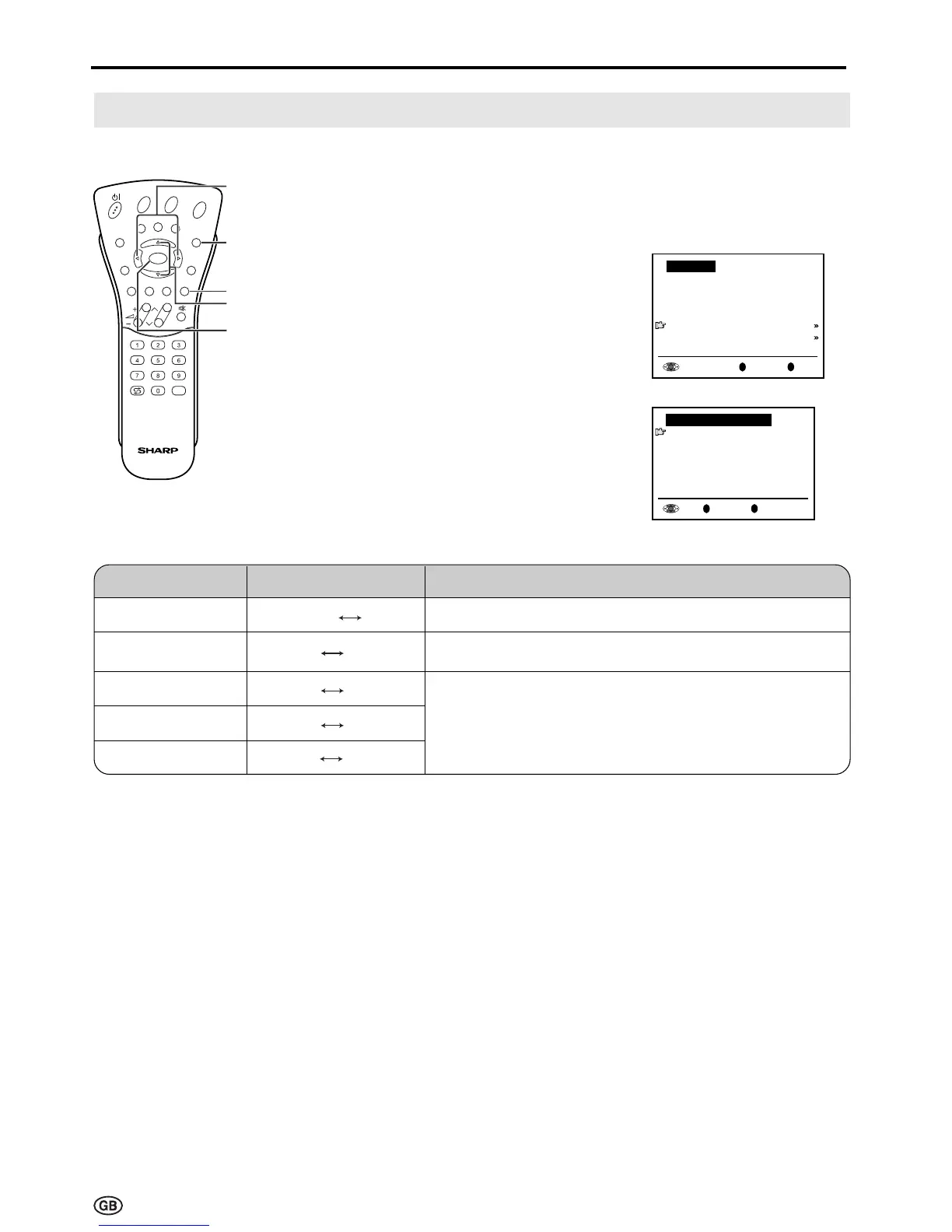
On-screen Display
You can adjust various settings for on-screen displays.
1 Perform steps 1 and 2 in
Features to display the “Features”
screen.
2 Press ]/[
to select “On-screen
display” and then press OK to
display the “On-screen display”
screen.
3 Press ]/[
to select the desired
adjustment item. (See the table
below.)
4 Press </> to make the
adjustment.
5 Press END to exit.
E
CH
TV/VIDEO
REVEAL
HOLD
END
M
MENUSOUND
SUBTITLE
OK
SUBPAGE
TEXT
ROTATE
BRIGHT
T
</>
END
OK
]/[
Cyan
OK
Back
M
End
E
Features
Brightness
[
bright
]
Rotate horizontally
[
off
]
Rotate vertically
[
off
]
Auto power off
[
off
]
On-screen display
Child lock
OK
Back
M
End
E
On-screen display
Position
[
bottom
]
Sound info
[
yes
]
Time
[
no
]
Alarm time
[
no
]
Sleep time
[
no
]
Choice/Value rangeAdjustment item Description
To select the position of the On-screen display.
To select whether or not sound info is to be displayed
,
when a channel has been selected.
To select information to be displayed in the On-screen
display. To activate the On-screen display, use the
Cyan button.
Sleep time
Alarm time
Time
Sound info
Position
bottom
top
no
yes
no
yes
no
yes
no
yes













 To Next Page