27
Useful Features (Continued)
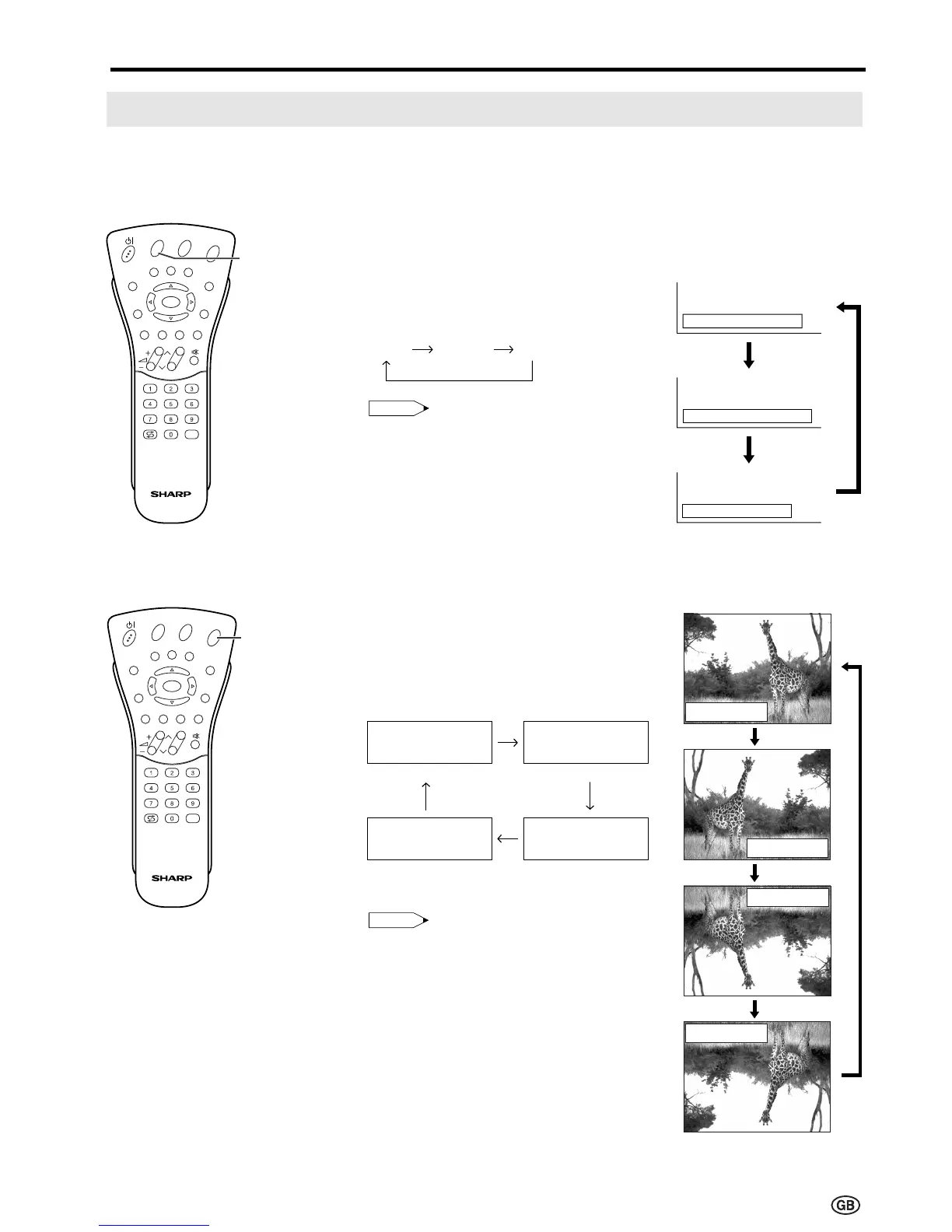
1 Press BRIGHT to display the
Brightness screen.
2 Each time you press BRIGHT, the
mode changes as follows. You
can select the desired mode.
Note:
• The Brightness screen automatically
disappears after 4 seconds.
• The Brightness is set to “bright” at
the factory setting.
• See the table of page 26 for details
of the each brightness setting.
[2] Directly Setting the ROTATE
1 Press ROTATE to display the
Rotate screen.
2 Each time you press ROTATE,
the mode changes as follows. You
can select the desired mode.
Note:
• The Rotate screen automatically
disappears after 4 seconds.
• The Rotate is set to “Normal” at the
factory setting.
• When changing settings directly
made, settings in the menu can also
be changed.
• See the table of page 26 for details
of the each rotate setting.
Features (Continued)
You can change the setting screen of BRIGHTNESS and ROTATE directly.
[1] Directly Setting the BRIGHTNESS
bright
medium
dar













 To Next Page