37
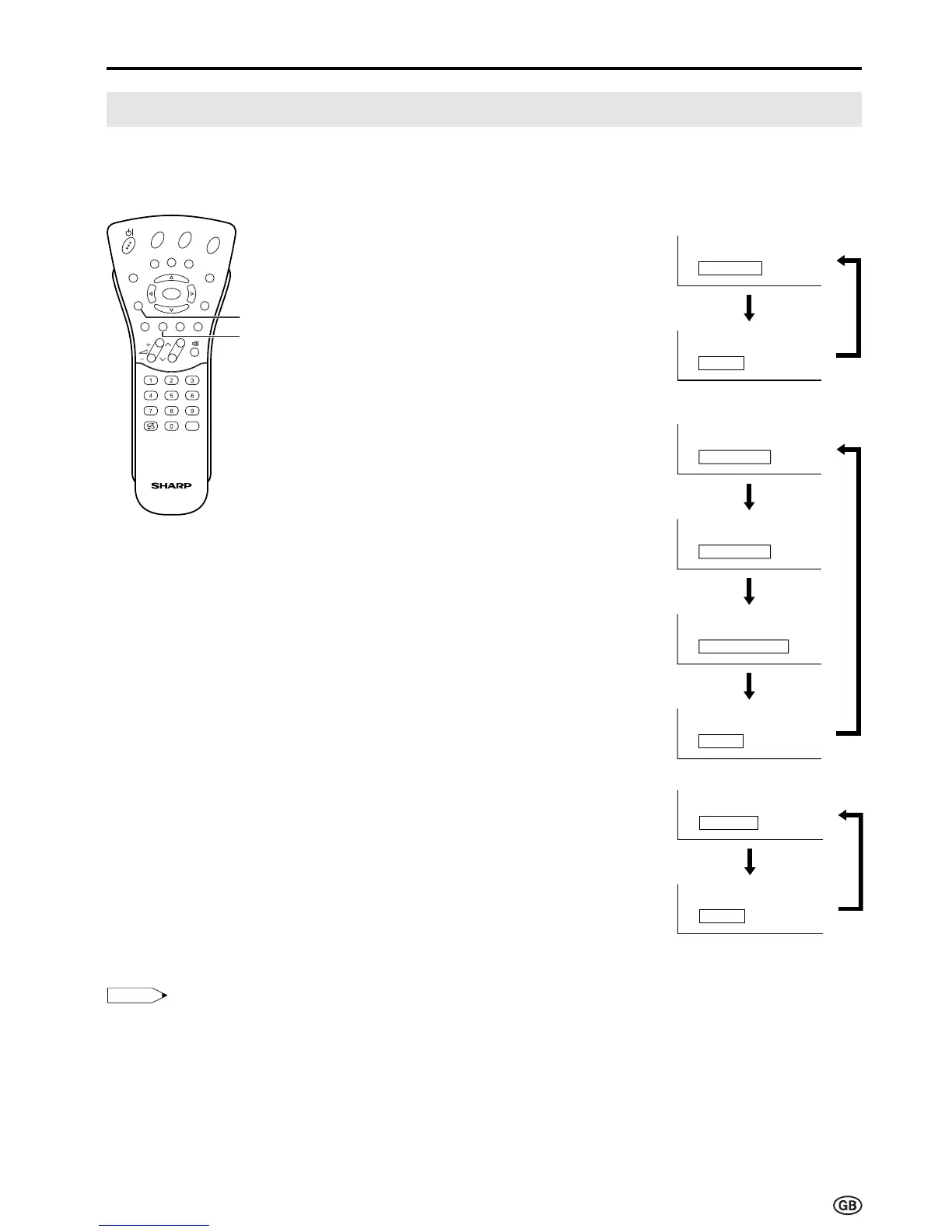
This enables the selection of the reception mode when receiving a NICAM-I or NICAM-B/G signal. To let
you enjoy NICAM broadcasting, this LCD TV set receives NICAM system stereo, bilingual, and monaural
broadcasts.
Stereo
The LCD TV set is receiving a stereo
broadcast.
• Each time you press SOUND, the
mode changes between “Stereo”
and “Mono”.
• When “Mono” is selected, the TV
sound is output monaurally.
Bilingual
When the LCD TV set is receiving a
bilingual programme, the “Sound 1”
mode is automatically selected.
• Each time you press SOUND, the
mode changes as follows:
Sound 1 → Sound 2 → Sound 1+2
→ Mono
Monaural
The LCD TV set is receiving a
monaural broadcast.
• Each time you press SOUND, the
mode changes between “Nicam”
and “Mono”.
NICAM Broadcast Selection
SOUND
Useful Features (Continued)
Green
Note:
Note:
• If approximately 3 seconds pass without a button being pressed, the mode setting is automatically terminated and
the LCD TV set returns to the normal mode.
• The setting can be individually selected for each channel number.
• You can also turn off the NICAM mode by setting the “Loudsp. sound” item to “Mono” in the Sound screen, which is
displayed when you press
Green
(see page 18).
E
CH
TV/VIDEO
REVEAL
HOLD
END
M
MENUSOUND
SUBTITLE
OK
SUBPAGE
TEXT
ROTATE
BRIGHT
T













 To Next Page