18
Useful Features (Continued)
Adjusting Sound Settings
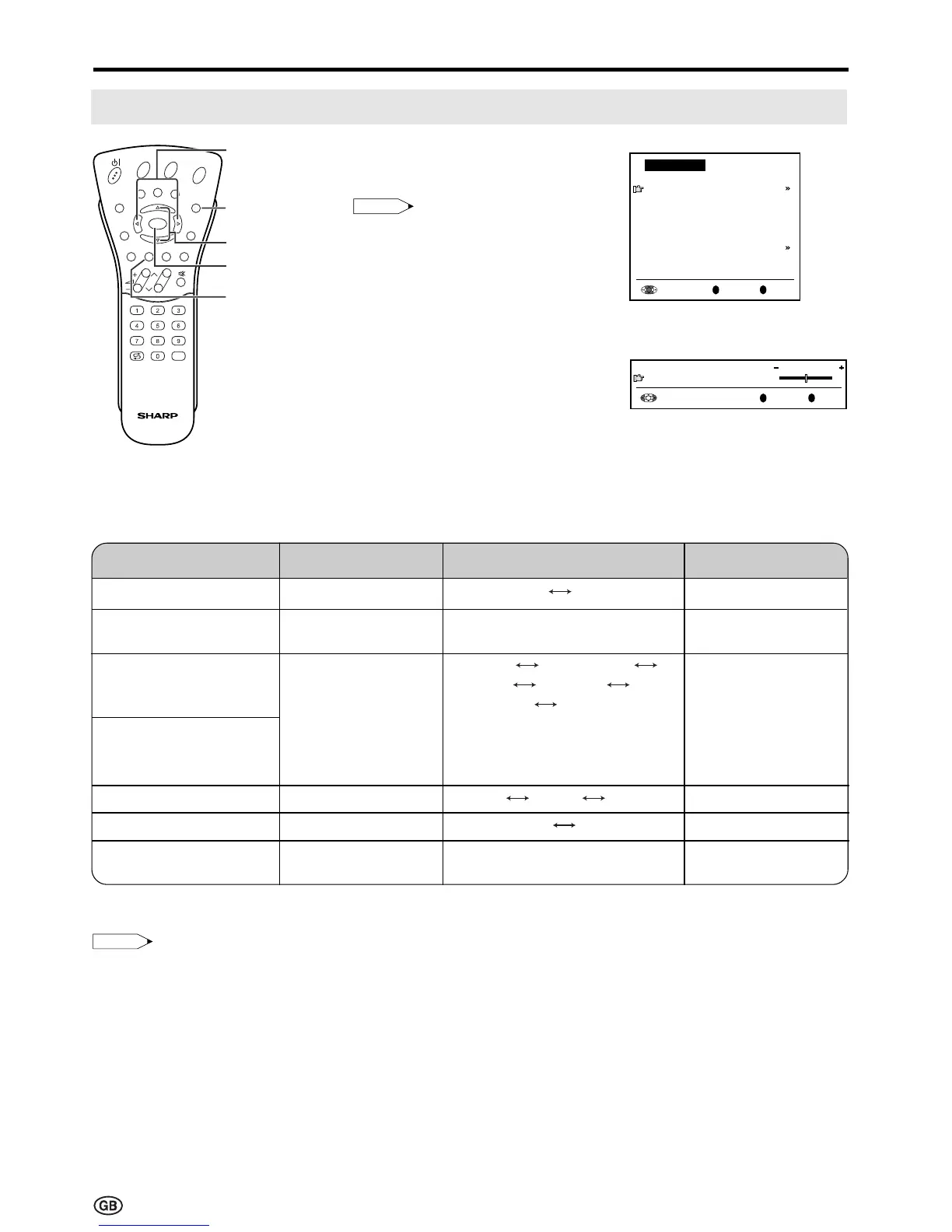
1 Press Green to display the Sound
menu.
Note:
Note:
• The Sound menu can also be
displayed by selecting “Sound” in
the TV menu (see pages 15 and
16).
2 Press ]/[ to select the desired
adjustment item, and then press
OK.
• Each item can now be selected or
the next menu appears.
3 Press </> to make the
adjustment.
4 Press END to exit.
</>
]/[
END
Green
* These items are not displayed when the “Sound via” item is set to “Hi-fi”.
Press Left (<)
–
Decrease head-
phones volume
–
–
–
Increase the volume
of the left speaker
Choice/Value range
TV Hi-fi
0 – 60
Stereo Mono/Sound1
Sound2 Sound1+2 Mono
Nicam
Mono/Mono
(* The choices differ depending on
whether or not a NICAM or IGR
signal is received.) See pages 37
and 38.
Sound1 Sound2 Sound1+2
off on
-15 – 15
Press Right (>)
–
Increase head-
phones volume
–
–
–
Increase the volume
of the right speaker
Adjustment item
Sound via
Headph. vol.*
Loudsp. sound
Headph. sound*
AV audio sig.
Sound wide*
Balance*
OK
Note:
Note:
• In the “AV audio sig.” item, mono-video recorders should select “Sound1” or “Sound2”. Stereo-video recorders
should select “Sound1+2” so that the desired sound can be selected when playing back the video.
E
CH
TV/VIDEO
REVEAL
HOLD
END
M
MENUSOUND
SUBTITLE
OK
SUBPAGE
TEXT
ROTATE
BRIGHT
T













 To Next Page