19
Useful Features (Continued)
</>
]/[
OK
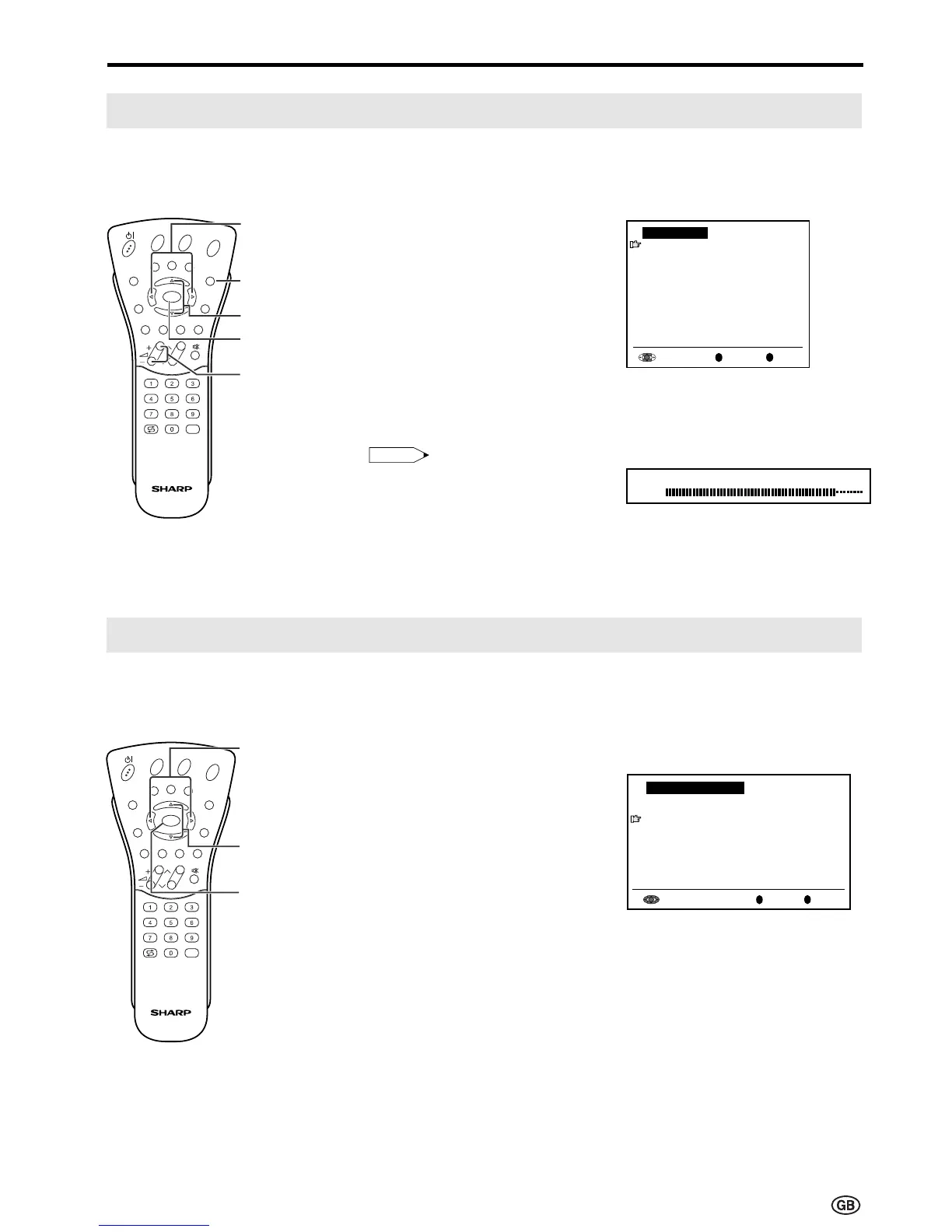
Using Programme Table
The Programme table shows a list of all receivable programmes. They are located in channels 0 to 199.
The currently selected programme is displayed in yellow, and the child-locked programmes are displayed
in red.
To select the desired programme
1 Press OK to display the
Programme table.
2 Press ]/[ and/or </> to select
the desired programme.
• To display the next or previous list
of the Programme table, press
]/[ when the cursor is at a
programme in the lower-right or
upper-left position, or press </>
when the cursor is at a pro-
gramme in the right or left column.
3 Press OK to display the selected
programme.
</>
]/[
OK
END
Volume
(+)/(–)
Hi-fi Sound Settings
This programme allows you to enjoy higher sound quality when connecting the AUDIO OUT terminals to
an external amplifier using an audio cord.
1 When switching “Sound via” to
“Hi-fi” in the Sound menu on page
18, the sound from the built-in
speakers will be turned off.
2 Press ]/[ to select the desired
adjustment item, and then press
OK.
3 Press </> to select the Sound
mode.
4 Press END to exit.
Note:
Note:
• Pressing Volume (+)/(–) will display
the volume indicator shown on the
right. You can adjust the volume by
pressing + or – on the same button.
* To exit this mode, in the Sound menu,
switch “Sound via” from “Hi-fi” to “TV”.
E
CH
TV/VIDEO
REVEAL
HOLD
END
M
MENUSOUND
SUBTITLE
OK
SUBPAGE
TEXT
ROTATE
BRIGHT
T
E
CH
TV/VIDEO
REVEAL
HOLD
END
M
MENUSOUND
SUBTITLE
OK
SUBPAGE
TEXT
ROTATE
BRIGHT
T
0
Pro
g
ram
m
e table
8 E 9 16 E54
1 S 6 9 E1 17 E56
2 S 8 1 E11 18 E57
3 S1 11 E36 19
4 S11 12 E37 2
5 E 3 13 E38 21
6 E 5 14 E5 22
7 E 6 15 E53 23
OK
Back
M
End
E
0
0
0
0
0
0
0
0
0
0
0
Hi-fi Volume
50













 To Next Page