43
Connecting External Devices
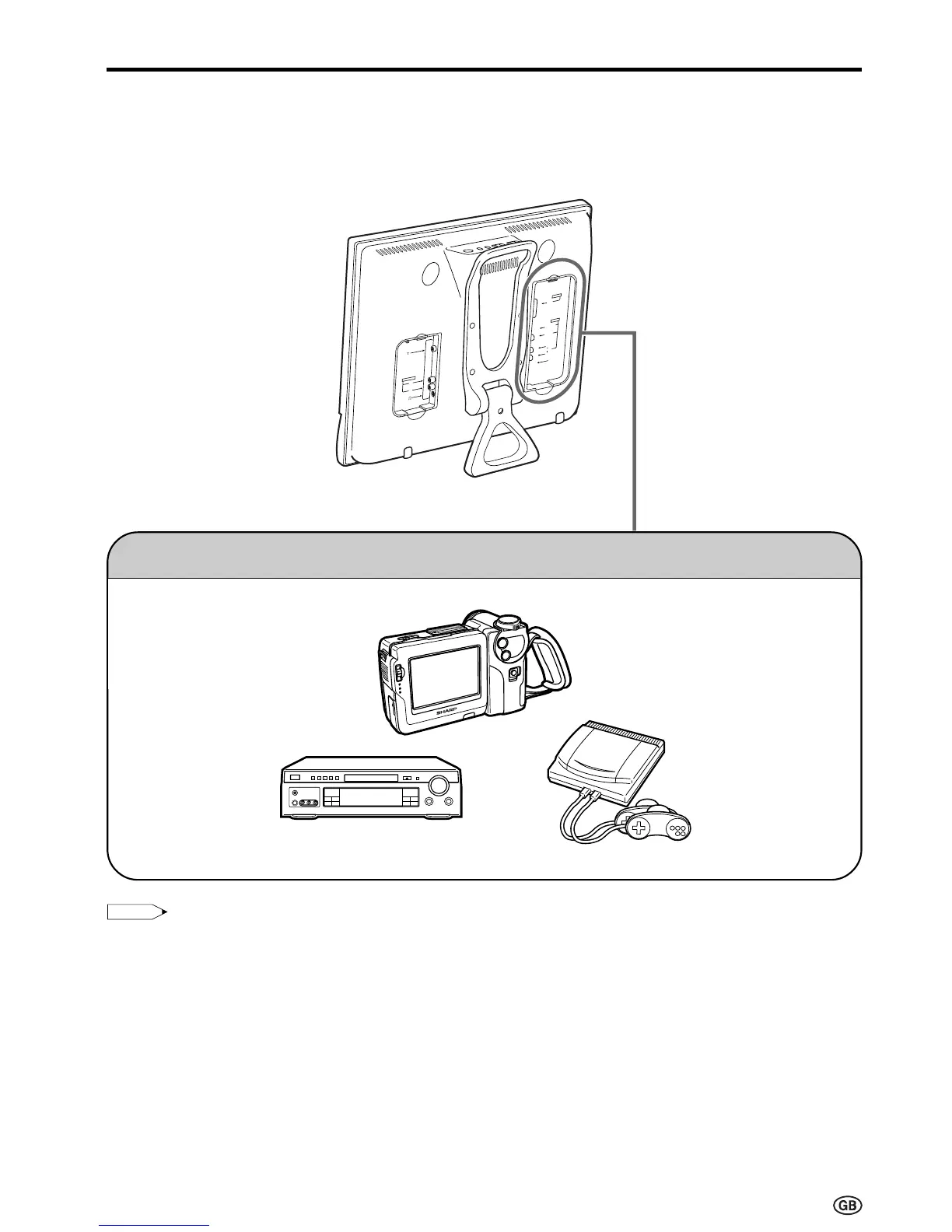
It is possible to enjoy video and sound by connecting a VCR and home video game system to the termi-
nals located on the rear of the main unit.
When connecting an external device, turn off the power of the main unit and connecting device to prevent
any possible damage.
* PC connection is not possible.
To AV-IN 1 or 2 terminal
AV-IN 1
RGB
AV-IN 2
S-VIDEO
VIDEO
L
R
AUDIO
POWER
INPUT
DC12V
L
R
AUDIO OUT
Examples of external devices that can be connected
• Video camera
• Home video game system
• VCR
• Laser disc player
• DVD
• Decoder
TUNER/BAND
DVD
AUX 1
AUX 3
AUX 2
SURROUND
ON/OFF
Note:
Note:
• Use a commercially available audio/video cord for the cable.
• Only connect audio/video signals to AV-IN 1 and 2 terminals. Connecting other signals may result in a malfunction.
• The VIDEO input terminal and the S-VIDEO input terminal on the AV-IN 2 side are shared connections with priority
given to the S-VIDEO terminal. If both terminals are connected, the video signals from the S-VIDEO input terminal
are selected for the AV-IN 2 input.
When viewing video from the VIDEO input terminal, do not connect anything to the S-VIDEO input terminal.
• For details concerning usage and connection of external devices, see the respective instruction manuals.













 To Next Page