33
Useful Features (Continued)
|
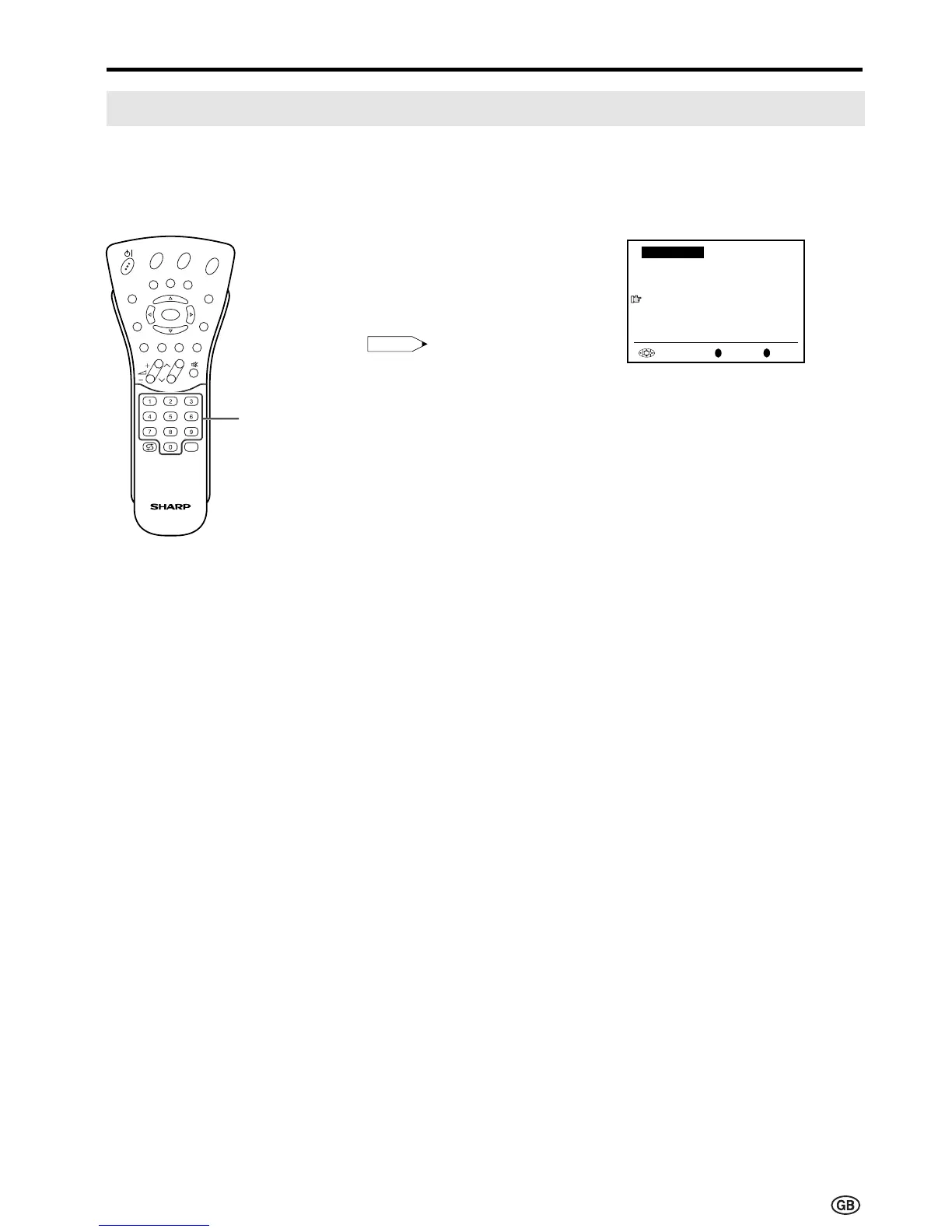
When the PIN input screen
appears, input your PIN with
Channel Select. The normal
screen appears when the PIN is
correctly entered.
Note:
• If the PIN has been input
incorrectly, “Wrong PIN!” is
displayed.
OK
Back
M
End
E
Child lock
Please define your PIN.
Child lock
[
????
]
Channel
Select
E
CH
TV/VIDEO
REVEAL
HOLD
END
M
MENUSOUND
SUBTITLE
OK
SUBPAGE
TEXT
ROTATE
BRIGHT
T
[4] Temporarily cancelling the Child Lock setting
You can view a programme for which a Child Lock has been set by temporarily cancelling the Child
Lock setting. Perform the procedure below to input your PIN and cancel the Child Lock if you are
prompted to do so.
Child Lock (Continued)













 To Next Page