EasyManua.ls Logo

Sharp FO-A660 - User Manual

Sharp FO-A660
103 pages
Print Icon
To Next Page IconTo Next Page
Loading...
MODEL
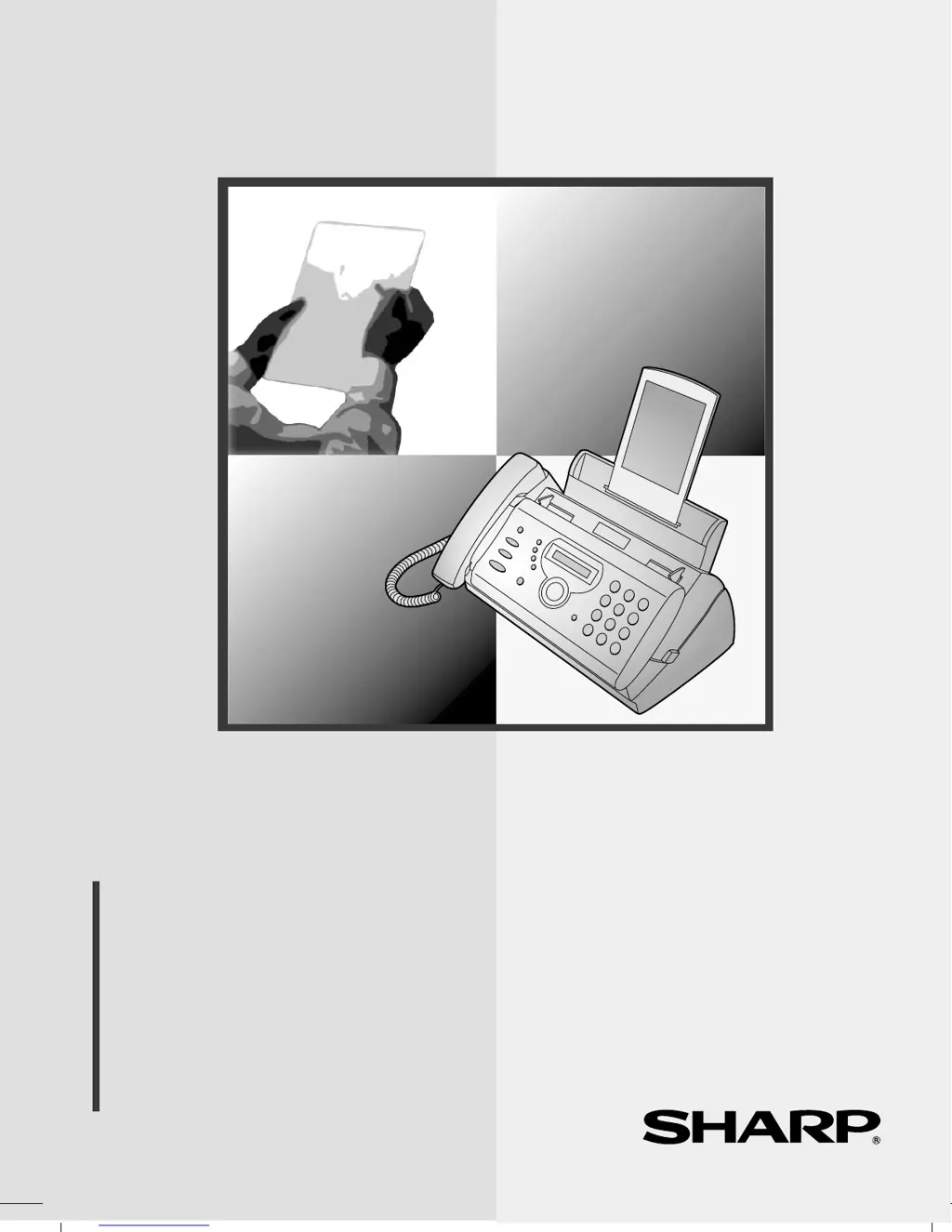
FO-A660
OPERATION MANUAL
FACSIMILE
1. Installation
2. Using the Answering Machine
3. Sending Faxes
4. Receiving Faxes
5. Making Copies
6. Special Functions
7. Printing Lists
8. Maintenance
9. Troubleshooting

Table of Contents

Questions and Answers

  • J
    John JohnsonSep 23, 2025
    What to do if my Sharp FO-A660 is not responding to key presses?
    • M
      Michelle BakerSep 23, 2025
      If the machine does not respond when you press any of its keys, and no beep sound is made, unplug the power cord and then plug it in again after several seconds.
  • E
    Eric LeeSep 23, 2025
    What to do if nothing appears in the display of my Sharp FO-A660 Fax Machine?
    • C
      Carol LeSep 23, 2025
      If nothing appears in the display, make sure the power cord is properly plugged into a power outlet. Also, connect another electrical appliance to the outlet to see if it has power.
  • T
    Tonya GomezSep 23, 2025
    Why is a distorted image received at the other end from my Sharp FO-A660?
    • M
      Michael MoralesSep 23, 2025
      If a distorted image is received at the other end, it could be due to noise on the telephone line. Try sending the document again. If the copy is also distorted, your fax machine may need service.
  • N
    Natasha WuAug 31, 2025
    Why is Sharp Fax Machine speaker howling?
    • U
      uturnerAug 31, 2025
      If a loud howling sound occurs when using the speaker on your Sharp Fax Machine, it may be due to feedback. To avoid this, turn off the speaker before replacing the handset.
  • E
    ericgilesAug 25, 2025
    What to do if LINE ERROR appears on Sharp FO-A660?
    • N
      Nicole PerryAug 25, 2025
      If the 'LINE ERROR' message appears on your Sharp Fax Machine, attempt the transaction again. If the issue persists: * Ensure the connection cord from the TEL. LINE socket to the wall is no more than two meters. * Verify no modem devices share the same line. * Confirm the other fax machine functions correctly. * Check your telephone line for noise. * Try a different telephone line. * If the problem continues, your fax machine may require professional attention.
  • L
    Lauren RayAug 25, 2025
    Why are received images distorted on Sharp FO-A660?
    • M
      Mary HerreraAug 26, 2025
      If received images are distorted on your Sharp Fax Machine, the issue might be due to noise on the telephone line. Ask the sender to resend the document. Also, the print head could be dirty. Make a copy or print a report; if the copy or report is distorted too, your fax machine may need service.
  • J
    Joseph JordanAug 26, 2025
    Why is dialing not possible on Sharp FO-A660 Fax Machine?
    • M
      melissalozanoAug 26, 2025
      If dialing is not possible on your Sharp Fax Machine, ensure the power cord is properly plugged into a power outlet and that the telephone line is correctly connected to both the TEL. LINE socket and the wall socket. Also, verify that the fax machine is set to the correct dialing mode for your telephone line.
  • D
    Diamond McgeeAug 27, 2025
    What to do if my Sharp Fax Machine won't transmit?
    • M
      Marcus ClarkeAug 27, 2025
      If your Sharp Fax Machine is powered on but not transmitting, ensure the receiving machine has paper and the telephone line cord is plugged into the TEL. LINE socket, not the TEL. SET socket. If the receiving machine is in manual mode without an attendant, reception won't be possible. Check the display for error messages and listen for a dial tone.
  • J
    Jason EatonAug 27, 2025
    Why is my Sharp Fax Machine not receiving faxes?
    • D
      David WilliamsonAug 27, 2025
      If your Sharp Fax Machine is on but not receiving, make sure the telephone line cord is plugged into the TEL. LINE socket, and not the TEL. SET socket.
  • P
    Peter GrahamAug 28, 2025
    Why does Sharp Fax Machine print blank pages when receiving?
    • S
      Stacey GonzalezAug 28, 2025
      If the printing paper comes out blank when you try to receive a document on your Sharp Fax Machine, ensure that the document is loaded properly in the feeder of the transmitting machine. Make a copy or print a report to confirm your machine's printing ability.

Summary

Installation Guide

Connections

Details for connecting handset, power cord, and telephone line.

Loading Imaging Film

Instructions for installing the film roll for printing output.

Loading Printing Paper

Guide on how to properly load paper into the tray for printing.

Entering Name and Fax Number

Steps to input personal identification for outgoing faxes.

Setting Reception Mode

How to select the mode for receiving faxes and calls.

Using the Answering Machine

Recording Outgoing Message

Guide to record the greeting message for callers.

Activating Answering Machine

Steps to enable the answering machine function for receiving calls.

Sending Faxes

Sending Fax by Normal Dialling

Step-by-step guide for sending faxes manually.

Sending Fax by Automatic Dialling

Instructions for storing and using auto-dial numbers.

Sending Fax From Memory

Transmitting documents stored in the machine's memory.

Receiving Faxes

Special Functions

Troubleshooting

Problems and Solutions

General guide to resolving common issues.

Dialling and Transmission Problems

Solutions for issues related to making calls and sending faxes.

Reception and Copying Problems

Fixes for issues with receiving faxes and making copies.

Messages and Signals

Explains display messages and audible alerts.

Clearing Paper Jams

Steps to remove jammed paper or documents.

Sharp FO-A660 Specifications

General IconGeneral
TypePlain Paper Fax
Print TechnologyThermal Transfer
DisplayLCD
Memory512 KB
Paper SizeA4, Letter

Related product manuals