EasyManua.ls Logo

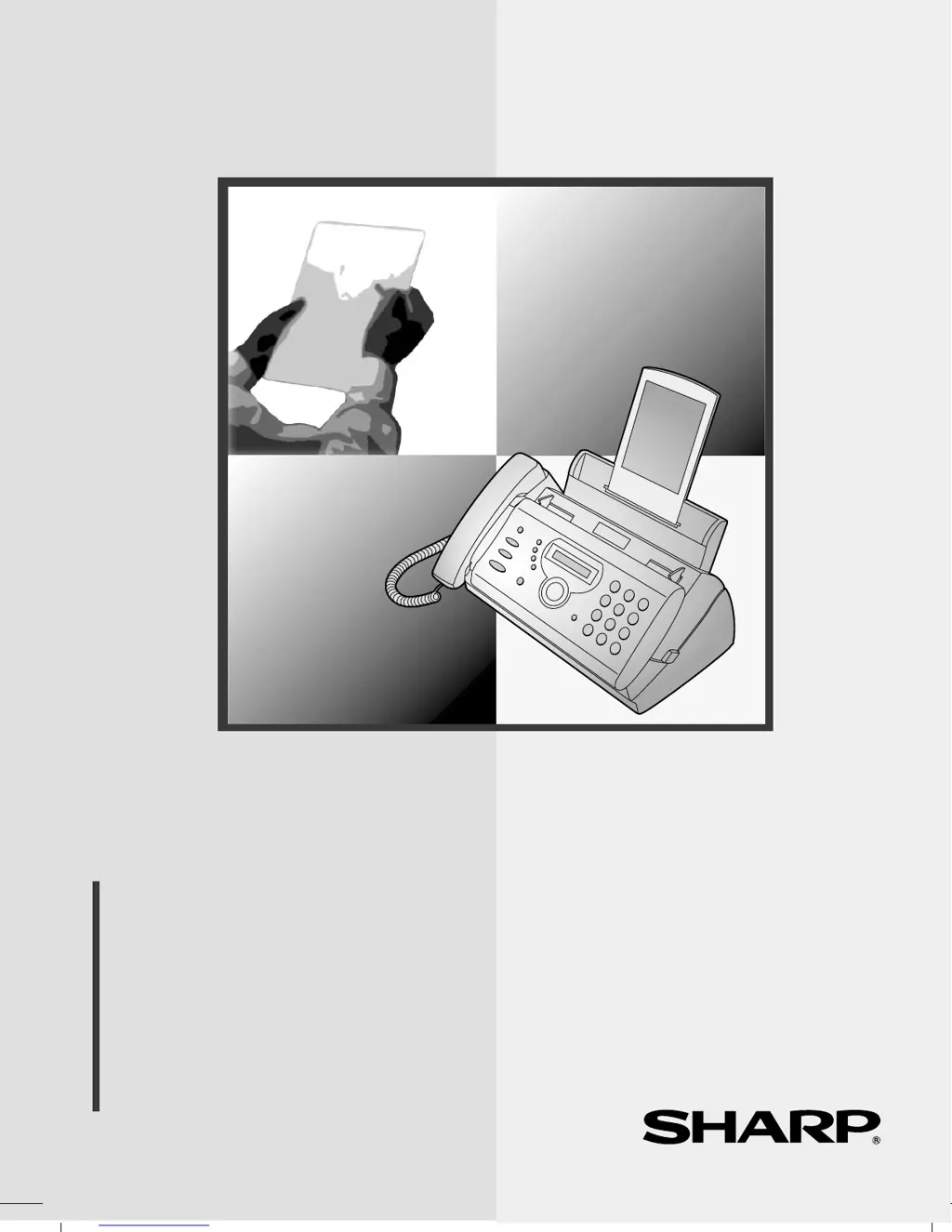
Sharp FO-A660 - User Manual

Sharp FO-A660
103 pages
Print Icon
To Next Page IconTo Next Page
Loading...
MODEL
FO-A660
OPERATION MANUAL
FACSIMILE
1. Installation
2. Using the Answering Machine
3. Sending Faxes
4. Receiving Faxes
5. Making Copies
6. Special Functions
7. Printing Lists
8. Maintenance
9. Troubleshooting

Table of Contents

Questions and Answers

  • K
    Kathleen SmithSep 4, 2025
    What does 'CHECK FILM/ CHECK COVER/ CHECK PAPER JAM' mean on Sharp Fax Machine?
    • J
      Jesus BlairSep 4, 2025
      If your Sharp Fax Machine displays the alternating messages 'CHECK FILM/ CHECK COVER/ CHECK PAPER JAM', there's a problem in the print compartment preventing printing. Check if the imaging film is loaded properly or needs replacement. Ensure the operation panel is completely closed by pressing down on both sides. If a paper jam has occurred, clear the jam.
  • J
    Jasmine WeissSep 4, 2025
    What does CHECK PAPER SIZE mean on Sharp FO-A660?
    • R
      romanandresSep 5, 2025
      If your Sharp Fax Machine displays 'CHECK PAPER SIZE', an incorrect paper size is loaded. Remove the paper and load A4-size paper.
  • D
    David GarciaSep 5, 2025
    What does DOCUMENT JAMMED mean on Sharp Fax Machine?
    • L
      Laura CrossSep 5, 2025
      If your Sharp Fax Machine displays 'DOCUMENT JAMMED', the original document is jammed. Document jams can occur if you load more than 10 pages at once or load documents that are too thick.
  • S
    Sherri ChavezSep 6, 2025
    What does OVER HEAT mean on Sharp FO-A660 Fax Machine?
    • C
      Christopher FitzgeraldSep 6, 2025
      If your Sharp Fax Machine displays 'OVER HEAT', the print head has overheated. Operation can continue after it cools down. If overheating frequently occurs, try changing the print contrast setting to LIGHT.
  • W
    whitephilipSep 6, 2025
    What does PRINT HEAD FAIL mean on Sharp FO-A660?
    • D
      Danielle NewmanSep 7, 2025
      If your Sharp Fax Machine displays 'PRINT HEAD FAIL/ YOU NEED SERVICE', the print head has failed and requires service.

Summary

Installation Guide

Connections

Details for connecting handset, power cord, and telephone line.

Loading Imaging Film

Instructions for installing the film roll for printing output.

Loading Printing Paper

Guide on how to properly load paper into the tray for printing.

Entering Name and Fax Number

Steps to input personal identification for outgoing faxes.

Setting Reception Mode

How to select the mode for receiving faxes and calls.

Using the Answering Machine

Recording Outgoing Message

Guide to record the greeting message for callers.

Activating Answering Machine

Steps to enable the answering machine function for receiving calls.

Sending Faxes

Sending Fax by Normal Dialling

Step-by-step guide for sending faxes manually.

Sending Fax by Automatic Dialling

Instructions for storing and using auto-dial numbers.

Sending Fax From Memory

Transmitting documents stored in the machine's memory.

Receiving Faxes

Special Functions

Troubleshooting

Problems and Solutions

General guide to resolving common issues.

Dialling and Transmission Problems

Solutions for issues related to making calls and sending faxes.

Reception and Copying Problems

Fixes for issues with receiving faxes and making copies.

Messages and Signals

Explains display messages and audible alerts.

Clearing Paper Jams

Steps to remove jammed paper or documents.

Sharp FO-A660 Specifications

General IconGeneral
TypePlain Paper Fax
Print TechnologyThermal Transfer
DisplayLCD
Memory512 KB
Paper SizeA4, Letter

Related product manuals