LC-60/70EQ10U,SQ10U/15U/17U,TQ15U,UQ17U
5 – 15
• LC-60/70UQ17U
Adjustment
point
Adjustment conditions Adjustment procedure
1 Setting 1) Set the unit to the following conditions.
AV MODE: [DYNAMIC]
Backlight: +16
Active Contrast: OFF
Aging Time: Min. 30 minutes
Resolution Enhanced:Mode1
2) Connect the unit with the white balance adjustment jig.
3) Display the adjustment screen in RS-232C command.
2 Automatic
adjustment exe-
cution
[Command]
Process mode
KRSW0001
KKT10037
Setting
KY0F0000
0SDS0001
SBSL0016
Multi-point adjustment mode
MSET0011
Point 7
LEV70232
MG7R0928
MG7G0928
MG7B0928
MG7Y0928
1G7G****
1G7B****
1G7R****
1G7Y****
Point 6
LEV60196
MG6R0800
MG6G0800
MG6B0800
MG6Y0800
1G6G****
1G6B****
1G6R****
1G6Y****
Point 5
LEV50156
MG5R0528
MG5G0528
MG5B0528
MG5Y0528
1G5G****
1G5B****
1G5R****
1G5Y****
Point 4
LEV40108
MG4R0456
MG4G0456
MG4B0456
MG4Y0456
1G4G****
1G4B****
1G4R****
1G4Y****
Point 3
LEV30076
MG3R0232
MG3G0232
MG3B0232
MG3Y0232
1G3G****
1G3B****
1G3R****
1G3Y****
[Adjustment procedure]
1) Send the “adjustment process” code using the remote control.
Enter the following in the WB adjustment value of the high-side.(Point1~7 RGBY
value)
2) Set the point 7 to the specified gradation, specify the strongest color as the fixed
color, and adjust the RGB so that it becomes the standard value through the negative
adjustment.
After adjustment, compare the R and G values; based on that result, calculate the Ye
value in the following conditions.
R > G: Ye = G x 1.05
R ≤ G: Ye = R x 1.05
* If the Ye value exceeds the initial value (input gradation x 4), round it off to that
value or less.
3) Set the point 6 to the specified gradation, and set the G correction value (784 x G
value of point 7/928) (fractions rounded off) and the Ye correction value (784 x Ye
value of point 7/928) (fractions rounded off); then adjust RB so that it becomes the
standard value.
4) Set the point 5 to the specified gradation, and set the G correction value (624 x G
value of point 7/928) (fractions rounded off) and the Ye correction value (624 x Ye
value of point 7/928) (fractions rounded off); then adjust RB so that it becomes the
standard value.
5) Set the point 4 to the specified gradation, and set the G correction value (432 x G
value of point 7/928) (fractions rounded off) and the Ye correction value (432 x Ye
value of point 7/928) (fractions rounded off); then adjust RB so that it becomes the
standard value.
6) Set the point 3 to the specified gradation, and set the G correction value (304 x G
value of point 7/928) (fractions rounded off) and the Ye correction value (296 x Ye
value of point 7/928) (fractions rounded off); then adjust RB so that it becomes the
standard value.
7) Set the point 2 to the specified gradation, and set the G correction value (192 x G
value of point 7/928) (fractions rounded off) and the Ye correction value (192 x Ye
value of point 7/928) (fractions rounded off); then adjust RB so that it becomes the
standard value.
8) Set the point 1 to the specified gradation, and set as follows:
G correction value (80 x G value of point 7/928) (fractions rounded off)
Ye correction value (80 x Ye value of point 7/928) (fractions rounded off)
R correction value (80 x R value of point 2/192) x R_GAIN (fractions rounded off)
B correction value (80 x B value of point 2/192) x B_GAIN (fractions rounded off)
GAIN value
R_GAIN = 0.990, B_GAIN = 1.019
9) Write the adjustment value by the MSET0030 command.
[Adjustment value]
* According to the “Standard settings” submitted by the Technical Department
[LC60UQ17U] UQ Serise teaching set
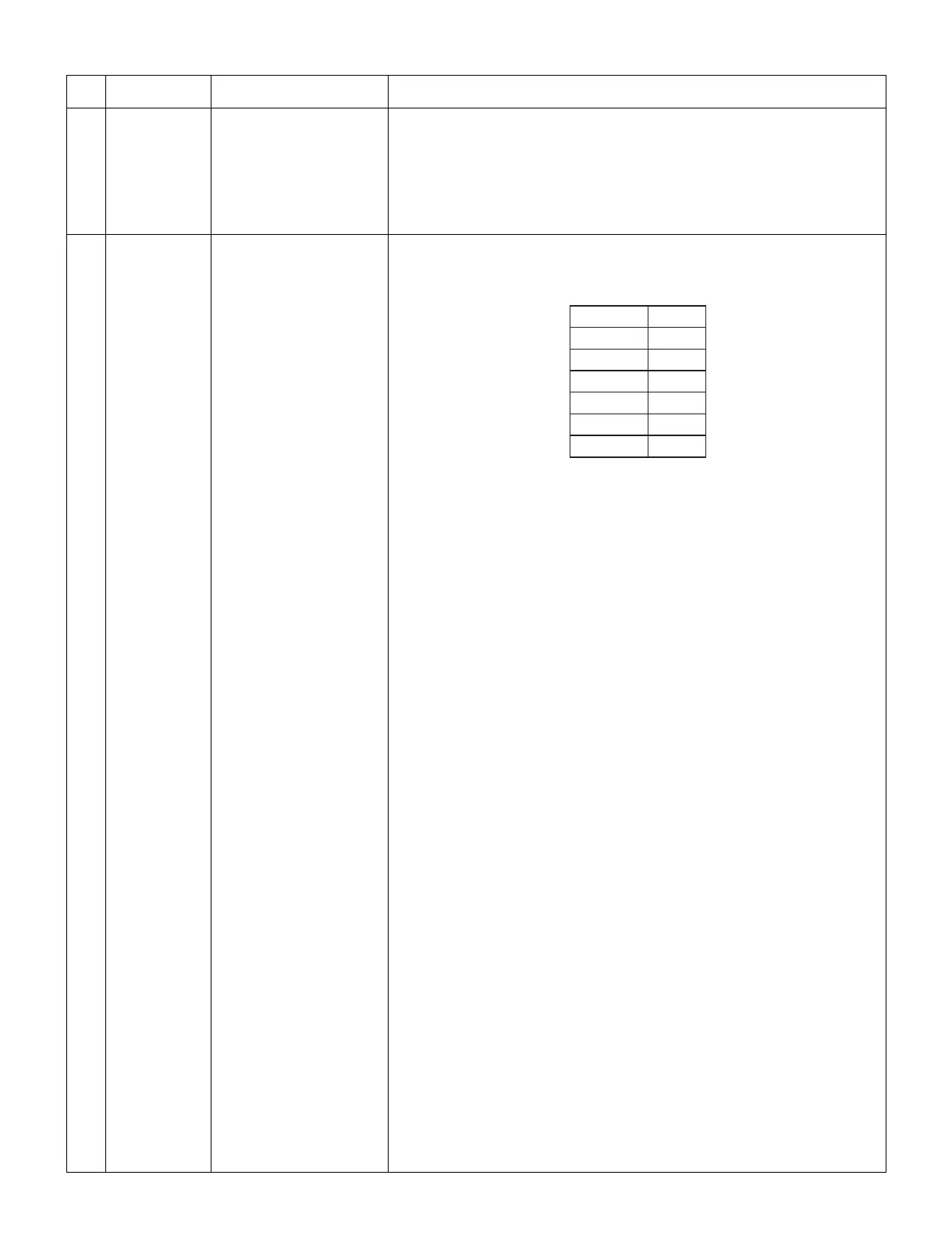
2QKPV
2QKPV
2QKPV
2QKPV
2QKPV
2QKPV
2QKPV




 To Next Page