MX-C250 SIMULATION 6 – 62
64-4
Purpose
Operation test/check
Function (Purpose)
Printer test print. (Self print) (256 grada-
tions)
Section
Operation/Procedure
1) Select an item to be set with Arrow keys.
2) Enter the set value with 10 keys.
3) Press [OK]/[START] key.
The set value in step 2) is saved.
<Print pattern of Item A>
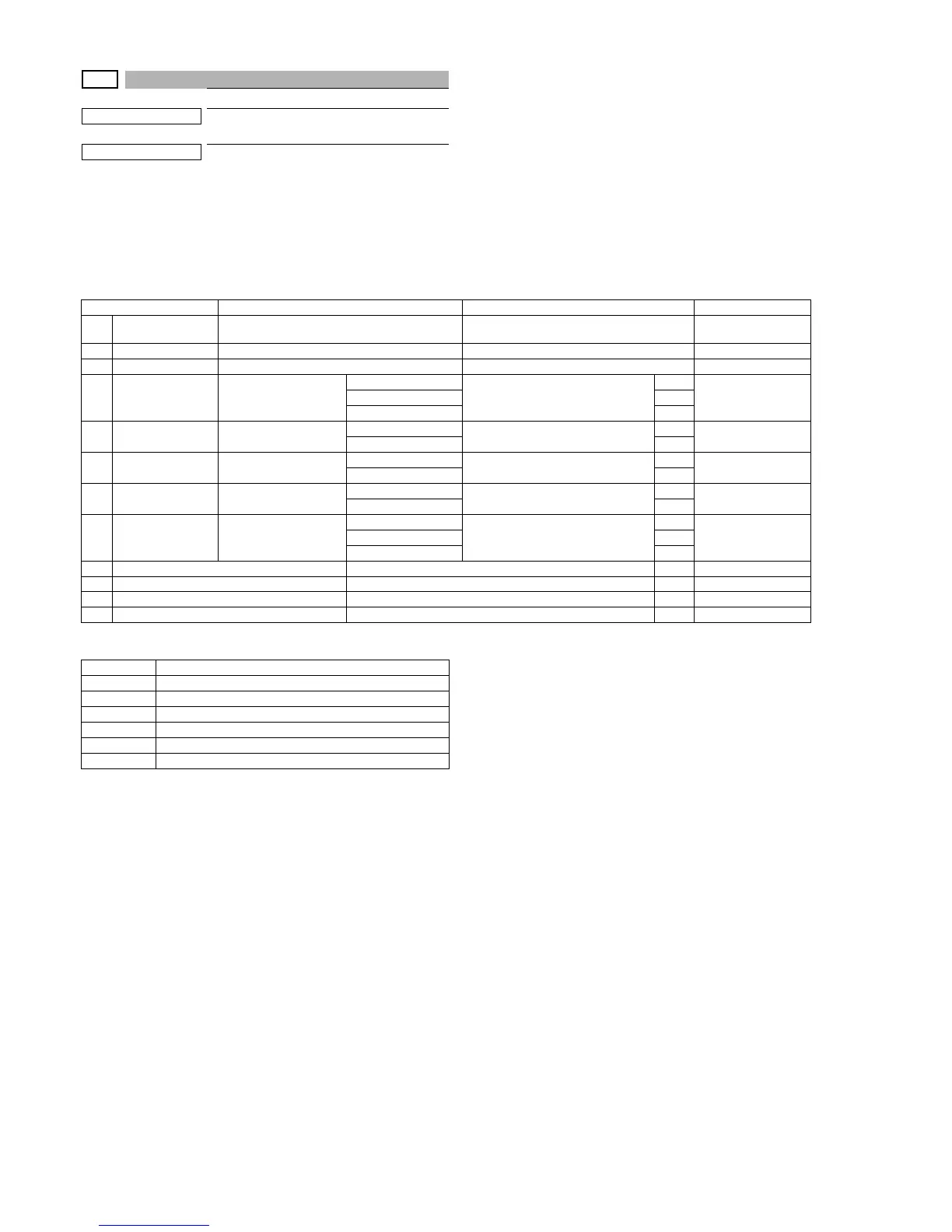
Item/Display Content Setting range Default value
1 PRINT PATTERN
Specification of the print pattern
(* For details, refer to the description below.)
1 - 6 6
2 DENSITY Print density selection 1 - 255 128
3 MULTI COUNT Number of print 1 - 999 1
4 PAPER
Paper feed tray selec-
tion
Manual paper feed
1 - 3
1
2
(CS1)
CS1 2
CS2 3
5HALFTONE Halftone
Low
0 - 1
0
0
(LOW)
High 1
6 QUALITY Image quality setting
Standard
0 - 1
0
1 (HIGHQUALITY)
High quality 1
7DITHER
Specification of dither
correction
Straight
0 - 1
0
0
(Straight)
Calibration 1
8 PAPER TYPE Paper type
Plain paper
0 - 2
0
0Heavy paper 1
Glossy paper 2
9K Black 0 - 1 6
10 C Cyan 0 - 1 6
11 M Magenta 0 - 1 6
12 Y Yellow 0 - 1 6
Pattern No. Content
1 256 gradations pattern (COLOR)
2 256 gradations pattern (B/W)
3 256 gradations pattern (COLOR) (Y-M-C-K continuous)
4 Half tone pattern (COLOR)
5 Half tone pattern (B/W)
6 4-color background, dot print (Sub scanning)


 To Next Page