UX300U-SFCI
RT
<P=001>
Chapter
7
Special
Functions
Caller ID
If you subscribe to a caller identification service from your telephone
company, you can set your fax to display the name and number of the
caller while the fax rings.
Important:
•
••
• To use this function, you must subscribe to a caller identification
service from your telephone company.
•
••
• Your fax may not be compatible with some caller identification
services.
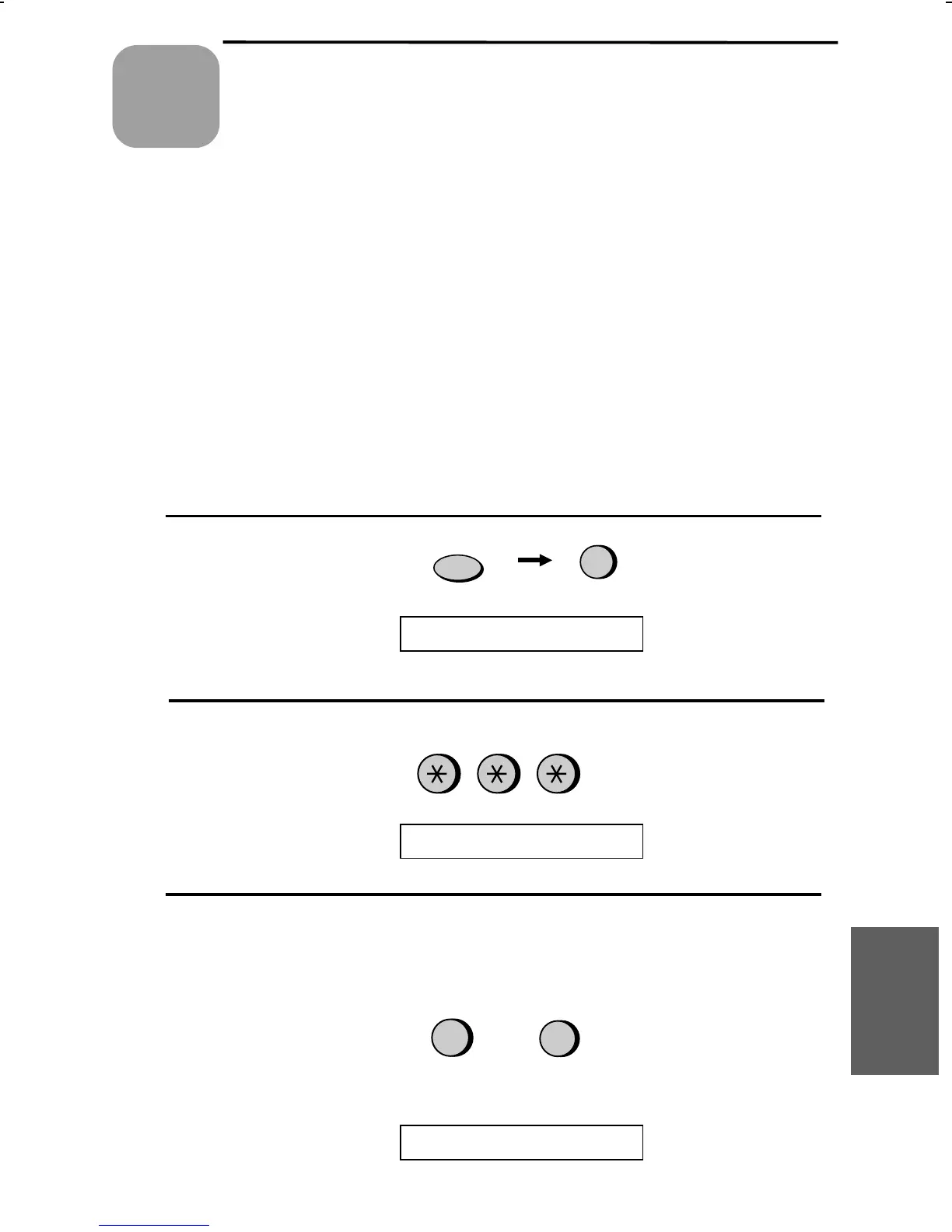
1
Press these keys:
FUNCTION
4
The display will show:
OPTION SETTING
2
Press the * key three times.
The display will show:
CALLER-ID
2
1
3
Press 1 to turn on Caller ID, or 2 to turn
it off. (If you selected 2 (NO), go to
Step 7.)
If you selected 1 (YES), the display
will show:
YES
NO
or
AREA CODE # MODE
7. Special
Functions
65



 To Next Page