43
■
No-sale(exchange)
Simply press the
A
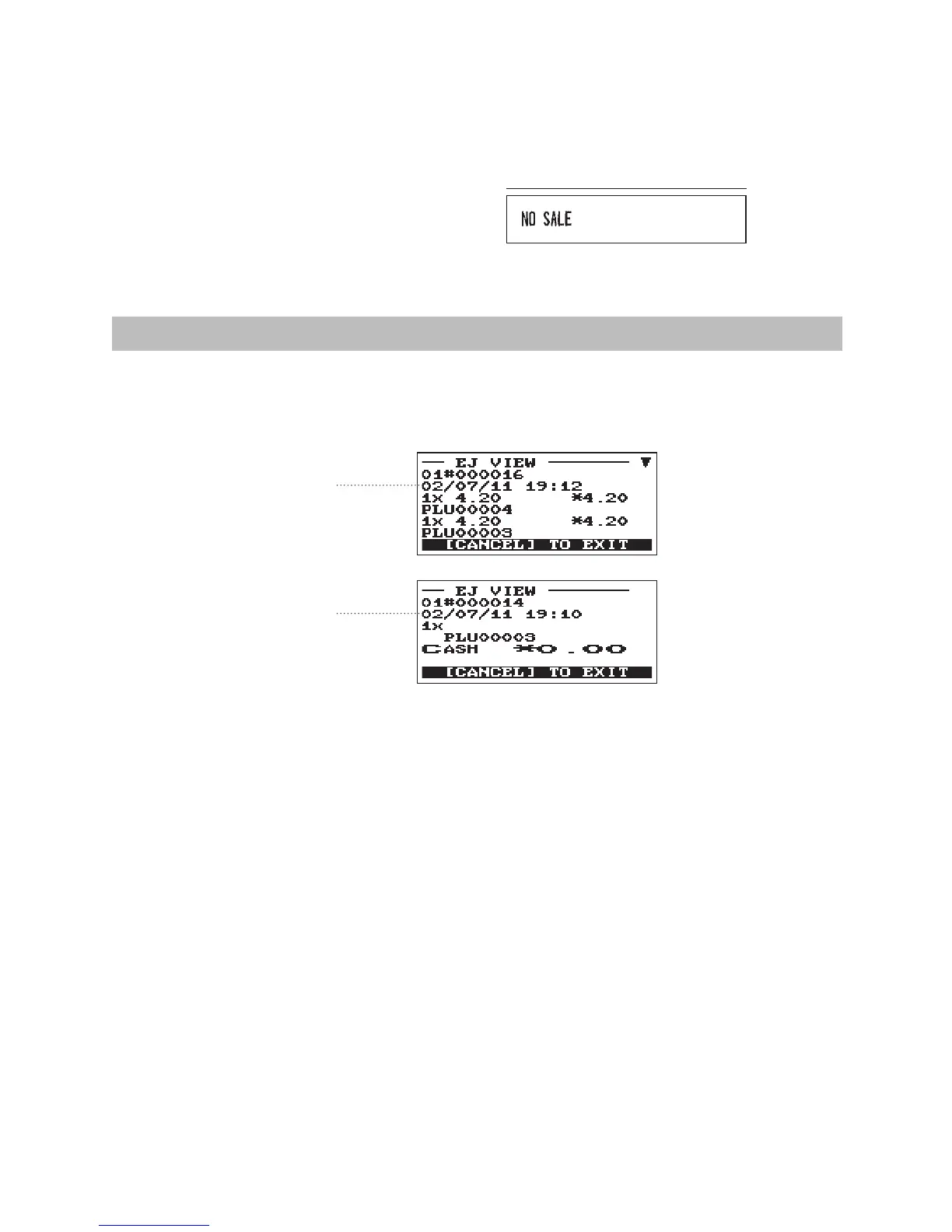
key without any entry. The drawer will open and the printer will print “NO SALE” on
the receipt. If you let your machine print a non-add code number before pressing the
A
key, a no sale
entry is achieved with a non-add code number printed.
Print
ElectronicJournalView
The transaction data is kept in the electronic journal memory.
To display the journal data, press the
f
key, the last transaction data is displayed.
To retroact to past transaction data, press the
f
key repeatedly.
f
f
To exit the electronic journal view, press the
a
key.












 To Next Page