48
6
SpecialPrintingFunction
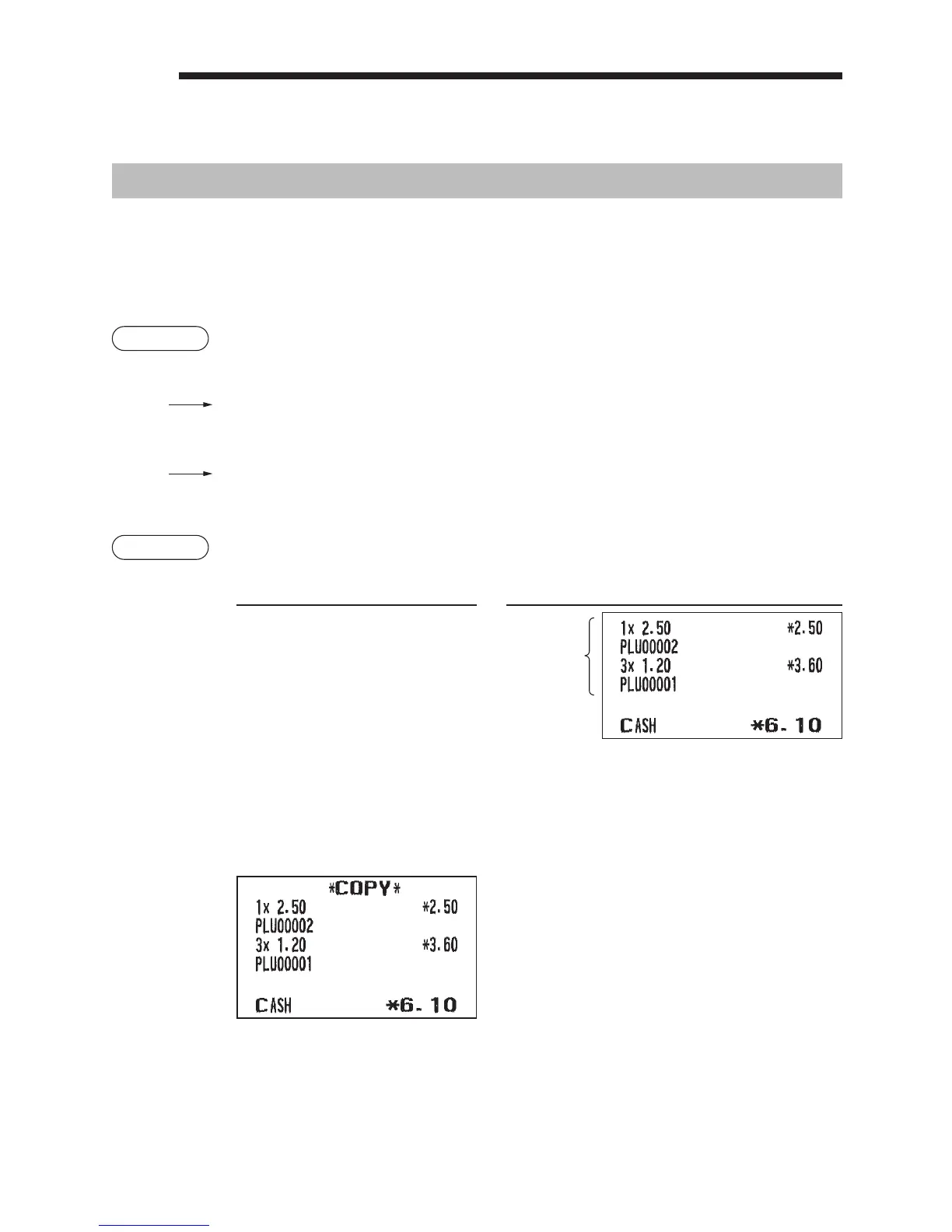
CopyReceiptPrinting
If your customer wants a receipt after you have nalized a transaction with the receipt ON-OFF function in
the OFF status (no receipting), press the
F
key and “4” key for receipting (for XE-A217). Your register
can also print a copy receipt when the receipt ON-OFF function is in the “ON” status.
For XE-A207, press the
F
key and “5” key.
Procedure
XE-A217W/XE-A217B
F
4
(Select “RCPT”)
XE-A207W/XE-A207B
5
(Select “RCPT”)
Example
Printing a receipt after making the entries shown below with the receipt ON-OFF function
“OFF” status
Keyoperation Print
2
3
x
1
A
For receipting
l
F
4*
* “5” for XE-A207
“COPY” is printed on the copy receipt.
Print on the
receipt












 To Next Page