04/5/17 XL-HP888V(Z)E2.fm
E-11
ENGLISH
TINSZA075AWZZ
XL-HP888V
Preparation for Use
System connections (continued)
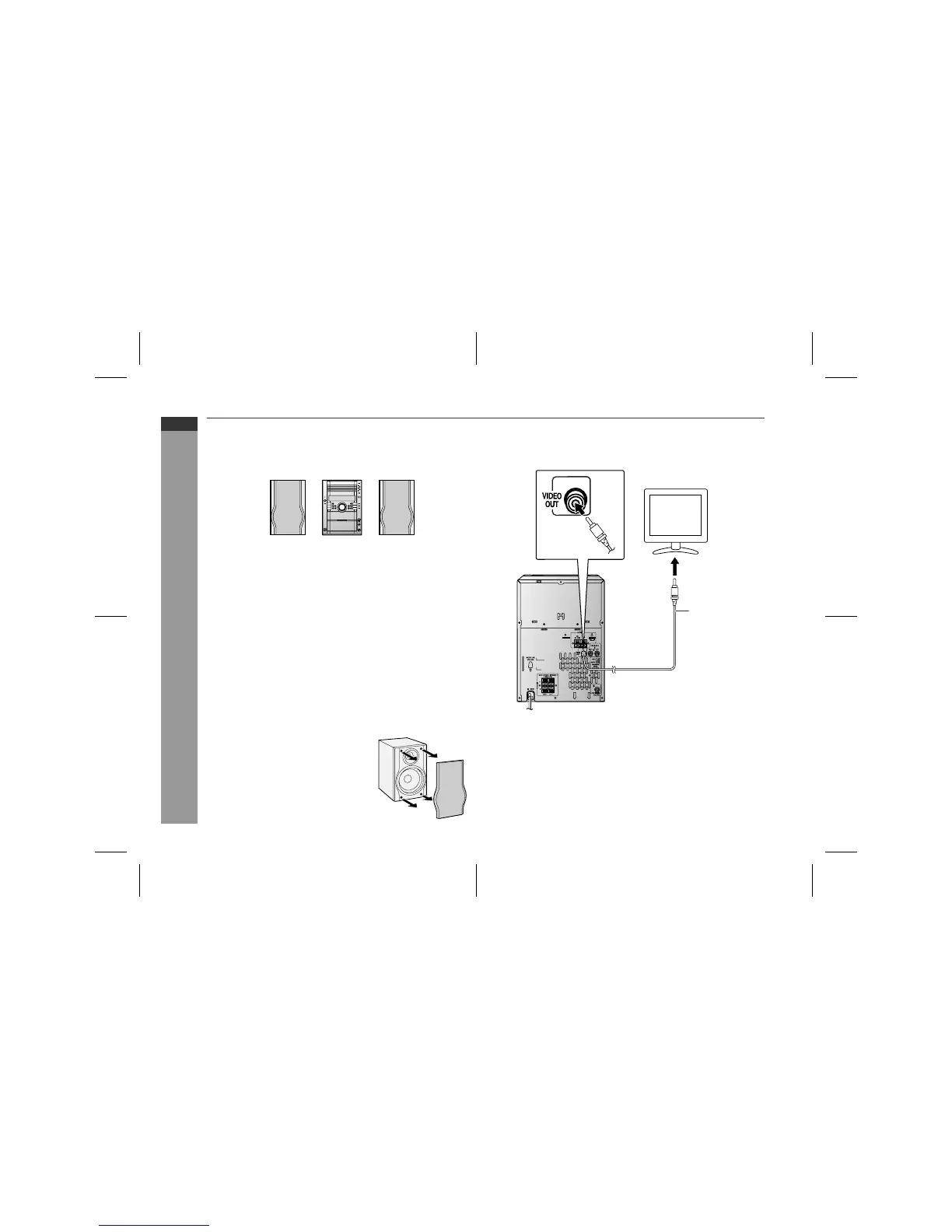
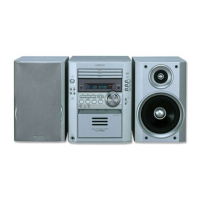
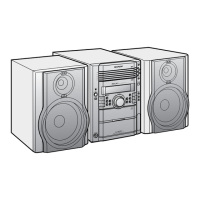
! Placing the speaker system
There is no distinction between the right and the left speakers.
!
Speaker grilles are removable
! TV/monitor connection
If the TV/monitor has a video input, connect it to the VIDEO OUT
socket on the rear of the unit.
Note:
If the TV/monitor does not have a video input, the VIDEO OUT
socket on the unit should be connected to a VCR with a video input,
which in turn should be connected to the TV/monitor through the TV
ANTENNA/CABLE input. (Be sure to turn on the VCR, and set the
VCR's input mode to "auxiliary".)
Left speaker Main unit Right speaker
Notes:
"
The speakers are magnetically shielded.
Therefore, they do not affect the display even you use them near
the TV. However, some colour variation may occur, depending on
the type of TV used.
If colour variation occurs...
Turn off the TV (from the power switch).
After 15 - 30 minutes, turn the TV on again.
If the colour variation is still present...
Move the speakers further away from the TV.
"
If any kind of magnet or an electromagnet is placed too close to
the TV and the system, irregular colours may appear on the TV
screen.
Make sure nothing comes into contact
with the speaker diaphragm when you
remove the speaker grilles.
TV
To video
input socket
Video cable



 To Next Page