EasyManua.ls Logo

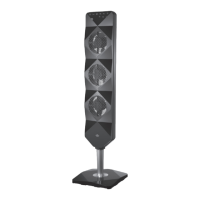
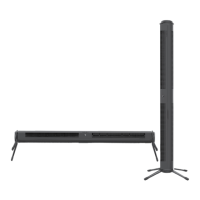
Sharper Image AIRBAR AXIS 32 - User Manual

Sharper Image AIRBAR AXIS 32
21 pages
Print Icon
To Next Page IconTo Next Page
Loading...
MODELS
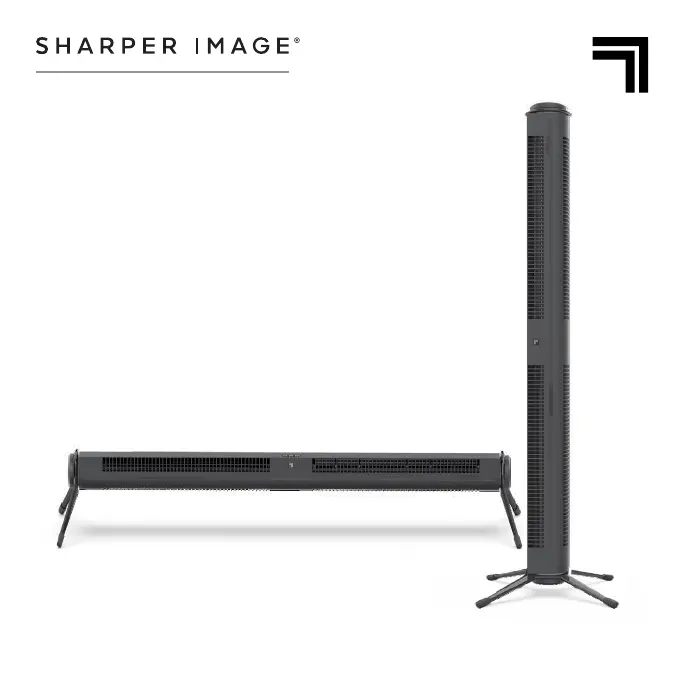
AXIS 32  AXIS 42
AIRBAR
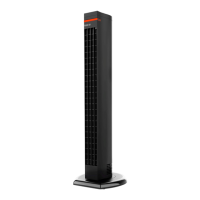
TOWER FAN
OWNER’S GUIDE

Questions and Answers

  • A
    amy52Jul 30, 2025
    How to improve the air circulation of Sharper Image Fan?
    • P
      Philip BakerJul 30, 2025
      To improve the air circulation of your Sharper Image Fan: * Ensure the unit is set to the highest setting for maximum air circulation. * Allow the unit to fully circulate the air throughout the room, which may take several minutes. * Make sure all air inlets and the outlet grille are unobstructed.
  • M
    marvin14Aug 6, 2025
    What to do if the Sharper Image Fan remote control is not working?
    • B
      Betty OwensAug 6, 2025
      If the Sharper Image Fan remote control isn't working, first, replace the batteries with two new AAA batteries. Also, make sure there are no obstructions between the remote and the fan, as the remote requires a clear line of sight.
  • R
    Ryan EllisAug 14, 2025
    Why won't my Sharper Image AIRBAR AXIS 32 Fan turn on?
    • M
      Marc HoodAug 14, 2025
      If your Sharper Image Fan won't turn on, there are a few potential causes. First, ensure the unit is properly plugged into a working outlet. If it still doesn't power on, the fuse may need replacement; check the IMPORTANT INSTRUCTIONS for how to replace the fuse or contact Consumer Service. If the unit is damaged, stop using it, unplug it, and contact Consumer Service for assistance.
  • A
    Adam MaxwellAug 21, 2025
    What to do if the Sharper Image AIRBAR AXIS 32 Fan trips the GFCI outlet?
    • C
      Charles AdamsAug 21, 2025
      If your Sharper Image Fan is tripping the GFCI outlet, try changing to an outlet that is not connected to a GFCI device. The issue may also be a weak or defective GFCI outlet, in which case you should contact a qualified electrician to check the outlet.

Summary

Important Safety Instructions

Intended Use

Defines the product's purpose and limitations for indoor residential use in the US.

Child and Impaired Person Safety

Advises supervision for children and individuals with reduced capabilities during operation and maintenance.

Installation Safety Precautions

Lists safety precautions for installation to prevent fire, electrical shock, and injury, focusing on placement and cord management.

Safe Operation Warnings

Details precautions to prevent fire, electrical shock, and injury during operation, including cord and plug safety.

Servicing and Maintenance Safety

Outlines safety measures for cleaning, maintenance, and repair to prevent hazards like fire and shock.

Fuse Replacement Procedure

Step-by-step guide for replacing the fuse in the product's plug, emphasizing safety precautions.

Operating the Airbar Fan

Remote Control Operation

Troubleshooting Common Issues

Product Warranty Details

Sharper Image AIRBAR AXIS 32 Specifications

General IconGeneral
ModelAIRBAR AXIS 32
CategoryFan
Blade Size32 inches
Number of Speeds3
OscillationYes
Remote ControlYes
TimerYes
Power SourceElectric
ColorBlack

Related product manuals