EasyManua.ls Logo

Sharper Image AIRBAR PORTAL - User Manual

Sharper Image AIRBAR PORTAL
23 pages
Print Icon
To Next Page IconTo Next Page
Loading...
CL30769 RA, V00
833.800.8669 | sihomecomfort.com | help@sihomecomfort.com
MODELS
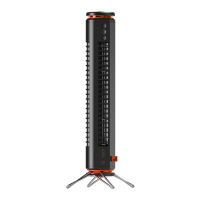
PORTAL, PORTAL XT
PORTAL
WINDOW FAN
OWNER’S GUIDE
GUÍA DEL PROPIETARIO DEL VENTILADOR
DE VENTANA
GUIDE D’UTILISATION  VENTILATEUR DE
FENÊTRE

Questions and Answers

Summary

Important Safety Instructions

Controls

Product Information

Getting Started Window Installation

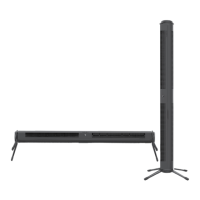
Horizontal Installation Constraint

Specifies that the fan is designed strictly for horizontal window installation and prohibits vertical installation.

Installation Handling

Advises users to keep one hand on the product during installation for safety and stability.

Cleaning & Storage

Cleaning Safety and Procedures

Covers safety warnings and step-by-step instructions for cleaning the fan.

Storage Recommendations

Recommendations for storing the fan during off-season or periods of non-use to maintain its condition.

Troubleshooting

Warranty

Sharper Image AIRBAR PORTAL Specifications

General IconGeneral
Product TypeFan
BrandSharper Image
ModelAIRBAR PORTAL
Power SourceElectric
Voltage120V
Fan Speed Settings3
OscillationYes
Blade MaterialPlastic
Airflow TechnologyBladeless
Room SizeMedium
MaterialPlastic
ColorBlack

Related product manuals