EasyManua.ls Logo

Sharper Image AIRBAR AXIS 47 - User Manual

Sharper Image AIRBAR AXIS 47
31 pages
Print Icon
To Next Page IconTo Next Page
Loading...
MODEL
AXIS 47
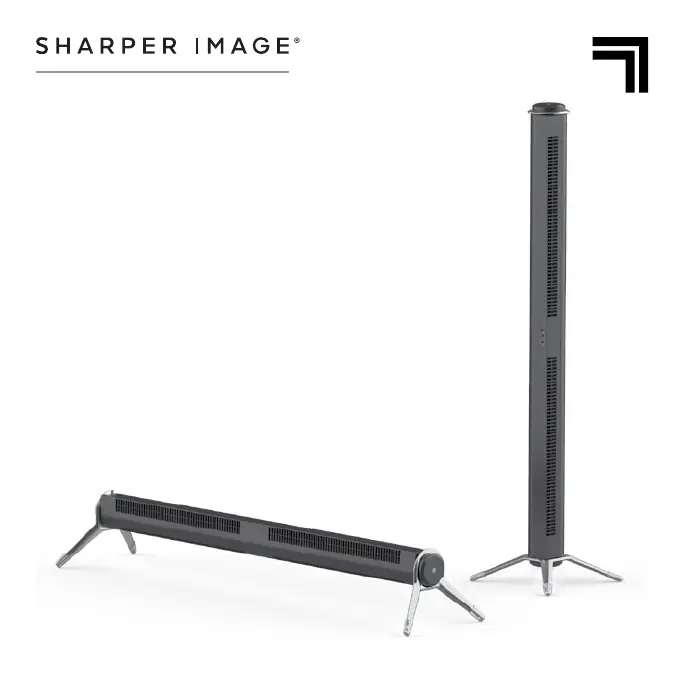
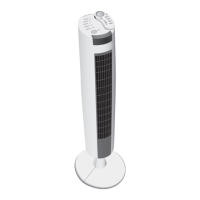
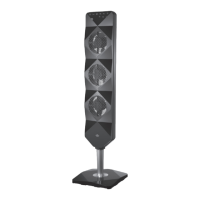
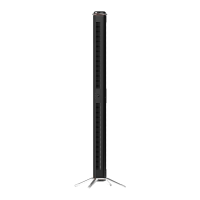
47” AIRBAR
TOWER FAN
OWNER’S GUIDE
GUÍA DEL PROPIETARIO DEL VENTILADOR DE
TORRE AIRBAR™
GUIDE D’UTILISATION VENTILATEUR DE LA
TOUR AIRBAR™

Questions and Answers

  • C
    Chad RobertsJul 28, 2025
    What to do if the GFCI trips when using Sharper Image AIRBAR AXIS 47?
    • T
      Timothy MorseJul 28, 2025
      If the GFCI trips when you're using your Sharper Image Fan, especially while changing speeds, it might be due to a weak or defective GFCI outlet. Try plugging the fan into an outlet that isn't connected to a GFCI. If the problem continues, have a qualified electrician inspect the GFCI outlet.
  • R
    Regina RobertsonAug 4, 2025
    Why is my Sharper Image AIRBAR AXIS 47 Fan not producing enough air?
    • J
      Janet LawsonAug 4, 2025
      If your Sharper Image Fan isn't producing enough air, make sure it's set to the highest speed for maximum circulation. Allow the unit some time to fully circulate the air throughout the room. Also, check that all air inlets and the outlet grill are free from obstructions.
  • M
    Marcus PowellAug 12, 2025
    How to fix Sharper Image AIRBAR AXIS 47 Fan remote control not working?
    • P
      Paul StanleyAug 12, 2025
      If the remote control for your Sharper Image Fan isn't working, first replace the batteries with two new AAA batteries. If that doesn't solve the problem, the remote might not be properly paired with the device. See REMOTE CONTROL SET UP.
  • J
    Jeffrey MyersAug 19, 2025
    What to do if my Sharper Image AIRBAR AXIS 47 Fan won't turn on?
    • C
      Chris BradleyAug 19, 2025
      If your Sharper Image Fan won't turn on, make sure it's properly plugged in. If it still doesn't power on, it could be damaged or in need of repair; stop using it, unplug it, and contact Consumer Service for assistance. Also, the fuse might need to be replaced; check the IMPORTANT INSTRUCTIONS for how to replace the fuse or contact Consumer Service.

Summary

Important Safety Instructions

Installation Warnings

Provides critical safety guidelines to prevent fire, shock, and injury during product setup.

Safe Use Warnings

Outlines essential safety measures to avoid electrical shock, fire, and product damage during operation.

Servicing Warnings

Emphasizes safety precautions during product maintenance and repair to prevent hazards.

Assembly

How to Use

Power On;Off and Speed Control

Explains how to turn the fan on/off and adjust speed settings using the control panel.

Troubleshooting

Warranty

Sharper Image AIRBAR AXIS 47 Specifications

General IconGeneral
ModelAIRBAR AXIS 47
BrandSharper Image
TypeTower Fan
Height47 inches
OscillationYes
Speeds3
Remote ControlYes
TimerYes
Voltage120V
Power SourceElectric

Related product manuals