16
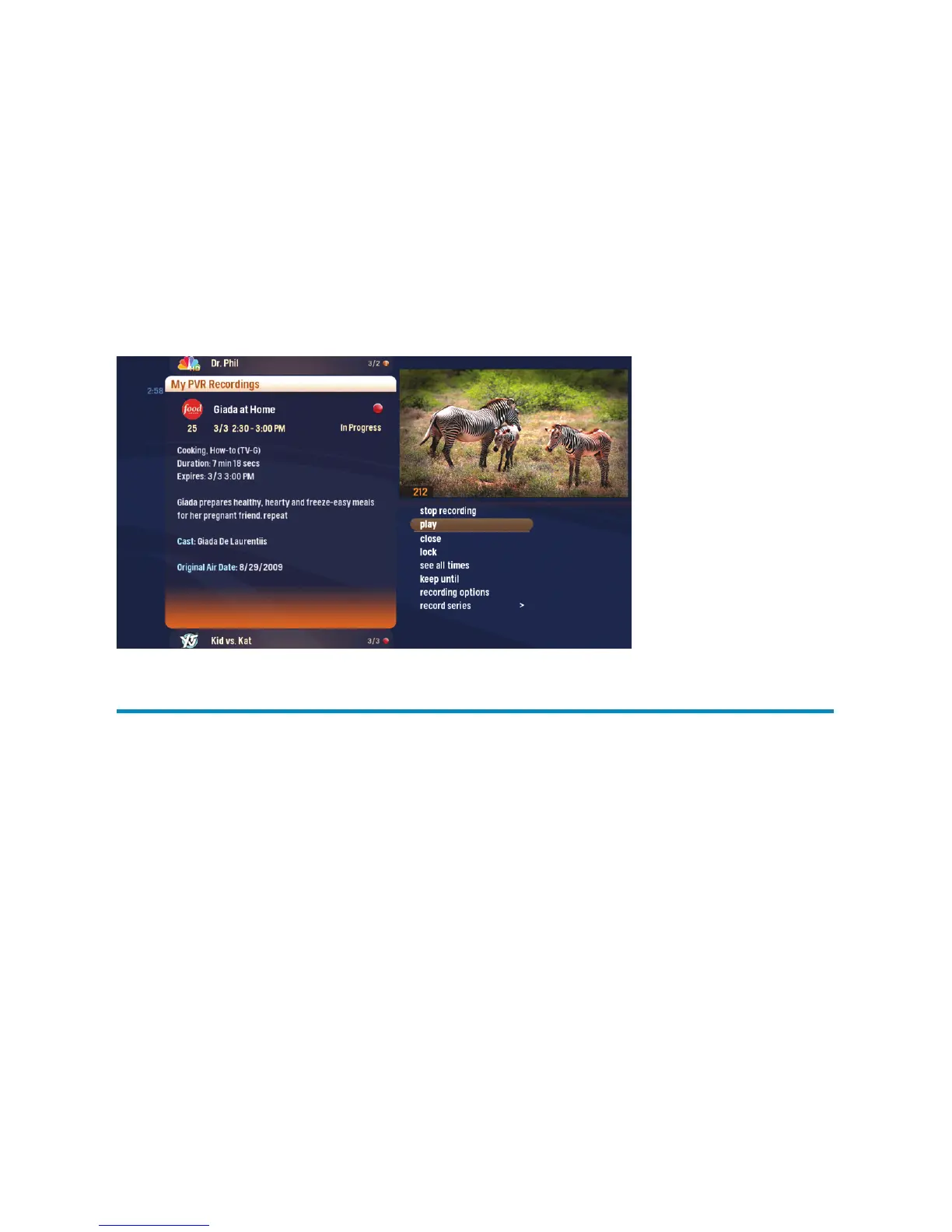
When you press INFO with a recorded program selected, you’ll see a list of options in the
Action Menu:
Play/Start Over – Launches the selected recording from the beginning.
Resume – Plays the recording from the point you left off. This option only appears if
you’ve watched a part of the recording .
See all times – Displays all of the times that particular show airs.
Delete – Permanently erases the selected recording from your Whole Home HDPVR.
Recording options – Lets you access the recording options menu.
Keep Until – Choose if your Whole Home HDPVR should automatically delete recordings
if you need room for new ones.
Lock – Protects the viewing of the selected recording with a user created PIN.
Record Series – You’ll only see this option for a single recorded episode.
Note: Storage can be increased using an eSATA connected external drive.
Contact us for details.
My PVR Recordings –
actions



 To Next Page