28
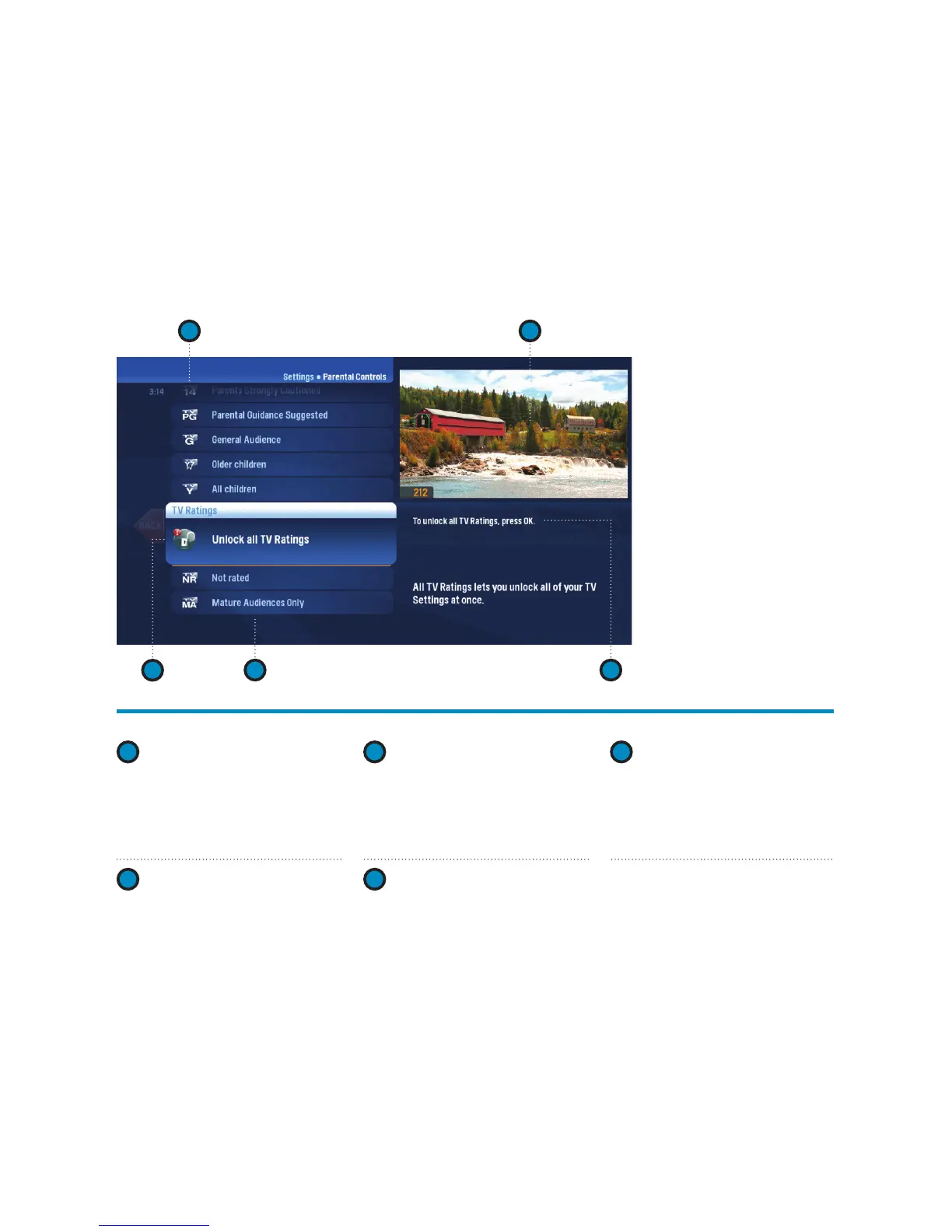
Parental Controls – layout
1 2
3
4 5
1
RATING
You can lock individual ratings
by pressing OK. Locking a
rating locks all higher ratings
above it.
2
PREVIEW WINDOW
Your current program will
continue to play in the preview
window if it’s unlocked.
3
LOCK ICON
The lock icon indicates if the
item is locked.
4
CATEGORY TITLES
Category titles display the
parental control category.
5
HELP
Explains details about the
currently selected rating.



 To Next Page