5
Main menu
To start using your Shaw Whole Home HDPVR, press the MENU button on your remote.
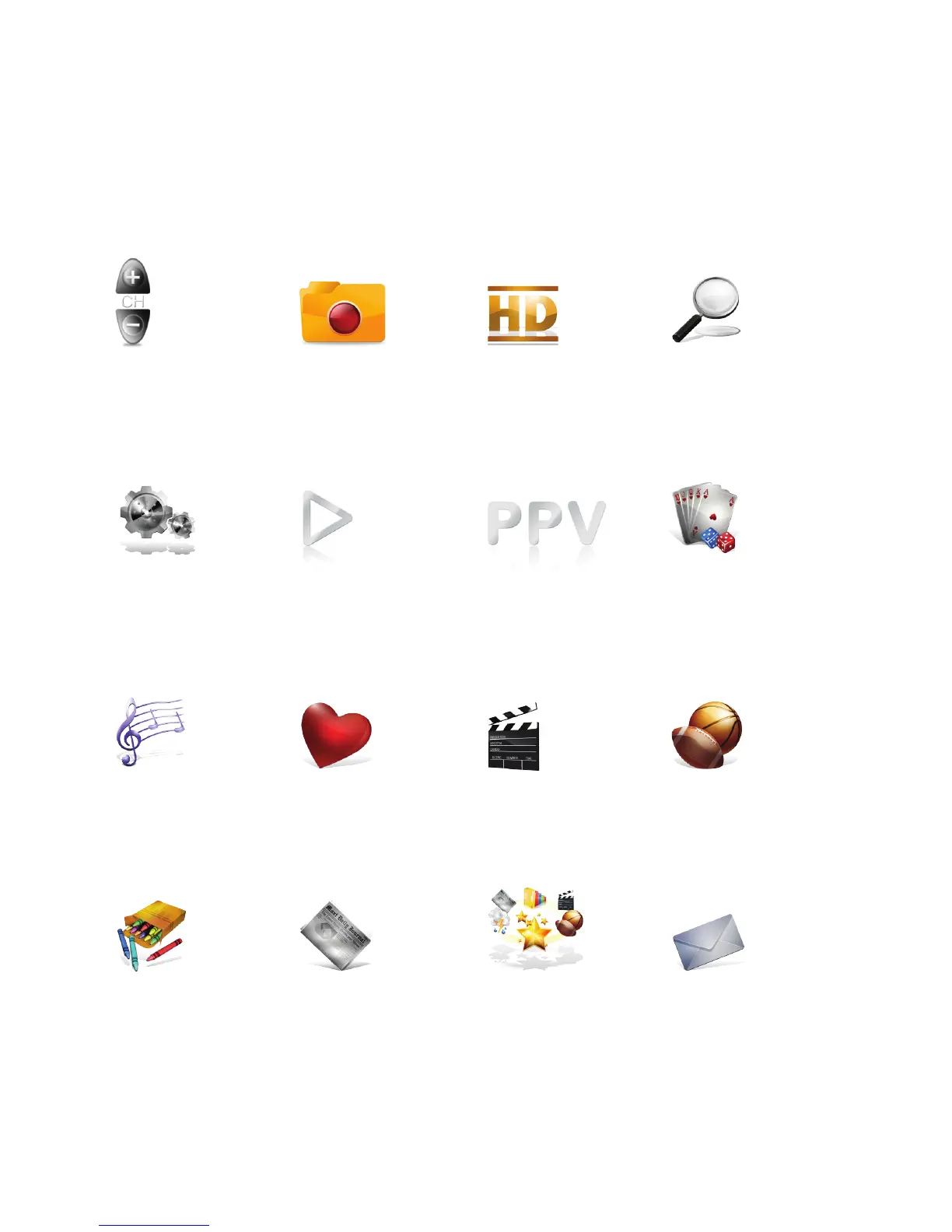
The top level of the Main Menu will appear in the middle of the screen. From there, you’ll
have access to all your menu options.
At any point in your Shaw Whole Home HDPVR experience, press the MENU button
to go back to the Main Menu.
Channels
This menu lists all
available channels.
My PVR Recordings
Access all the
programs
you’ve recorded.
HDTV
Display all your
high‑definition
content.
Search
Integrated search
to find listings,
recordings, and access
Shaw On Demand.
Kids
Access kid‑friendly
movie and TV titles.
News
News channels and
current news
programming.
SuperTicker®
SuperTicker® to
access news, weather
and sports while
watching TV.
Messages
A place to read
messages about Shaw
services and updates.
Music
Access 60 channels
of commercial‑free
music.
Favourites
Create up to five
custom favourite lists
to quickly find movies
and shows.
Movies
Display all movies,
including recordings.
Sports
See a list of current
sports events.
Settings
Personalize your Shaw
Whole Home HDPVR.
Shaw On Demand
Access Shaw On
Demand movies and
TV shows.
Shaw Pay Per View
Find Pay Per View
listings of live events.
Games
Play classic arcade
games like Blackjack
and Slot Machine
on‑screen.



 To Next Page