8
Channel
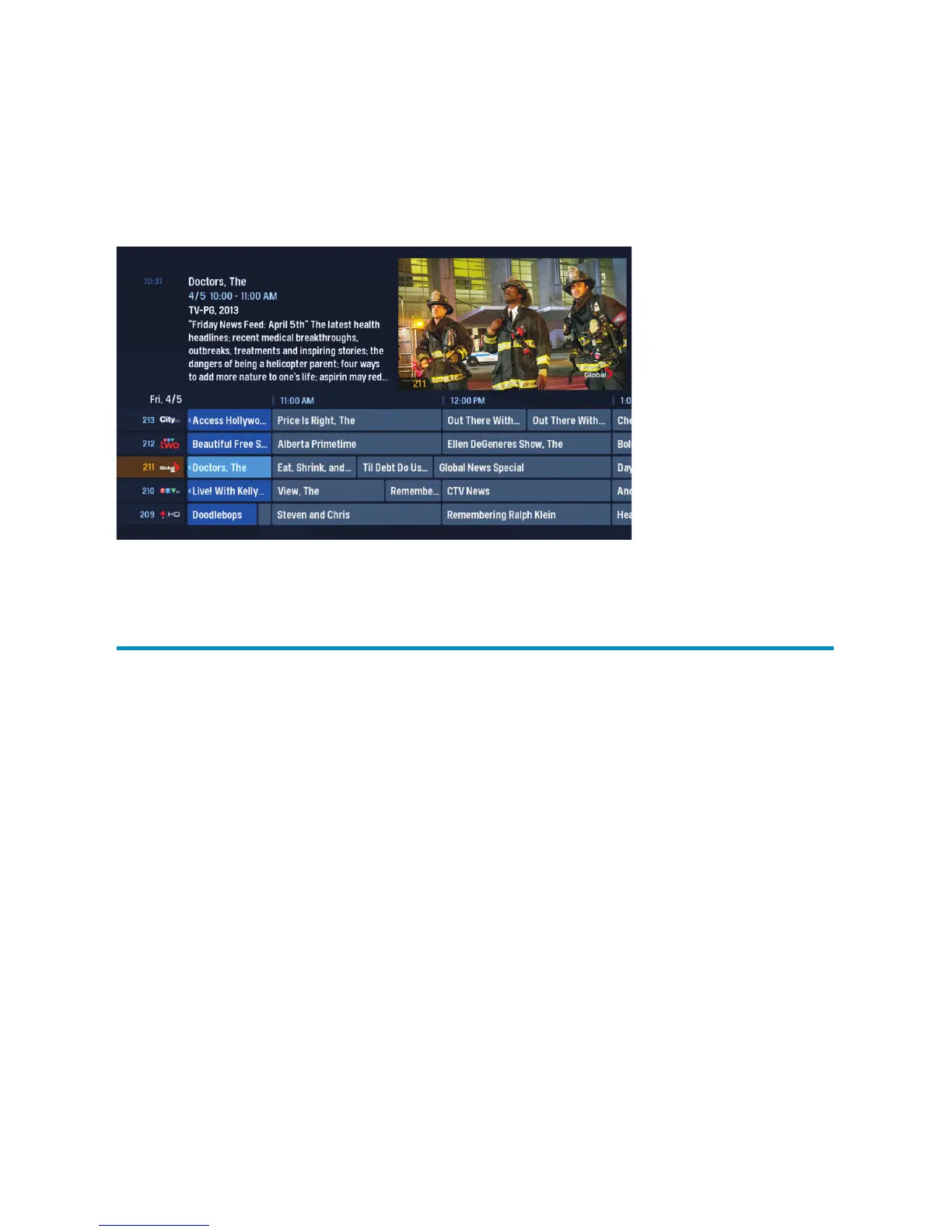
Grid Guide – layout
To view the Channel Grid Guide, press the GUIDE button.
ARROW buttons navigate the guide.
INFO manages recording settings and shows a list of available options.
SKIP will move the guide forward 24 hours; REPLAY will move it back 24 hours.
BACK and NEXT will move through the guide in 30 minute increments.
ZOOM will alternate between the guide and full screen TV.
MENU will return you to the Main Menu.
Blue shows indicate programs currently airing.
Grey shows programs airing in the future.
OK takes you to a show if it’s currently airing. If it’s in the future, it’ll bring up
an Action Menu.
Press the REC button to set up a recording.



 To Next Page