24
How to order Shaw On Demand
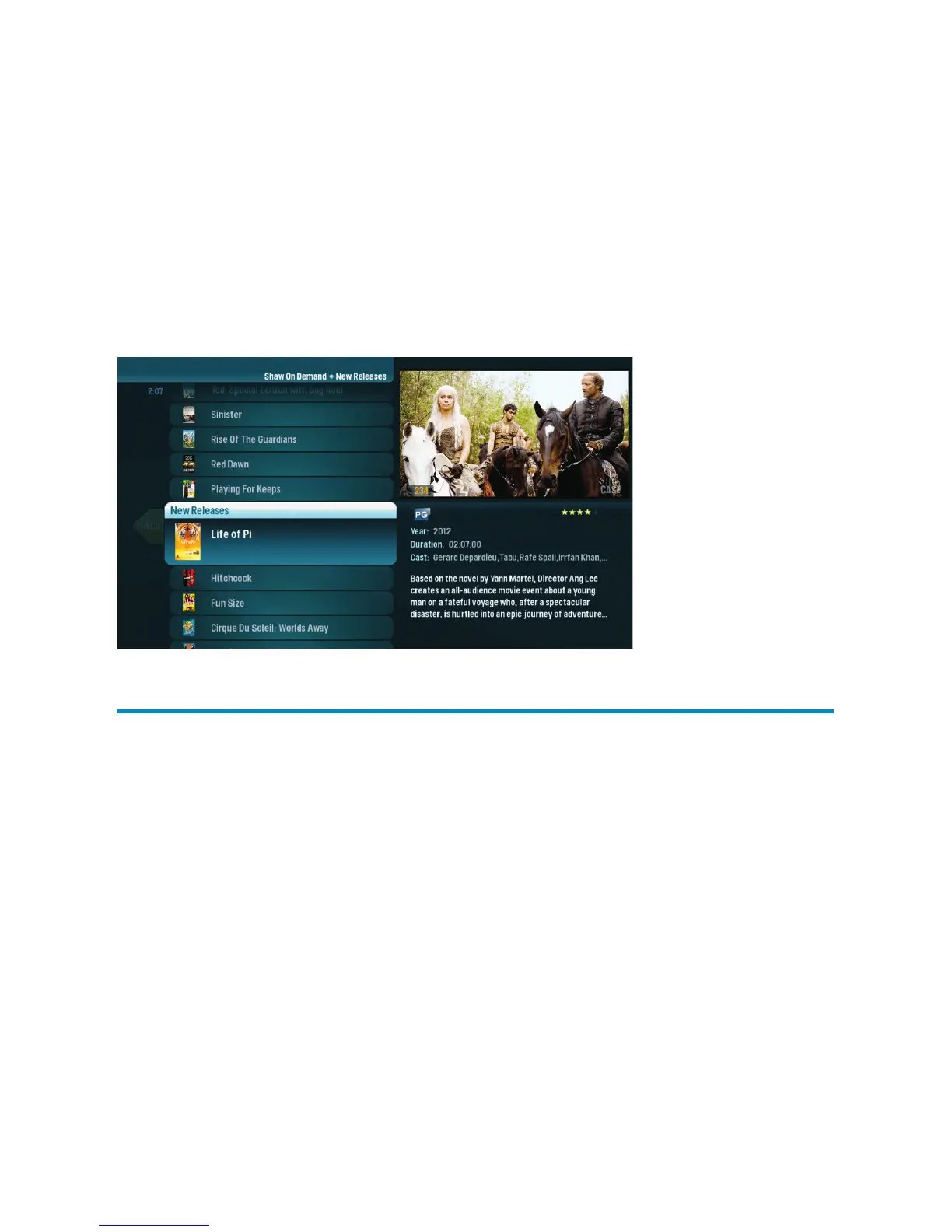
When you see a program you like, press OK, and you’ll get the following list of options:
Lock – Uses Parental Controls to block access to that title
Buy – Orders the movie so that you can watch it immediately
PIN Entry
The first time you try to purchase a Shaw On Demand program (or purchase a Shaw PPV
program or set Parental Controls), you’ll be prompted to create a PIN that you’ll enter
when making additional purchases.
You can turn the PIN prompt off from the Parental Controls section of the Settings
category. See the “Parental Controls” chapter for details (pgs. 27–30).



 To Next Page