26
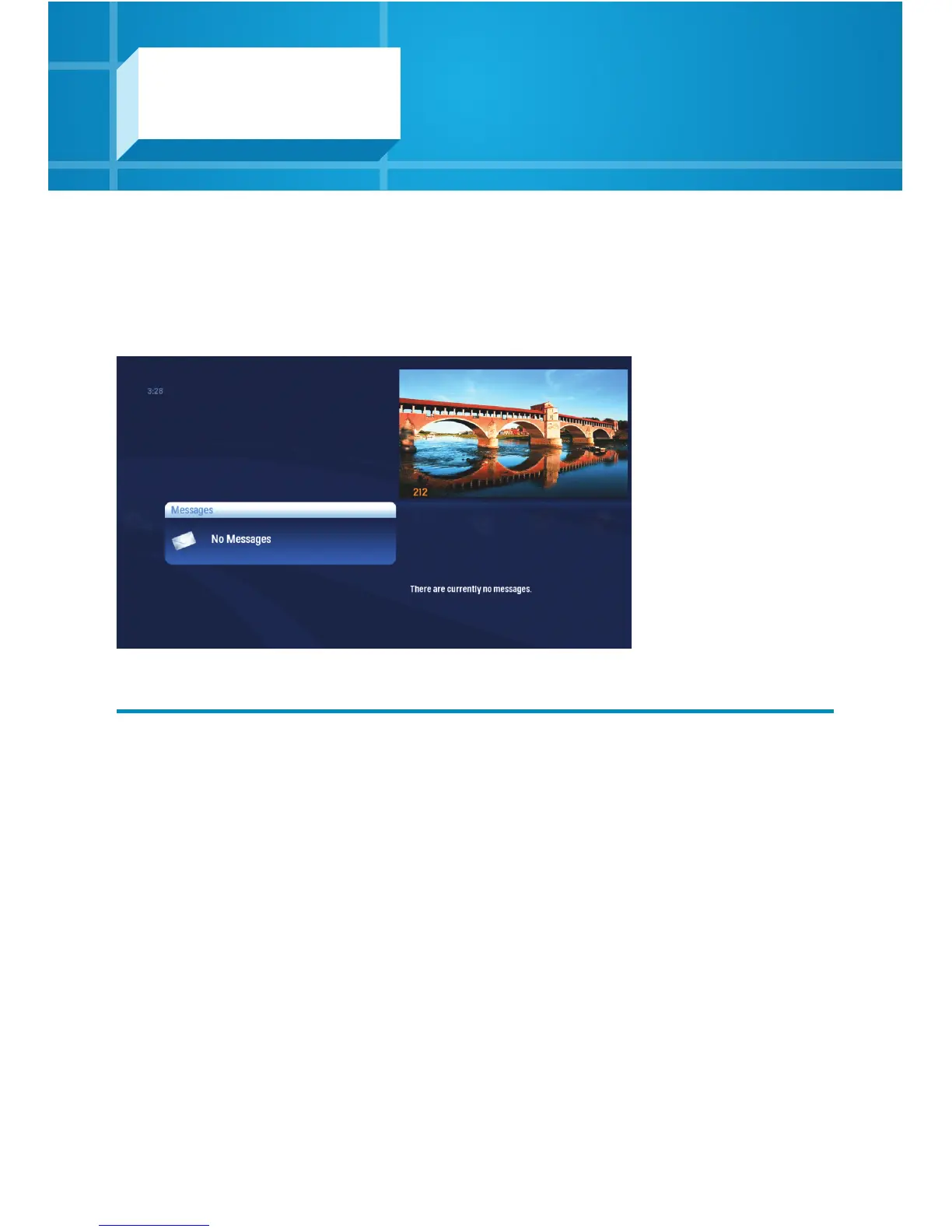
When you receive a new message, an envelope icon appears in the bottom left area of
your Main Menu.
Highlight the Messages category on the Main Menu and your messages will appear.
Press OK to view each message.
Use the NEXT and BACK buttons to page through the message.
Once you have read the message, the icon will disappear or you can choose to close
the message, mark it as unread, or delete it.
Messages
You’ll receive a new message when there are new
features available or other communication from Shaw.



 To Next Page