EasyManua.ls Logo

SHFL DECK MATE BLACKJACK - User Manual

SHFL DECK MATE BLACKJACK
28 pages
Print Icon
To Next Page IconTo Next Page
Loading...
Service Manual
DECK MATE
®
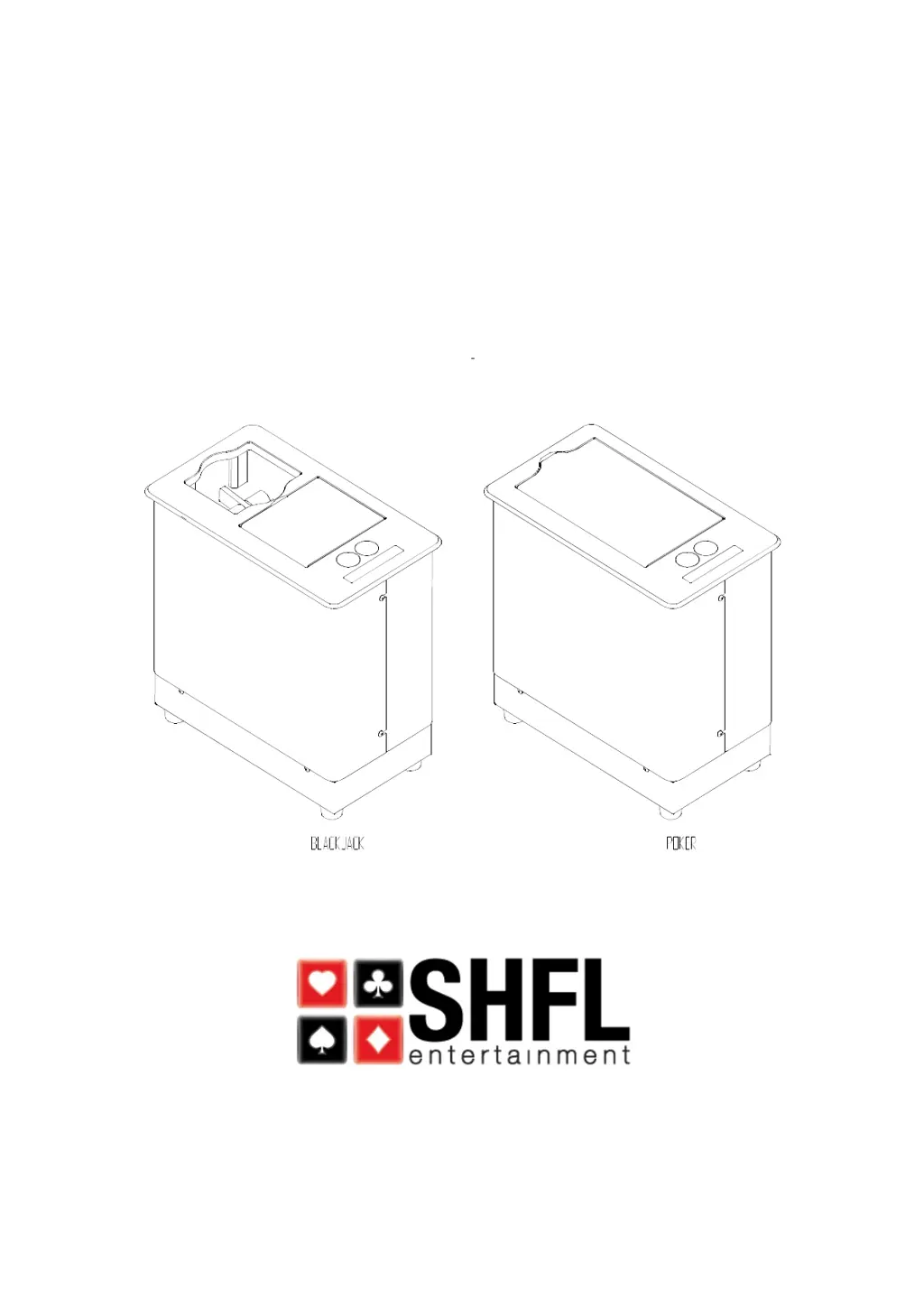
Single and Double Deck Card Shuffler

Questions and Answers

  • J
    jyoungAug 20, 2025
    What to do if SHFL Office Equipment shuffler will not power up?
    • S
      Stephanie MyersAug 20, 2025
      If your SHFL Office Equipment shuffler isn't powering up, the issue might stem from a bad fuse, a faulty power source, or a defective power supply. You should replace the fuse. Also check the power source, power cord, and connections. If these steps don't resolve the issue, consider replacing the power supply.
  • J
    Joann ShawAug 22, 2025
    What to do if SHFL Office Equipment gripper drops cards?
    • M
      Megan SmithAug 22, 2025
      If the gripper is dropping cards, it could be due to dirty or worn gripper pads that aren't moving freely, an unlevel platform, or a gripper belt that's too loose. Try cleaning or replacing the gripper pads. Ensure the platform is level with the grippers. Also, adjust and tighten the gripper belt.
  • K
    Karen HughesAug 25, 2025
    Why does SHFL Office Equipment show 'Missing Cards' error message?
    • M
      martineznicoleAug 25, 2025
      The 'Missing Cards' error message on your SHFL Office Equipment typically arises because the card separator is too loose or the CI/CO sensor is either dirty or faulty. Try adjusting the separator assembly. If the problem persists, clean or replace the sensor.
  • E
    emilyjacksonAug 26, 2025
    What to do if SHFL Office Equipment cards flipping over in the platform?
    • K
      Kayla GreeneAug 26, 2025
      If cards are flipping over in the platform of your SHFL Office Equipment, this might be because the card separator is too loose, the gripper belt is too loose, or the delay after platform drop is too fast, causing cards to crash. Adjust the separator assembly. Adjust and tighten the gripper belt. Increase the delay time.
  • G
    Glenn JonesAug 27, 2025
    Why SHFL Office Equipment pickoff motor stalls?
    • C
      Christopher BallAug 28, 2025
      If the pickoff motor stalls in your SHFL Office Equipment, it could be due to a card separator that is too loose or a main belt that is too tight. Adjust the separator assembly and adjust the belt.
  • C
    Chelsea SheaAug 29, 2025
    What to do if SHFL Office Equipment aborts shuffle?
    • H
      Haley JohnsonAug 30, 2025
      If your SHFL Office Equipment aborts the shuffle with cards left in the feeder, the #4 wire harness (PCPS) may have an internal break. Replace the #4 harness.
  • K
    Kyle BurtonAug 31, 2025
    How to fix SHFL Office Equipment stuck in autosetup?
    • N
      nancy06Aug 31, 2025
      If your SHFL Office Equipment is stuck in autosetup, and the platform reads from 0 to 335 then returns to 0, the Platform Home Switch might be set too low. Adjust the Platform Home Switch.
  • R
    rothericSep 2, 2025
    What to do if SHFL Office Equipment VFD message panel is blank?
    • M
      Marissa RichSep 2, 2025
      If the VFD message panel on your SHFL Office Equipment is blank, it could be due to a faulty VFD message panel or a faulty I/O board. Replace the VFD and replace the I/O board.
  • D
    David MillerSep 4, 2025
    What to do if SHFL Office Equipment feeds 2 cards only?
    • F
      fscottSep 4, 2025
      If your SHFL Office Equipment feeds only 2 cards and displays “Shuffling…”, the Gripper Card Present sensor (GCPS) may be faulty. Replace the sensor.
  • N
    Nicole FarrellSep 6, 2025
    What to do if SHFL Office Equipment platform raises and lowers but encoder reading does not change?
    • D
      donnacrawfordSep 6, 2025
      If the platform raises and lowers but the encoder reading doesn't change on your SHFL Office Equipment, it could be due to a faulty encoder, a faulty encoder harness/PC board, or a broken or loose flexible coupler. Replace the encoder. Replace the faulty encoder harness/PC board. Replace the broken coupler.

SHFL DECK MATE BLACKJACK Specifications

General IconGeneral
BrandSHFL
ModelDECK MATE BLACKJACK
CategoryOffice Equipment
LanguageEnglish

Related product manuals