EasyManua.ls Logo

SHFL MD2 CR - User Manual

SHFL MD2 CR
85 pages
Print Icon
To Next Page IconTo Next Page
Loading...
MD2
®
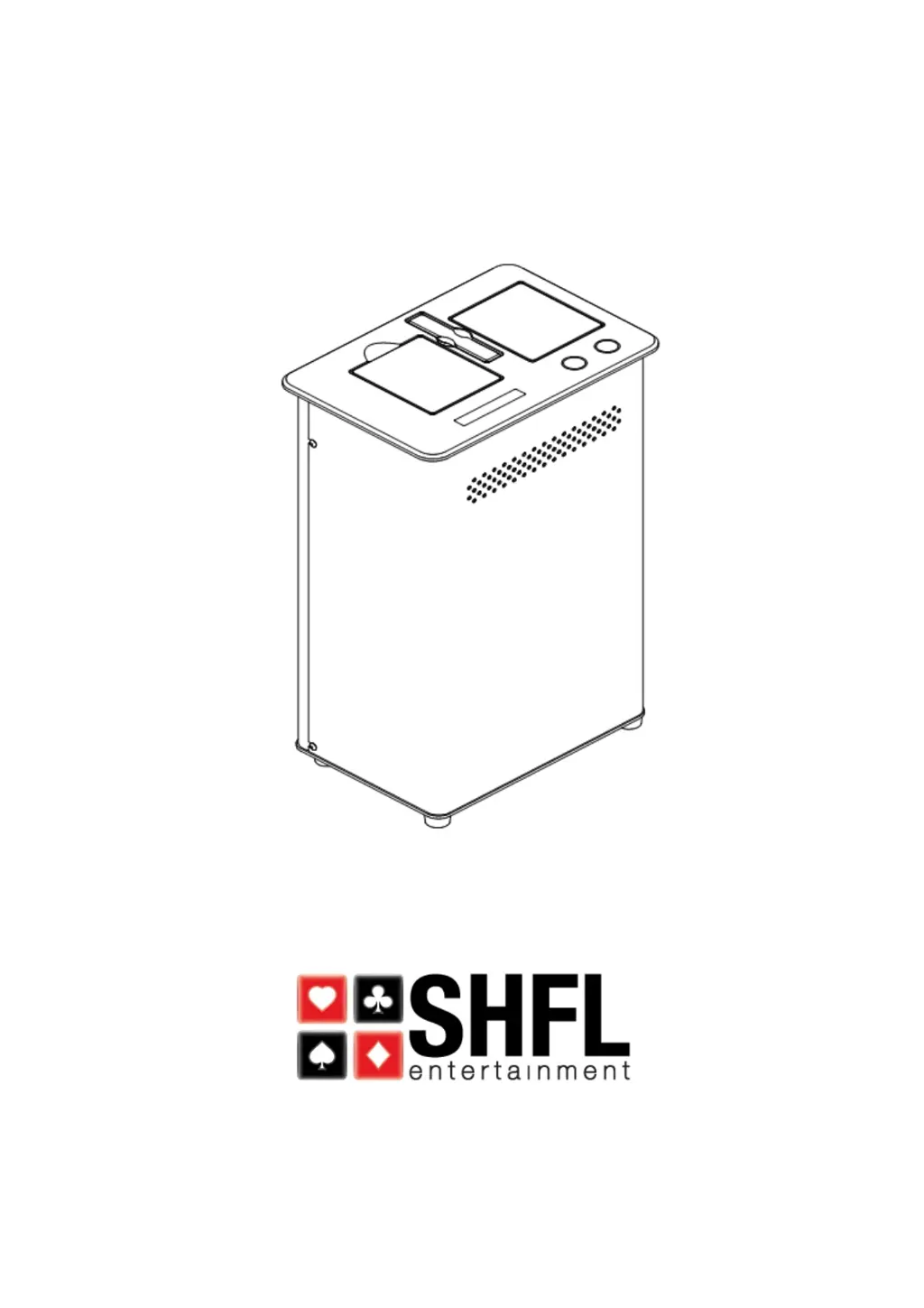
CR Multi-Deck Card Shuffler
Service Manual

Table of Contents

Questions and Answers

Summary

Revision History

General Safety Guidelines

Machine Characteristics

Principles of Operation

Card Learning

Method for reading individual cards and storing images for OCR.

Card Tuning

Fine-tuning OCR parameters after card learning for accuracy.

Operating Procedures

Start Up and Dealing Procedures

Steps for powering on the shuffler and beginning the dealing process.

Count Mismatch

Explains how to handle errors when card count differs from expected.

Card Jam Recovery Procedures

Procedures to clear card jams using automatic or manual intervention.

Setup Procedures and Adjustments

Total Cycles

Displays the current total number of completed shuffles since the last reset.

Time Setting

Allows setting the shuffler's internal 24-hour clock.

Date Setting

Allows setting the shuffler's internal date.

Card Recognition Function Setting

Enables or disables the card recognition feature of the shuffler.

Password Management

Covers entering and understanding different password levels for access.

Automatic Setup Procedure

Procedure for calibrating the machine for specific card types.

Resetting Shuffle Cycles

Resets the count of total shuffling cycles to zero.

Resetting History Log

Resets all available data in the shuffler's history log.

Selecting Card Type

Sets the shuffler to the correct card type for accurate rank and suit recognition.

Setting Unloading Delay

Adjusts the delay time before the platform lowers after card removal.

Setting Platform Delay

Sets the delay time in milliseconds after the platform drops.

Seeding the Random Number Generator

Allows manual reseeding of the shuffler's random number generator.

Resetting Serial Number

Procedure to change the shuffler's serial number to match the base plate.

Tuning Card Types

Fine-tuning card deck types for accurate card recognition by the camera.

Network Options Configuration

Configures network settings for shuffler connectivity.

Network IP and DHCP Settings

Configures IP address, subnet mask, and DHCP settings for the network.

DIP Switches and EPROM

Explains the function of DIP switches and EPROM for setup and configuration.

Shuffler Web Pages

Connecting to the Shuffler

Describes how to connect a laptop or PC to the shuffler for web access.

Shuffler Web Interface Setup

Steps to access and configure the shuffler's web interface.

Computer Configuration for Web Access

Steps to configure the computer, including disabling the proxy server.

LAN Settings Configuration

Detailed steps for configuring LAN settings and disabling the proxy server in Internet Properties.

Restoring Network Settings

Recommends restoring PC network settings after shuffler connection.

Web Browser Login Procedure

Instructions on how to log in to the shuffler's web interface.

Shuffler Password Levels

Explains the difference between Administrator and General passwords.

About Web Page Overview

Describes the information displayed on the "About" web page.

Shuffler Configuration Web Page

Allows setting or changing the shuffler label and synchronizing date/time.

Deck Library Web Page

Displays installed decks, allows installation/uninstallation of card types.

Card ID Web Page

Accesses sub-menus for deck calibration, images, and errors.

Card ID Deck Calibration

Displays and modifies camera parameters for card image geometry.

Card ID Images Comparison

Compares FPGA images to flash images for card recognition accuracy.

Card ID Errors Review

Displays recent card read errors and unknown card images for analysis.

Restore Configuration Web Page

Resets network and other settings to factory presets.

Restart Device Web Page

Restarts the shuffler to apply configuration changes made in web pages.

Logout from Web Interface

Instructions for logging out of the shuffler's web interface.

Password Mode Functional Differences

Details how functional differences arise between password modes.

Deck Library in General Mode

Shows limitations of the Deck Library page when using General password.

Card Learning and Tuning Procedures

Deck Library Calibration Process

Calibrating card ranks and suits by defining image locations and parameters.

Deck Library Installation

Downloading card library files using Deck Manager application.

Deck Manager Application Software

Describes the Deck Manager software for downloading deck types.

Deck Manager Overview

Explains Deck Manager's role in downloading card deck types from SHFL libraries.

Creating a New Card Deck Library

Steps for creating a new card deck library within the system.

Deck Calibration Web Page

Web page for displaying and modifying parameters related to card image geometry.

Card Tuning Process

Fine-tuning card parameters after learning, adjusting camera settings.

Deck Library Tuning Procedure

Detailed steps for performing the card tuning process.

Machine Switch and Sensor Locations

Switches and Sensors Identification

Lists and identifies the locations of various switches and sensors on the machine.

Motor Identification

Lists and identifies the locations of motors used in the shuffler.

Service Menu Operations

Entering the Service Menu

Steps to access the service menu for diagnostics and testing.

Software Version Display

Displays the current software version installed on the shuffler.

Cleaning Mode

Activates a mode for cleaning the shuffler's internal components.

Run with 52 Cards Test

Allows testing a complete shuffle cycle with 52 cards.

No Shuffle Mode Verification

Verifies card decks without performing a shuffle.

Step By Step Shuffle Mode

Allows single-stepping through the shuffle process one card at a time.

Sensor Status Display

Identifies the current state of the shuffler's inputs (switches and sensors).

Platform Position Test

Tests the movement of the platform to different positions.

Gripper Test

Tests the motors, grippers, and associated switches for proper operation.

Speed-Up Rollers Test

Tests the Speed Up Motor and rollers for forward and reverse operation.

Pick-Off Rollers Test

Tests the Pick Off Motor and rollers for forward, stop, and reverse.

Feeder Elevator Test

Tests the Feeder Motor and Elevator for up and down movement.

Detailed Gripper Test

Views card gripping and splitting action for proper function.

Exiting the Service Menu

Instructions on how to exit the service menu.

Cleaning and Preventive Maintenance

2 Week Maintenance Schedule

Tasks to perform for cleaning and preventive maintenance every two weeks.

1 Month Maintenance Schedule

Tasks to perform for cleaning and preventive maintenance monthly.

6 Month Maintenance Schedule

Tasks for preventive maintenance to be performed every six months.

12 Month Maintenance Schedule

Tasks for preventive maintenance to be performed annually.

Mechanical Setup and Adjustments

Gripper Shaft End Play Adjustment

Procedure to adjust the end play of the gripper shaft.

Centering Gripper Assembly

Steps to center the gripper assembly within the shuffler frame.

Leveling Grippers to Platform

Procedure to ensure the grippers are level with the platform.

Gripper Belt Adjustment

How to adjust the deflection of the gripper belt.

Adjusting Brake Roller Assembly

Adjusts the brake roller assembly for proper roller gap.

One Revolution Test

Tests if cards feed properly by observing one roller revolution.

Performing Auto Setup

Activates and observes the auto setup procedure for calibration.

Testing for Proper Operation

Assures smooth operation without jams, crashes, or dropped cards.

Performing the Lean Test

Checks gripper pad retraction and interaction with the platform.

Adjusting Platform Motor Belt Tension

Adjusts the tension of the platform motor belt for optimal operation.

Troubleshooting

Troubleshooting: Will Not Power Up

Identifies causes and remedies for the shuffler not powering on.

Troubleshooting: After Initialization

Addresses problems that occur after the shuffler has initialized.

Troubleshooting: After Initialization (Continued)

Continues troubleshooting issues after shuffler initialization.

Troubleshooting: Will Not Feed Cards

Addresses causes and remedies when cards are not fed by the shuffler.

Troubleshooting: Pickoff and Feeder Issues

Diagnoses problems related to the pickoff and feeder mechanisms.

Troubleshooting: Speed Up Issues

Addresses problems related to the speed-up rollers and motor.

Troubleshooting: Platform and Grippers

Diagnoses issues with the platform and gripper mechanisms.

Troubleshooting: Platform and Grippers (Continued)

Continues diagnosing platform and gripper mechanism issues.

Troubleshooting: Motor Faults

Addresses issues related to fan, blower, and speed-up motors.

Troubleshooting: Sensor and Button Faults

Diagnoses problems related to sensors and buttons.

Troubleshooting: Sensor and Button Faults (Continued)

Continues diagnosing sensor and button issues.

Troubleshooting: Tuning Issues

Addresses issues related to deck tuning and image shifting.

Troubleshooting: Card Recognition

Diagnoses problems with card recognition, learning, and feeding.

Troubleshooting: Web Page and PC Connectivity

Addresses issues with shuffler and PC communication and web page access.

Troubleshooting: Miscellaneous Issues

Covers various other issues like missing card types or shuffler lock-ups.

F1174 Camera Focusing Instructions

Required Equipment for Camera Focusing

Lists the necessary equipment for the camera focusing procedure.

Camera Focusing Instructions

Step-by-step guide to focus the camera using the F1174 fixture.

SHFL MD2 CR Specifications

General IconGeneral
BrandSHFL
ModelMD2 CR
CategoryOffice Equipment
LanguageEnglish

Related product manuals