23
© 2012 SHFL entertainment, Inc.
MD2® CR
Service Manual 20121015
Confidential
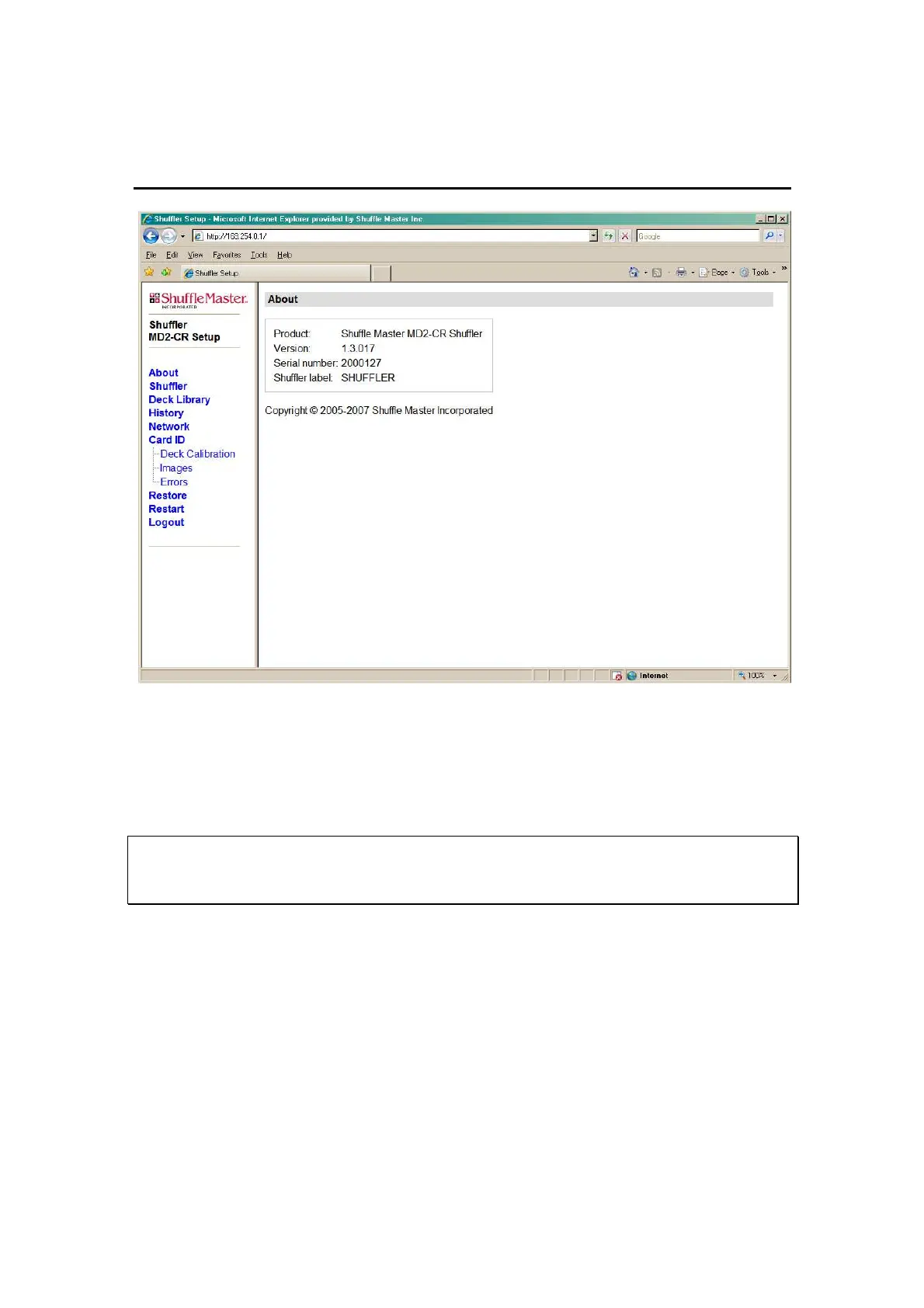
Figure 5-5. About Web Page
Shuffler Configuration Web Page
Shown in Figure 5-6. This web page will allow a technician to set or
change the Shuffler Label.
Serial Number Change - IMPORTANT
The serial number should only be changed to match the serial number
stamped on the base plate of the shuffler.
The Serial Number can be modified only from the Setup Menu using the
VFD display. Refer to “Resetting the Serial Number” on page 14.
The Date/Time option box can be checked to synchronize the date and
time to the current date and time set on the computer used to access the
web page. Click “Save Changes” to record changes made on this web
page.



 To Next Page